CHAPTER 7
238
Creating Titles
To select text and graphic tools:
Do one of the following:
•
To select a tool for one operation, click the tool in the toolbox (except the selection tool).
The toolbox highlights the tool in gray, and the tool reverts to the selection tool after one use.
•
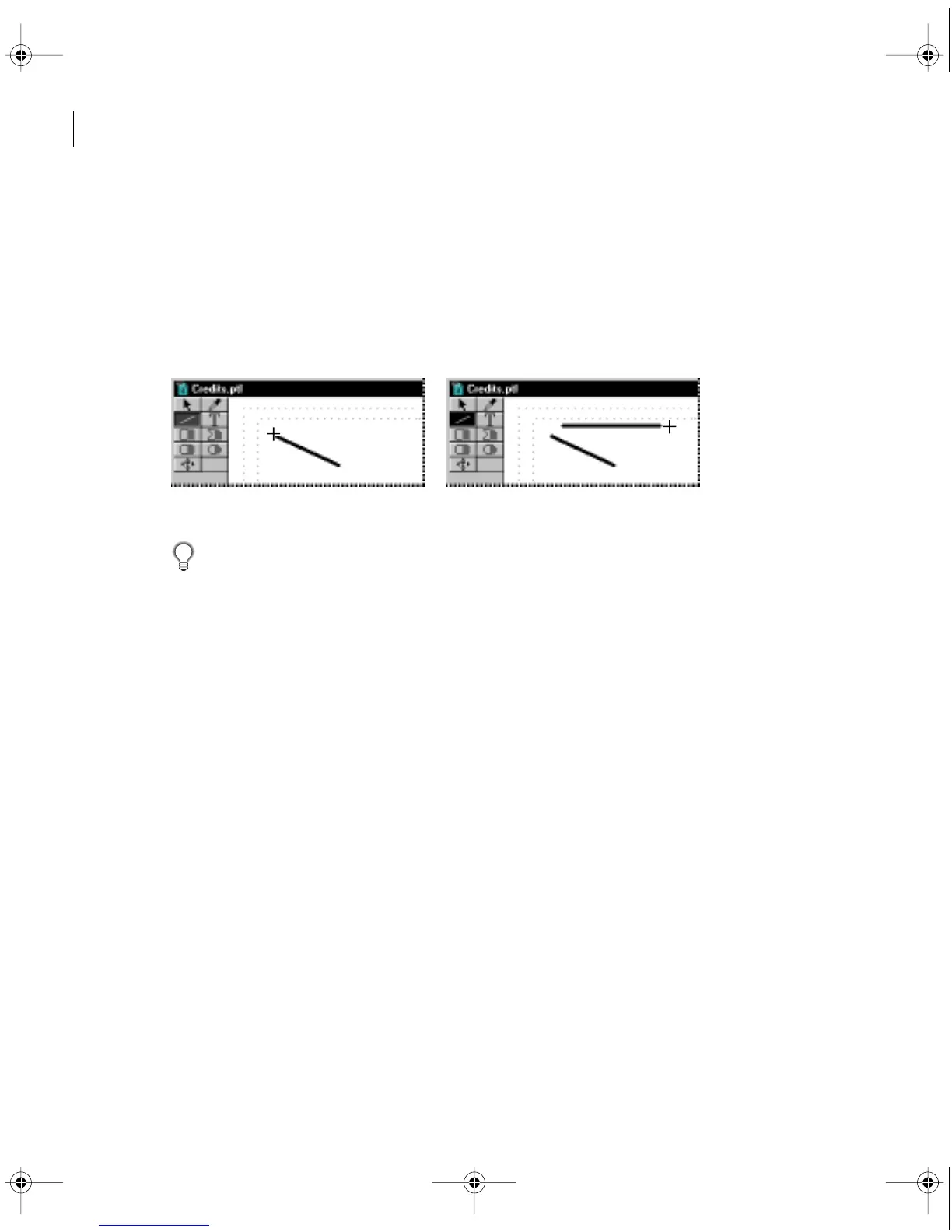
To select a tool for continual operation, double-click the tool in the toolbox. The toolbox
highlights the tool in black, and the tool remains active until you select another tool.
Tool selected for single use (left), and tool selected for continuous use (right)
You can get quick access to most formatting options by right-clicking an object
(Windows) or Control-clicking (Mac OS) and choosing a command from the menu.
Creating text objects
You can use the tools and commands in the Title window to create objects containing text
which are known as
text objects.
Premiere gives you a number of text formatting options and
lets you choose from a wide range of fonts, including PostScript or TrueType fonts. To set
default text attributes, see “Setting default text and graphic attributes” on page 253.
Compared to paper, video displays at a much lower resolution and is viewed from much
farther away (often from across a room). For maximum legibility, use the following guide-
lines when specifying type for video:
•
Use large sans-serif fonts. Avoid small type and serif fonts; the thin strokes of some small
or serif characters do not display well on interlaced television sets, causing them to flicker.
c00.book for PS Page 238 Tuesday, March 31, 1998 1:28 PM



 To Next Page