EasyManua.ls Logo

Aiwa NSX-430 - DEMO (DEMONSTRATION) MODE; DIRECT PLAY FUNCTIONS

Aiwa NSX-430
84 pages
Print Icon
To Next Page IconTo Next Page
To Previous Page IconTo Previous Page
Loading...
18
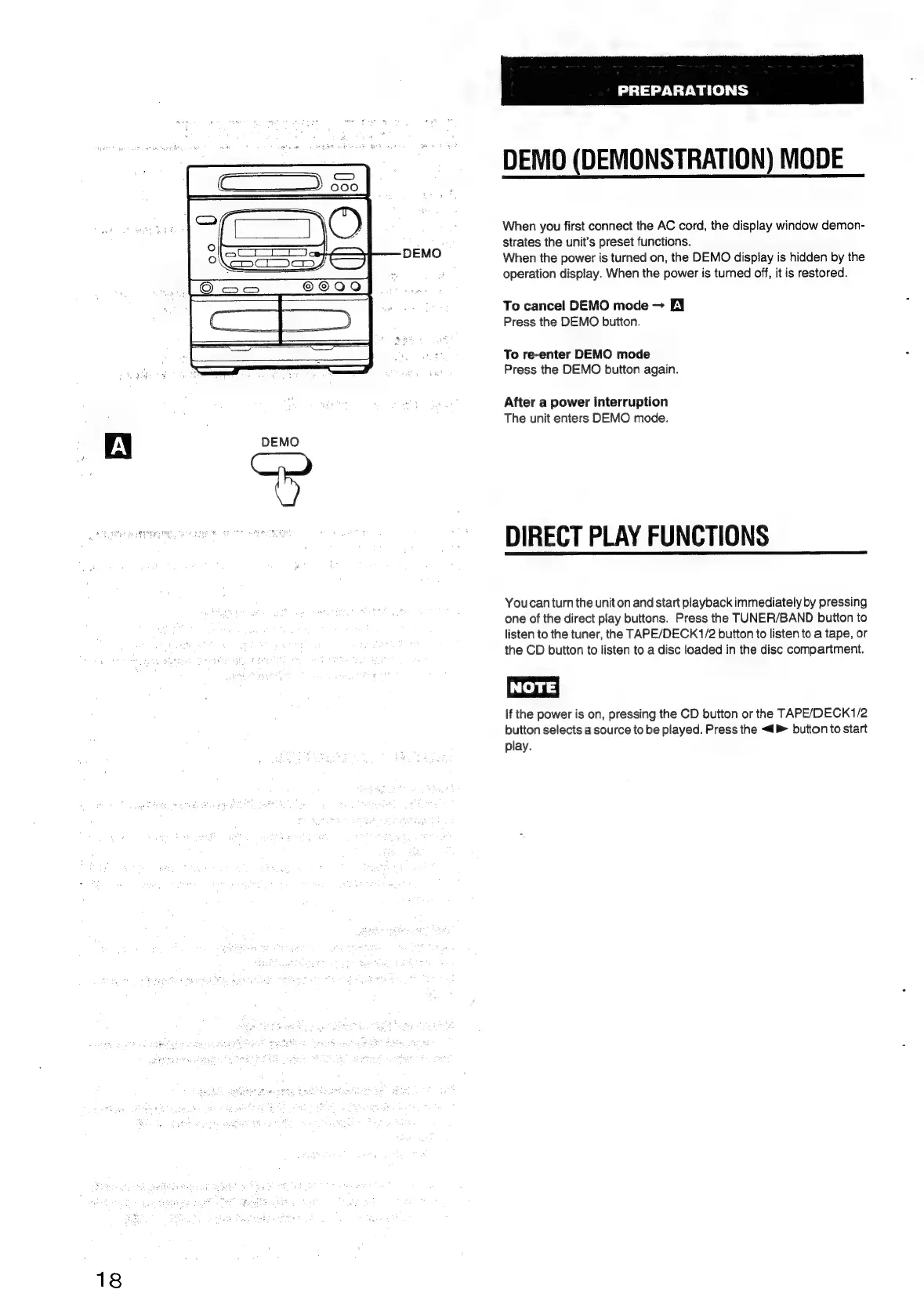
DEMO
PREPARATIONS
DEMO
(DEMONSTRATION)
MODE
When
you
first
connect
the
AC
cord,
the
display
window
demon-
strates
the
unit’s
preset
functions.
When
the
power
is
turned
on,
the
DEMO
dispiay
is
hidden
by
the
operation
display.
When
the
power
is
turned
off,
it
is
restored.
To
cancel
DEMO
mode
BY
Press
the
DEMO
button.
To
re-enter
DEMO
mode
Press
the
DEMO
button
again.
After
a
power
interruption
The
unit
enters
DEMO
mode.
DIRECT
PLAY
FUNCTIONS
Youcan
turn
the
unit
on
and
start
playback
immediately
by
pressing
one
of
the
direct
play
buttons.
Press
the
TUNER/BAND
button
to
listen
to
the
tuner,
the
TAPE/DECK1/2
button
to
listen
to
a
tape,
or
the
CD
button
to
listen
to
a
disc
loaded
in
the
disc
compartment.
NOTE)
If
the
power
is
on,
pressing
the
CD
button
or
the
TAPE/DECK1/2
button
selects
a
source
to
be
played.
Press
the
<4
button
to
start
play.

Table of Contents

Related product manuals