EasyManua.ls Logo

Aiwa NSX-430 - PRESETTING STATIONS

Aiwa NSX-430
84 pages
Print Icon
To Next Page IconTo Next Page
To Previous Page IconTo Previous Page
Loading...
40
RADIO
RECEPTION
PRESETTING
STATIONS
The
unit
can
store
a
total
of
32
preset
stations.
When
you
store
a
station,
a
preset
number
is
assigned
to
the
station.
Use
the
preset
number
to
tune
in
to
a
preset
station
directly.
(See
page
42.)
1
Select
a
band
and
station.
See
“MANUAL
TUNING’
on
page
38.
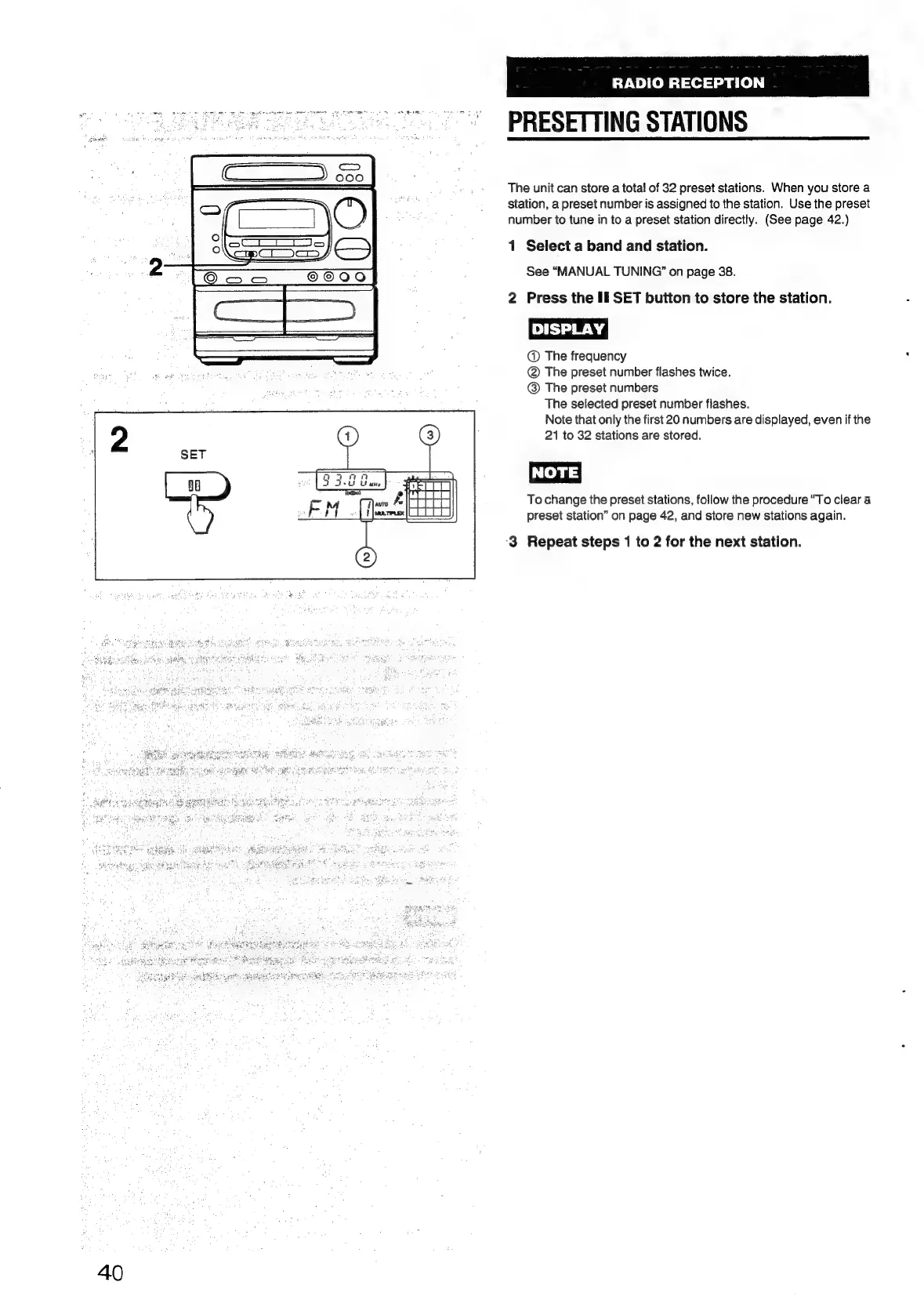
2
Press
the
Il
SET
button
to
store
the
station.
DISPLAY
|
@
The
frequency
@
The
preset
number
flashes
twice.
@
The
preset
numbers
The
selected
preset
number
flashes.
Note
that
only
the
first
20
numbers
are
displayed,
even
if
the
21
to
32
stations
are
stored.
NOTE)
To
change
the
preset
stations,
follow
the
procedure
“To
clear
a
preset
station”
on
page
42,
and
store
new
stations
again.
‘3
Repeat
steps
1
to
2
for
the
next
station.

Table of Contents

Related product manuals