EasyManua.ls Logo

Aiwa NSX-430 - Page 64

Aiwa NSX-430
84 pages
Print Icon
To Next Page IconTo Next Page
To Previous Page IconTo Previous Page
Loading...
a
viyelinbied
isa
tie
BO
64
@
STANDBY/ON
SETTING
THE
TIMER
8
Get
ready
for
the
source.
In
timer
playback
mode
To
listen
toa
CD
Load
a
disc
on
the
disc
tray.
To
listen
to
a
tape
Insert
a
tape
into
the
deck.
Play
will
begin
with
the
tape
in
the
most
recently
used
deck.
To
listen
to
the
tuner
Tune
in
to
a
station.
To
listen
to
connected
sources
Set
an
external
timer
to
turn
the
connected
source
on
and
off.
(See
the
operating
instructions
of
the
connected
source.)
In
©
timer
recording
mode
After
the
preparation
for
each
source
above,
set
the
tape
to
be
recorded
on
into
deck
2.
(See
steps
1
to
3
on
page
50.)
9
Adjust
the
volume
and
tone.
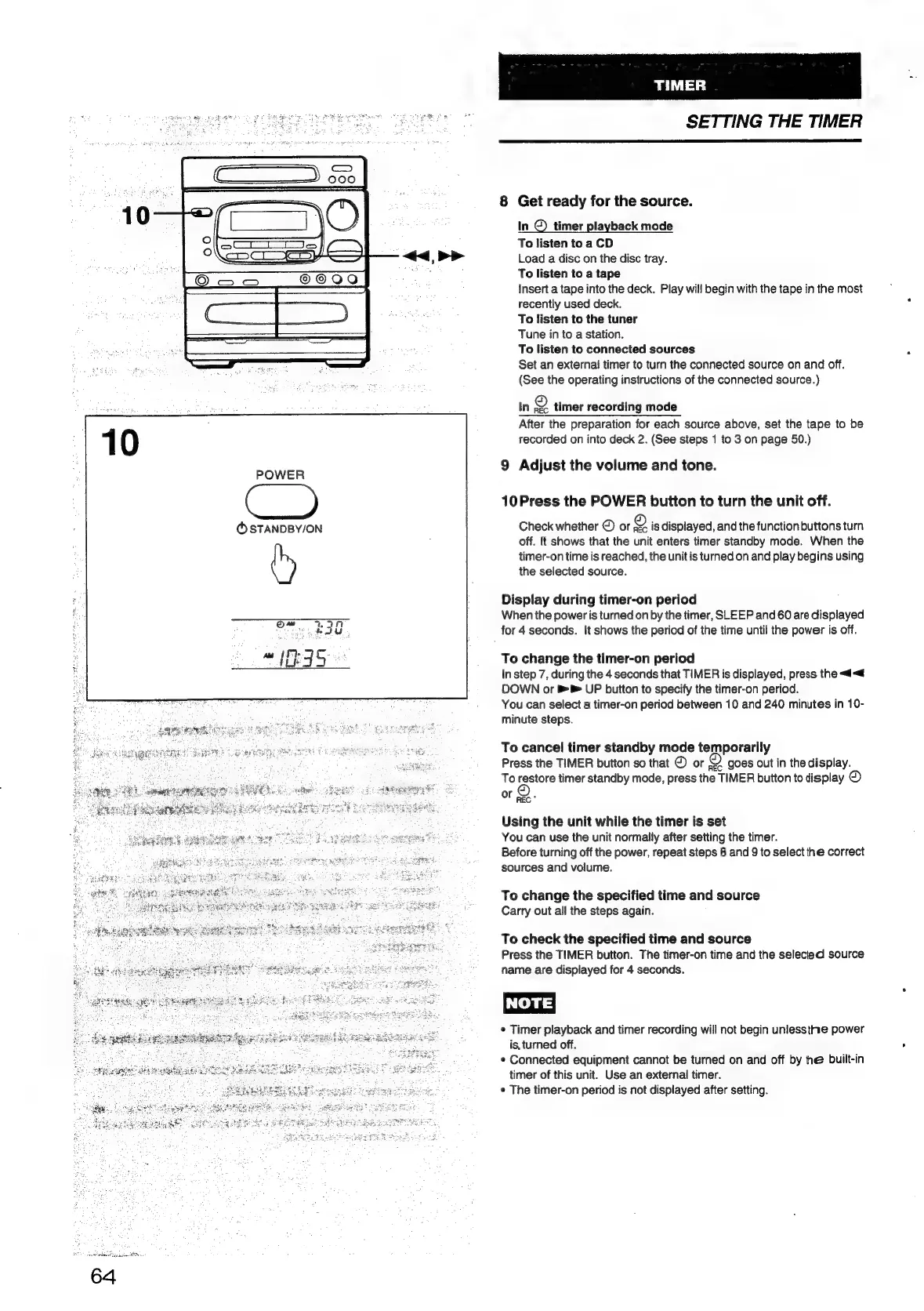
10Press
the
POWER
button
to
turn
the
unit
off.
Check
whether
©
or
19)
is
displayed,
and
the
function
buttons
turn
off.
It
shows
that
the
unit
enters
timer
standby
mode.
When
the
timer-on
time
is
reached,
the
unit
is
turned
on
and
play
begins
using
the
selected
source.
Display
during
timer-on
period
When
the
power
is
turned
on
by
the
timer,
SLEEP
and
60
are
displayed
for
4
seconds.
It
shows
the
period
of
the
time
until
the
power
is
off.
To
change
the
timer-on
period
In
step
7,
during
the
4
seconds
that
TIMER
is
displayed,
press
the
<<
DOWN
or
UP
button
to
specify
the
timer-on
period.
You
can
select
a
timer-on
period
between
10
and
240
minutes
in
10-
minute
steps.
To
cancel
timer
standby
mode
temporarily
Press
the
TIMER
button
so
that
©
or
<2
goes
out
in
the
display.
To
restore
timer
standby
mode,
press
the
TIMER
button
to
display
©
or
SA.
Using
the
unit
while
the
timer
is
set
You
can
use
the
unit
normally
after
setting
the
timer.
Before
turning
off
the
power,
repeat
steps
8
and
9
to
select
the
correct
sources
and
volume.
To
change
the
specified
time
and
source
Carry
out
all
the
steps
again.
To
check
the
specified
time
and
source
Press
the
TIMER
button.
The
timer-on
time
and
the
selecied
source
name
are
displayed
for
4
seconds.
*
Timer
playback
and
timer
recording
will
not
begin
uniessthhe
power
is,
turned
off.
¢
Connected
equipment
cannot
be
turned
on
and
off
by
thé
built-in
timer
of
this
unit.
Use
an
external
timer.
¢
The
timer-on
period
is
not
displayed
after
setting.

Table of Contents

Related product manuals