R28 Door Phone Administrator Guide
•
TLS: select TLS for secured and Reliable transport layer protocol.
•
DNS-SRV: select DNS-SRV to obtain the DNS record for specifying the location of
servers. And SRV not only records the server address but also the server port.
Moreover, SRV can also be used to configure the priority and the weight of the server
address.
10.3
Configure Calling Feature
10.3.1
DND
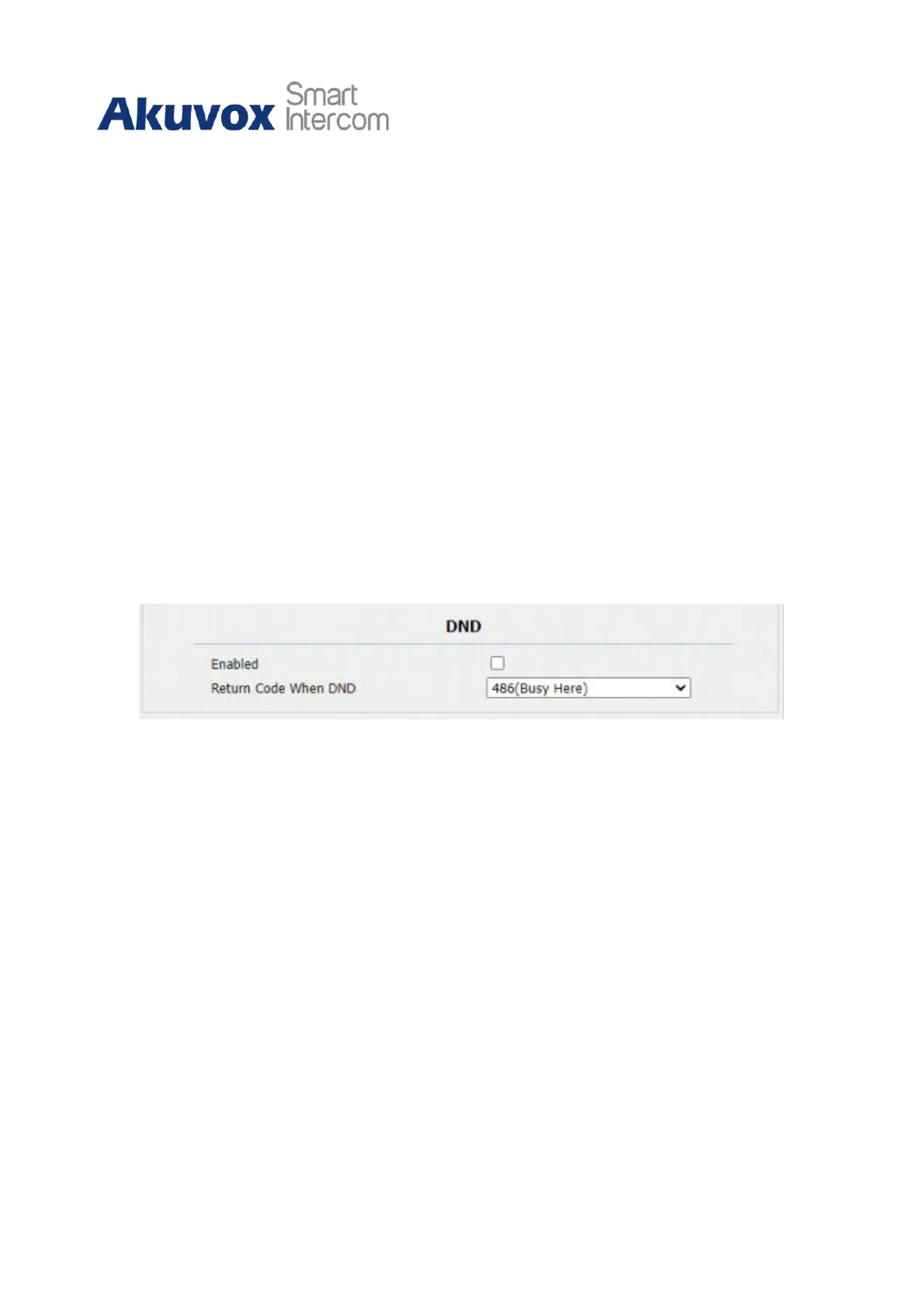
DND ( Do not disturb) setting allows you not to be disturbed by any unwanted incoming
SIP calls. You can set up DND-related parameters properly on the device web Phone > Call
Feature > DND interface to block SIP calls you do not intend to answer. In the meantime,
you can also define the code to be sent to the SIP server when you want to reject the call.
Parameter Set-up:
•
Enabled: enable or disable the DND function. DND function is disabled by default.
•
Return Code When DND: select what code should be sent to the calling device via the
SIP server. 404 for Not found; 480 for Temporary unavailable; 486 for busy here,
and 603 for Decline.
10.3.2
Enable Prevent SIP Hacking
You can enable Prevent SIP Hacking if you only want to receive the calls made by the
callers in your contact list. To enable it, go to Account > Advanced > Call.



 To Next Page
 Loading...












