Programming your telephone
8AL91432ENAD ed01.1 67/94
3.20.6 Access to administrator configuration (only available in IP mode)
Your administrator can access to the phone configuration. Depending on the system configuration,
an administrator password is requested to access this menu.
This menu is only available when the desk phone is running in IP mode.
In this configuration menu, use this icon to go back.
• Use one of the following:
o Open the user local menu: reach the 'Menu' page
→
Settings
→
Phone
→
Local Menu
→
Config. MMI.
o Connect your desk phone to the network (and plug in the power jack if you are
using an external power adapter). When the desk phone displays the 'Step 2'
during the boot, repeatedly press the '*' and '#' keys in succession until a menu is
displayed.
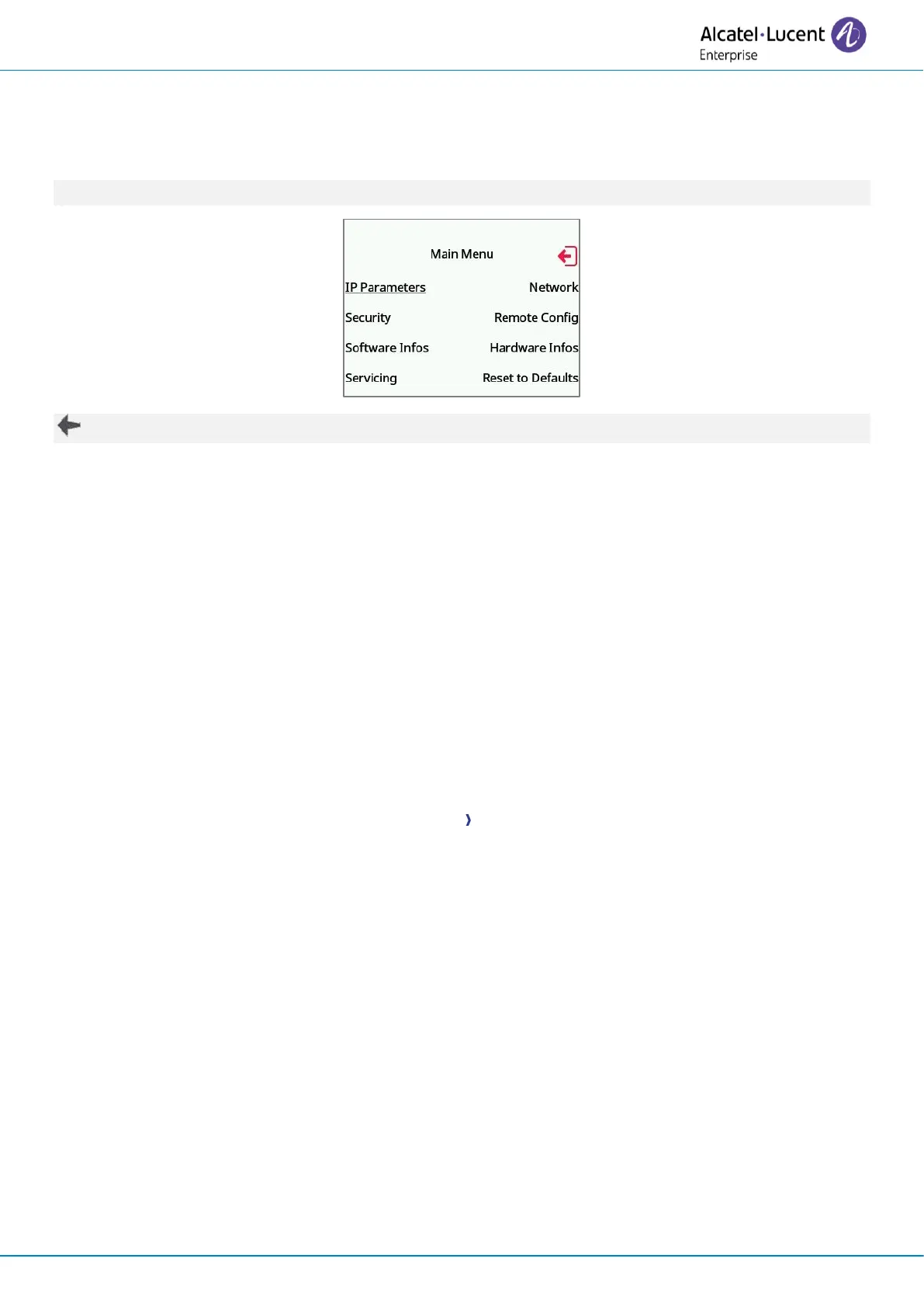
• This section allows the administrator to set or consult:
o IP parameters: IP Parameters
→
IP Status
o DHCP option: IP Parameters
→
IP Config
o Phone memory: IP Parameters
→
Memories
o Used network (wired or wireless): Network
o Wired network configuration: Network
→
Wired network
o Wireless network configuration: Network
→
Wireless network
o VPN configuration: Remote config VPN
o Security: Security
o Software information (version, run mode): Software infos
o Hardware information (MAC, CPU): Hardware infos
o Software update mode: Software infos
→
Upgrade
▪ Enable software upgrade: upgrade via network (system).
▪ Upgrade from USB now: use a USB drive to upgrade the software when you
restart the desk phone.
o Factory configuration: Reset to Defaults
o Run mode: Software infos
→
Run mode












 To Next Page