Programming your telephone
8AL91432ENAD ed01.1 68/94
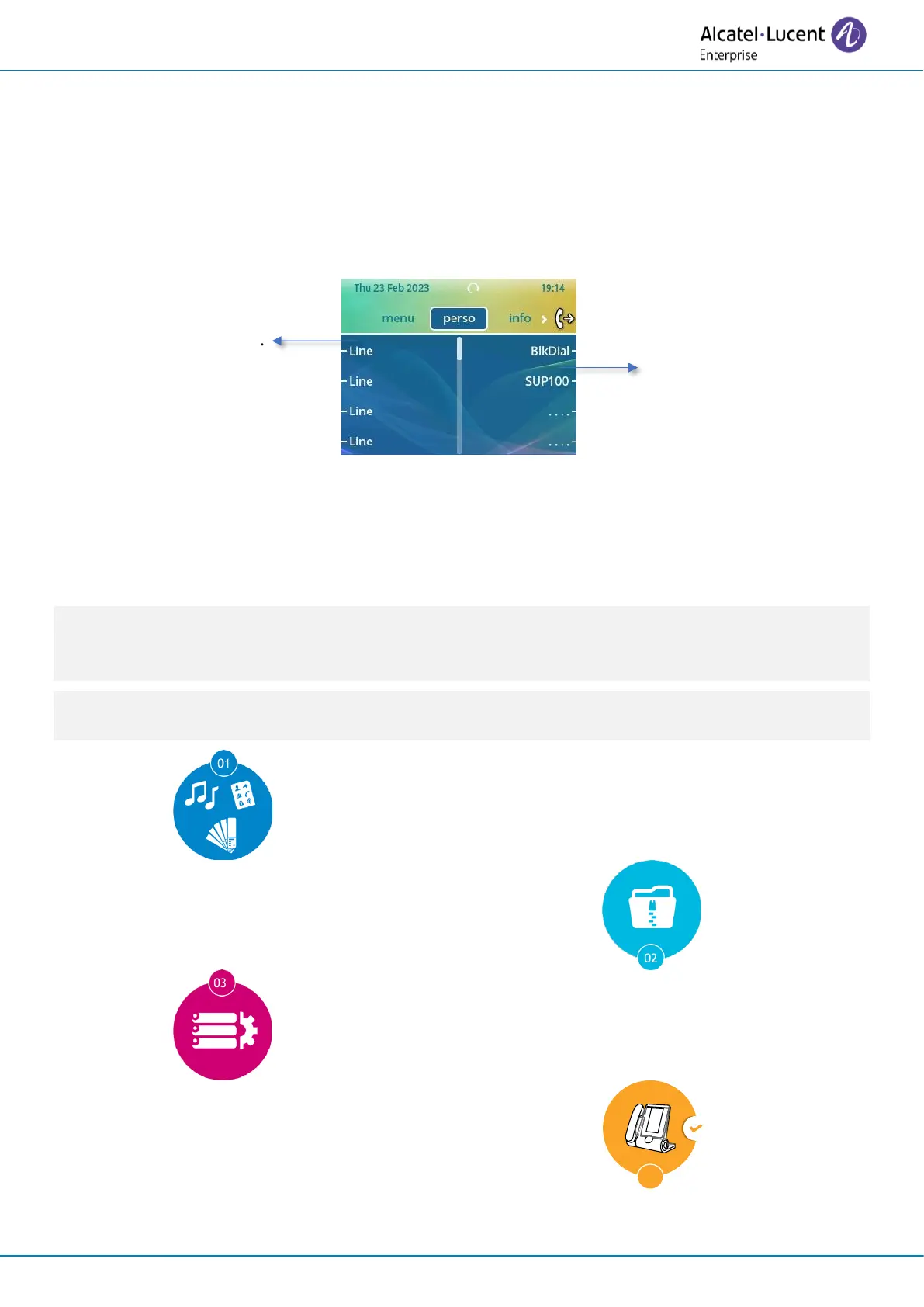
3.21 Customize your desk phone with your company's color and logo
(ALE-30h, ALE-30)
Your desk phone and the expansion module (if connected to the desk phone) can be customized with
your company's color and logo. It is possible to order a specific skin and deploy it on all compatible
desk phones in the company.
Add a new screen
background.
The new skin contains:
• Logo.
• Background.
• Ring tones.
• Boot screen.
ALE-Skinify is a customization tool that enables some software elements of your Essential desk phone
to be customized. Contact your administrator for further information about this tool and to learn
more about the availability of customizable elements.
If a customization file is available on the system, this will override all skins and will be the only one
available.
Order a new skin. For more information, contact
your administrator or your installer.
Stored the customization binary in the call server
(administrator).
Configure the call server to use the customization
binary (administrator).
Deploy on desk phones.
The customization can be easily deployed on all
desk phones within your company.
For more information, contact your administrator or your installer.












 To Next Page