Accessories
8AL91432ENAD ed01.1 80/94
4.3.2 Description / Connectors
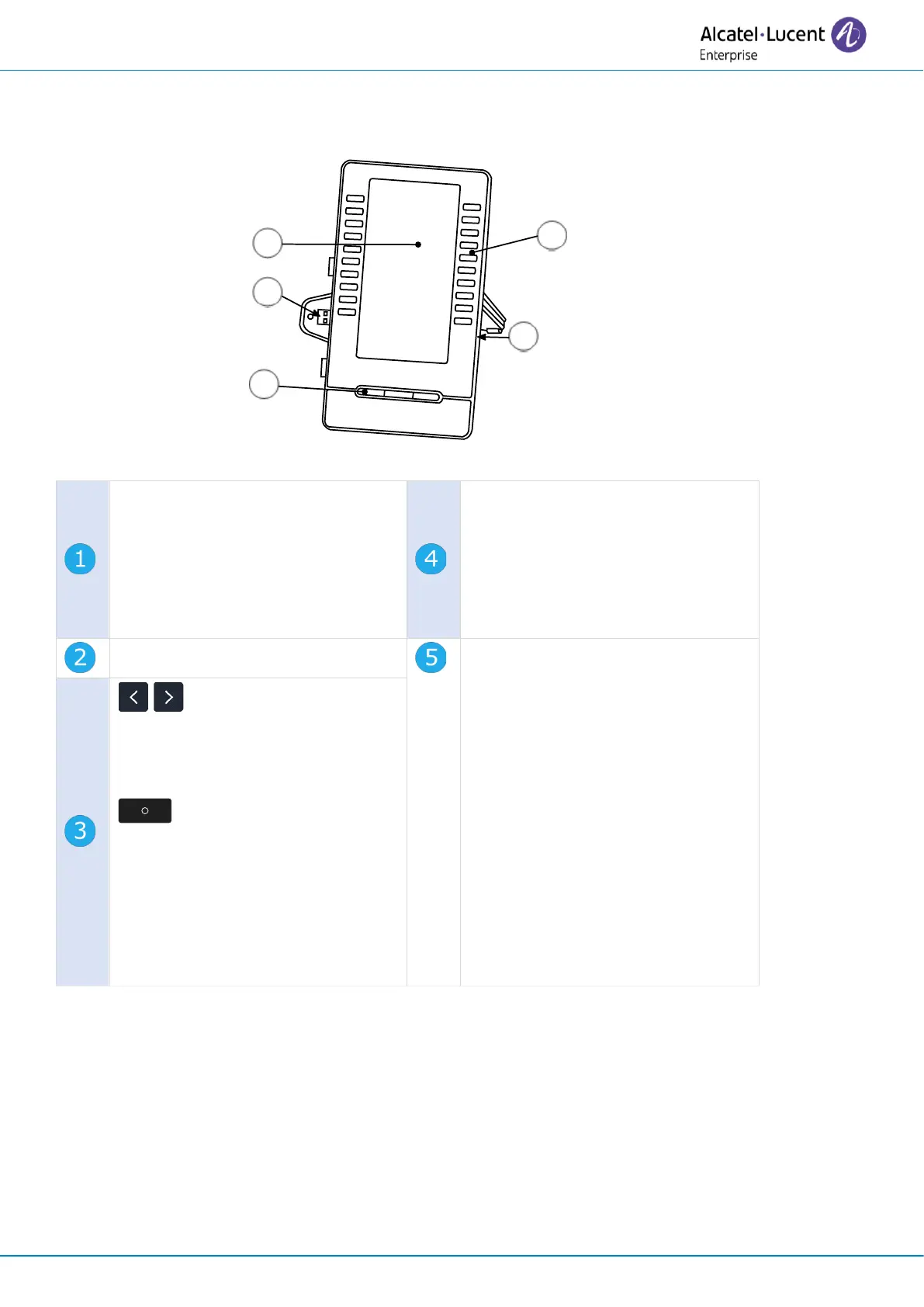
Connector to connect the device to
the desk phone or already
connected add-on (USB-A).
The module is equipped with a
support to fix it to the desk phone
or another add-on.
Universal Serial Bus (USB-a)
connector.
This connector is used for:
• Connect a USB headset.
• Connect an add-on module.
• To connect a conference
module.
• Use to upgrade the add-on via
USB key.
: Press these keys to
navigate between pages of the
add-on module (if more than one
page has been defined).
Short press: back to homepage.
Long press: set the homepage for
the add-on module. Display the
page of your choice as homepage
and give a long press on the
button to set it.
A USB-C connector is dedicated to connect a power adapter. The power adapter is sold separately.












 To Next Page