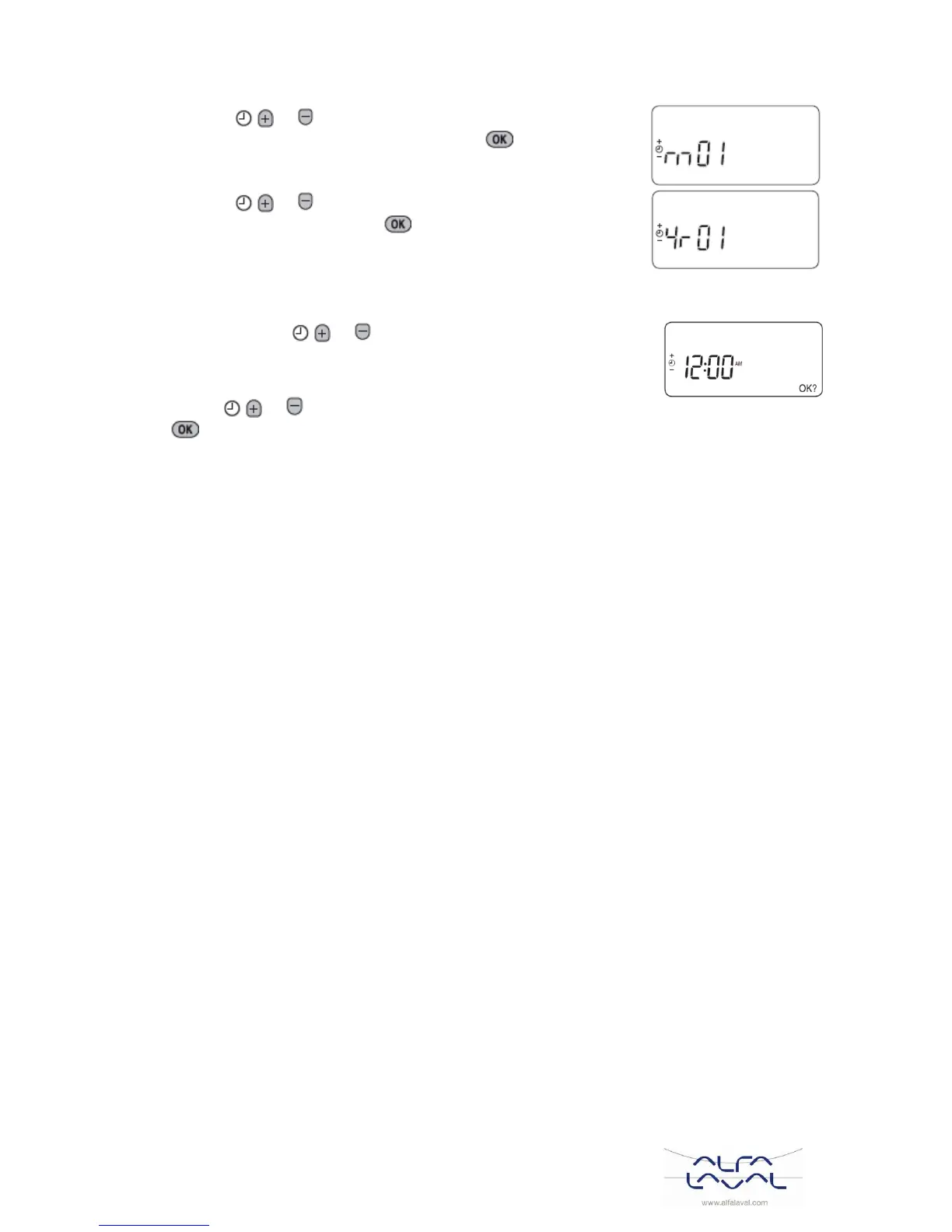
b) Press the or buttons to set the current month of the
year (e.g. m 01 = January) then press the green button to
confirm.
c) Press the or buttons to set the current year (e.g. yr.
06 = 2006) then press the green button to confirm.
The date is now stored.
Setting the time 5.8
1) Press either of the or buttons once to enter timer setting mode.
The LCD screen flashes the time digits. When the unit is powered for the
first time the display shows 12:00.
2) Use the or buttons to set the correct time then press the green
button to confirm.
Each press of the buttons will change the time by one minute and holding them down will change the
time slowly at first and get progressively quicker.
Note: to leave this mode, press the AUTO, MAN or OFF buttons.



 To Next Page