Alfa Laval Micro
Installation, service and operating instruction
32
Modifying the heating program in the room thermostat CM721
8.6
To change the heating program:
a) Press either of the PROGRAM or buttons to enter the
programming mode.
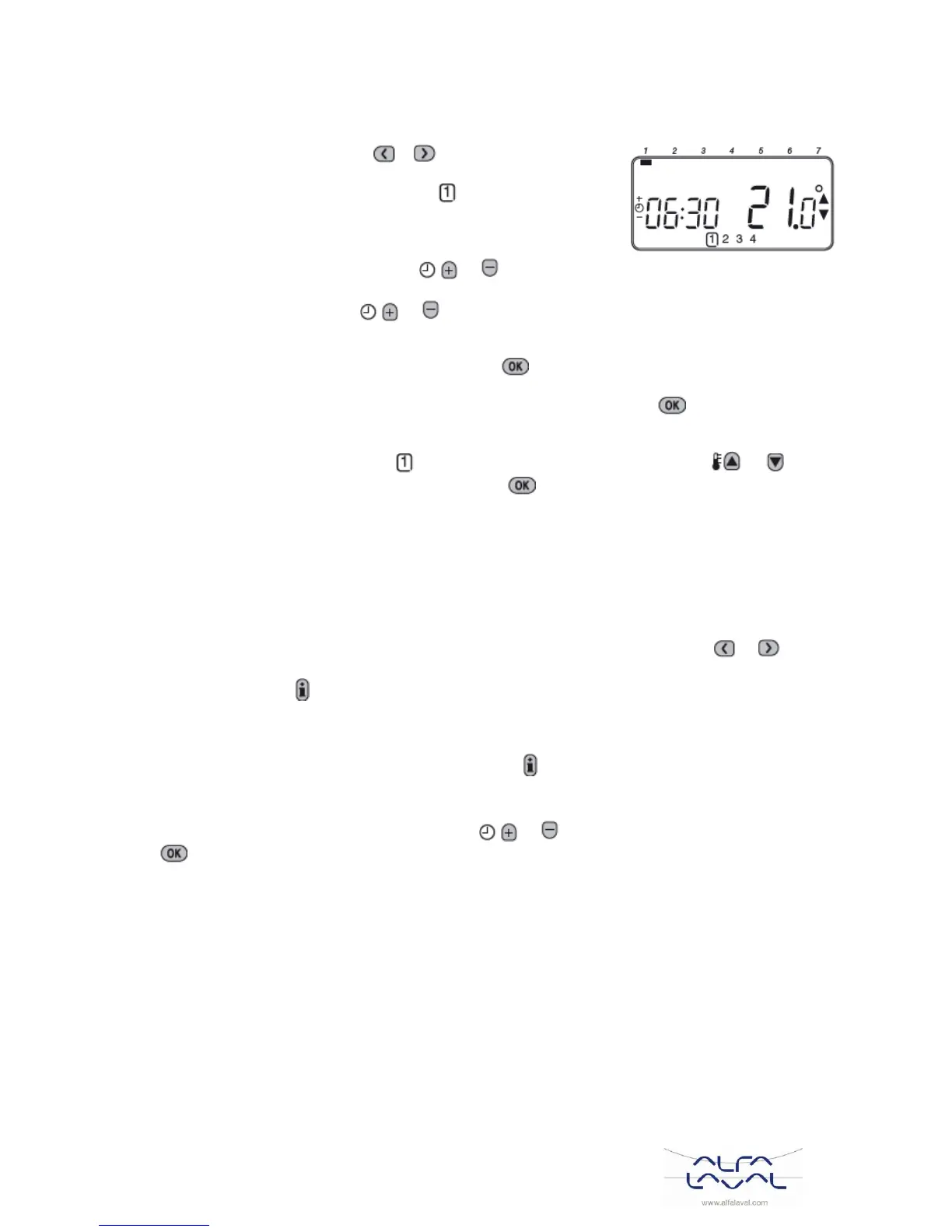
The time /temperature settings for period will be flashing. The
active period is highlighted by a flashing square around the numbers
at the bottom of the screen.
b) To adjust the period start time use the or buttons, the ‘OK?’ indicator will be displayed to
confirm the change. Holding the button down will change the time quickly.
Note: If you are pressing the or buttons and the display flashes the next period, it means the
next period will be pushed forward.
c) Once the required time is reached press the green button to confirm.
Note: If the original time setting did not require adjustment press the green button to move to
step‘d’.
d) The temperature setting for period will now be flashing. To adjust this press the or buttons
and confirm the setting again by pressing the green button.
e) The next time and temperature period will now be active. Adjust this by repeating steps b - d above
until all four periods are set or press the AUTO button to run the program as set, at any time.
Disabling/enabling time periods 8.7
Any of the heating period from 2 to 4 can be removed from (or returned to) the heating program profile.
To disable or enable time periods:
a) To disable unwanted periods go to the desired period (2 to 4) using the PROGRAM or buttons
to navigate, ensure the correct period is highlighted with the flashing square symbol.
Press and hold the button for at least 2 seconds and the display will indicate the period has been
removed from the program.
b) To enable periods again follow the same procedure as above, navigating to the already disabled
period. To enable this period again press and hold the button for at least 2 seconds.
Adjusting the Time 8.8
To adjust only the time during normal operation use the or buttons to adjust the time and press the
green button again to confirm any changes.



 To Next Page