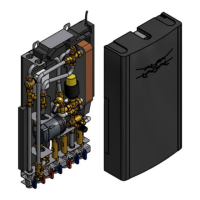
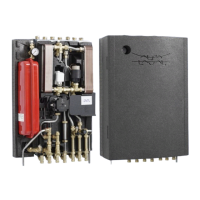
Alfa Laval Micro
Installation, service and operating instruction
40
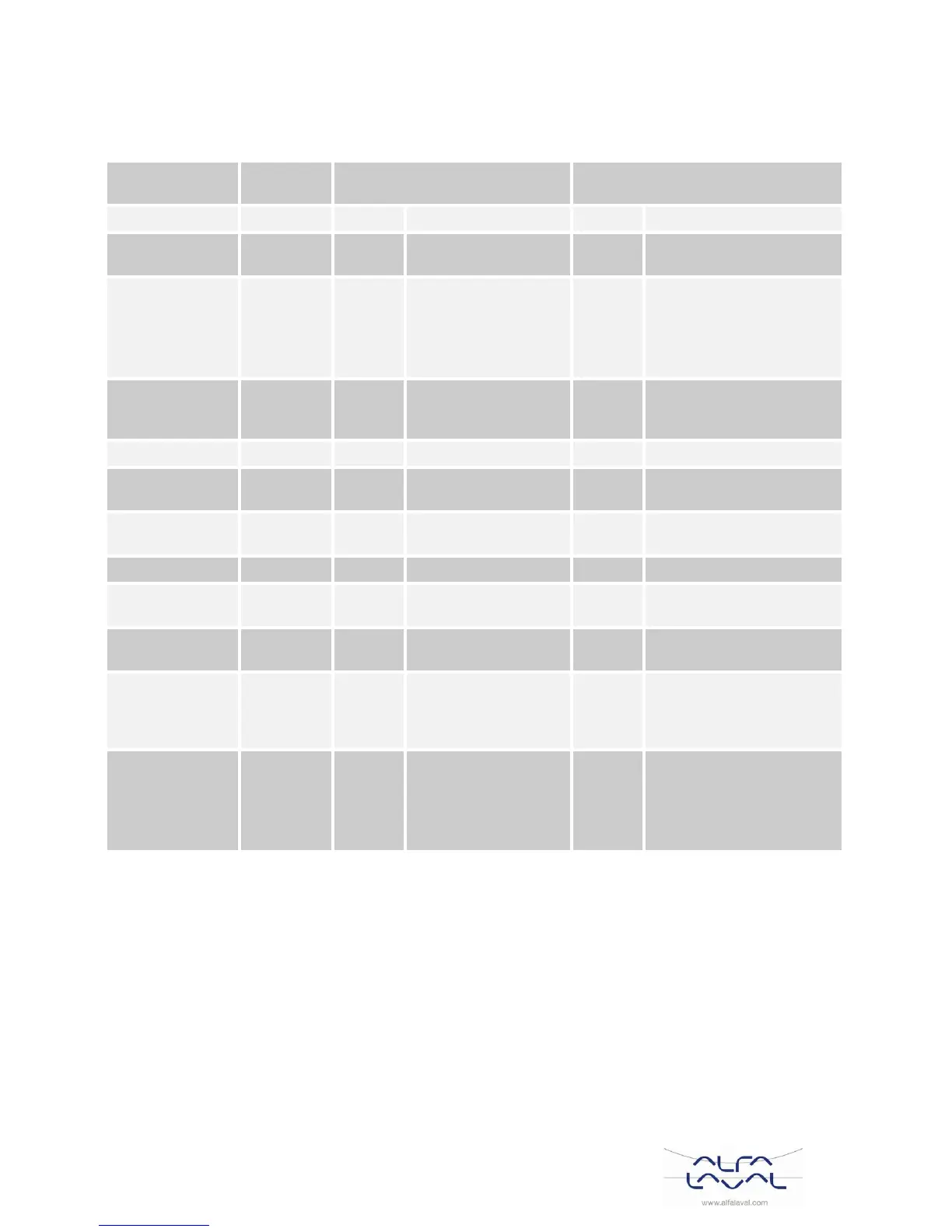
CM721– Installer parameters table
12.3
CM721- Category 1: Room Thermostat Settings 12.3.1
12 hr. – AM/PM clock
display format
24 hr. clock display format
Time / Temp profile set
to factory default
Changes to 0 when
one of the time/temp
profiles are changed
Time / Temperature are as
programmed
To restore the factory
profile set to 1
Auto
Summer/Winter
Time Change
Auto Summer/Winter
Time Change Enabled
Auto Summer/Winter Time
Change Disabled
21°C to 34°C adjustment in
1°C steps
6°C to 21°C adjustment in
1°C steps
-3°C to +3°C adjustment in
0.1°C steps
Proportional band of
1.5 degrees
1.6°C to 3.0°C adjustment
in 0.1°C steps
Scheduled
Maintenance
Alert Period
(months)
Scheduled
Maintenance Alert
Period disabled
0 to 48 months adjustment
in 1 month steps
Reset
Parameters to
Factory Defaults
All settings at factory
defaults
Changes to 0 when
one of the parameter
is changed
Settings are as modified
above
To restore the factory
profile set to 1
Note
1) Remember to always press the green button to confirm that you want to store your new Installer Set-Up
setting. To exit the Installer Mode press the AUTO or MAN button.



 To Next Page