Allworx
®
Verge™ IP Phone Series User Guide
Page 6 866.ALLWORX * +1 585 421 3850
www.allworx.com
Version: D Revised: June 1, 2017
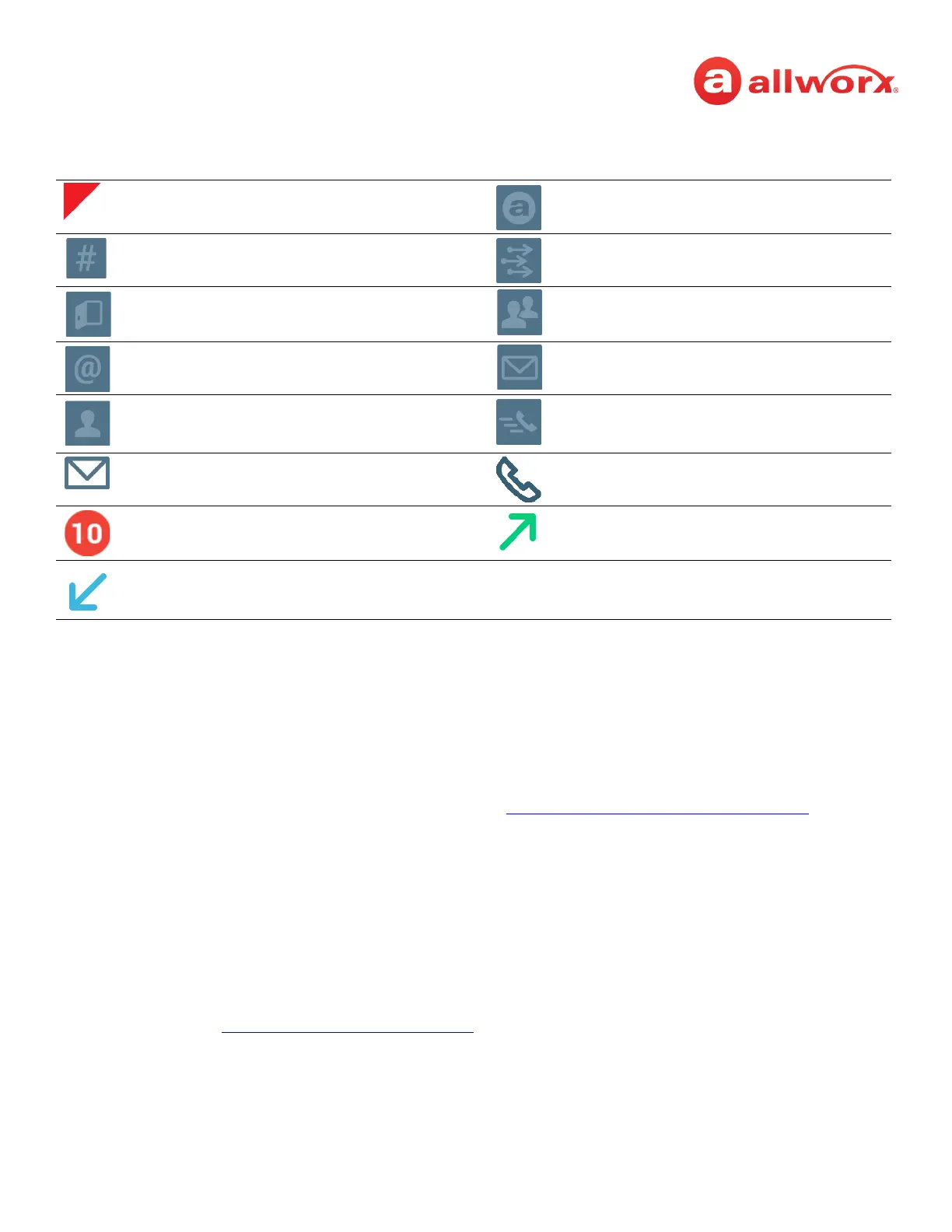
Verge IP phone series call status area icons:
2.2 Programmable Buttons
The Verge 9308 IP phone has 8 programmable buttons, and the Verge 9312 IP phone has 12
programmable buttons. Additionally, the Verge 9312 IP phone supports connecting up to three Verge
9318Ex Expanders (18 programmable buttons each) to support up to 66 programmable buttons. Verge
IP phone users with permissions can assign features to the available programmable buttons for
customized functionality. Contact the Allworx Server Administrator to enable the permissions, if
necessary. To manage the programmable buttons, see “
Programmable Buttons” on page 73 for more
information. The available programmable buttons include:
Allworx User and System Contact badge. Allworx User Contact avatar, if no image is
available.
Allworx System Contact - example:
conference room.
Allworx System Contact - Auto Attendant.
Allworx System Contact - Door Relay. Allworx System Contact - Conference
Center.
Allworx System Contact - Email Alias (only
available in Visual Voice Mail Center)
Allworx System Contact - Message Center
(Voicemail).
Personal Contact or incoming caller avatar,
if no image is available.
Allworx Public Contact avatar.
Messages Available. Missed Calls.
Number of missed calls and/or messages
badge.
Call Status - Outgoing call.
Call Status - Incoming call
• Appearance • Emergency Alert • Hot Desk* • Queue Alarm
• Bluetooth Hands-Free* • Function*
• Flash
• Headset
• Park
• Redial
• Release
• Line Appearance • Queue Appearance
• Busy Lamp Field (BLF) • Messages • Ring Group
• Call Appearance • Unassigned* • Schedule
• Call Supervision • Park Monitor Set • Shared Call Appearance
• Contacts* • Push to Talk
* User assignable . See “
Programmable Buttons” on page 73 for more information.



 To Next Page