Allworx Verge IP Phone Series User Guide
866.ALLWORX * +1 585 421 3850 Page 7
www.allworx.com
Version: D Revised: June 1, 2017
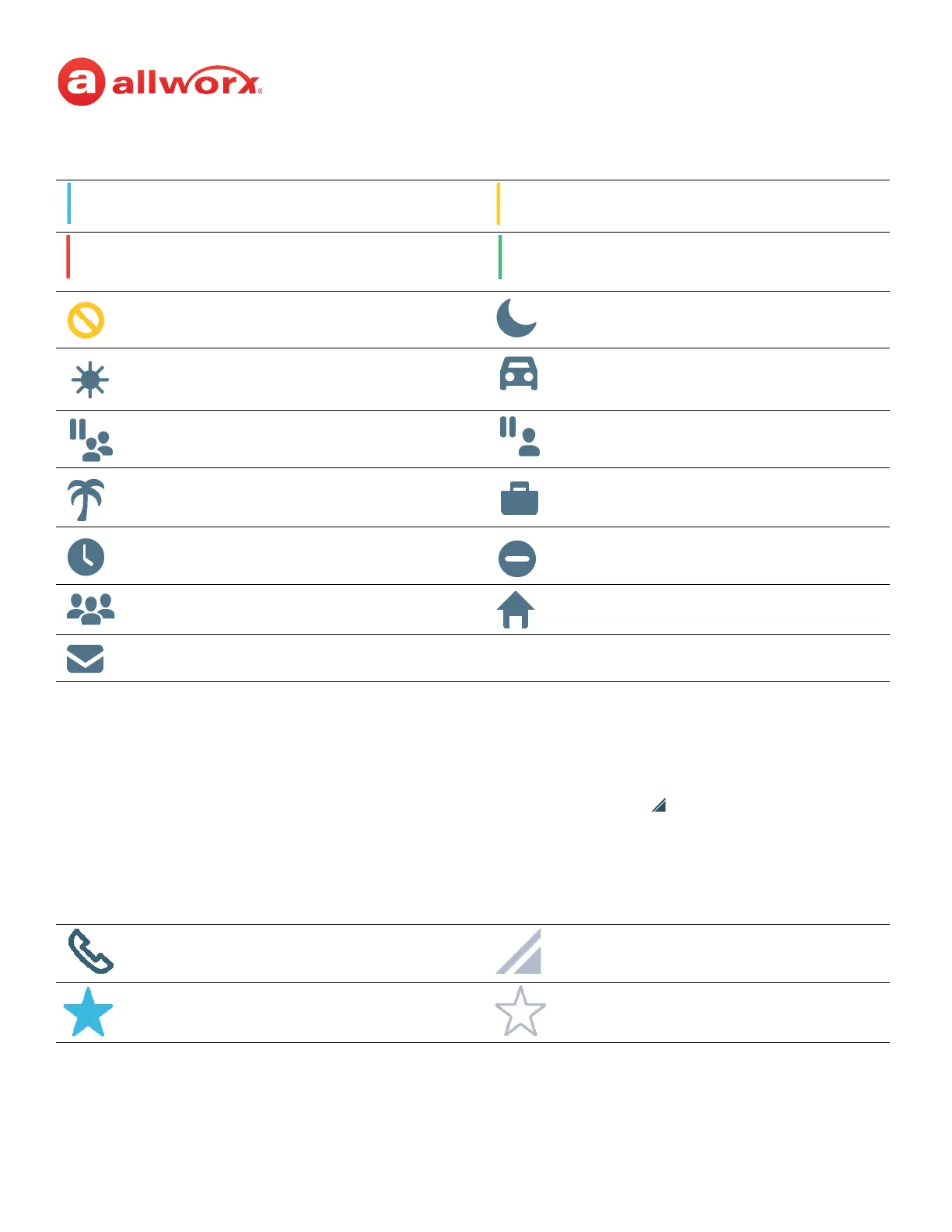
Verge IP phone series programmable button icons:
2.3 Soft Keys
The Verge IP phones each have three soft keys, which initiate actions; therefore, the names and
behaviors of the soft keys are dependent on the current phone screen. If more soft keys actions are
available, the rightmost soft key displays the More icon. Press the More ( ) function button to see the
additional soft keys. The functionality of each soft key is explained in the appropriate section of this
guide.
Verge IP phone series soft key icons:
Appearance is idle. Allworx User Contact has DND activated or
only agent logged in ACD Queue.
Allworx User Contact or appearance is
active on another phone, ACD agent not
logged In, or Hot Desk log in is available.
Appearance is ringing (blinking) or
appearance is active (solid).
Allworx User Contact has Do Not Disturb
activated.
Schedule - Night Mode active.
Schedule - Day Mode active. Line Appearance - Call parked.
Shared Call Appearance - Shared Hold. Shared Call Appearance - Bridged Hold.
Presence - On Vacation. Presence - On Business Trip.
Presence - Away. Presence - Busy.
Presence - At A Meeting. Presence - At Home.
Messages button.
Soft Key - Cell Phone Dialing (if enabled). More soft keys available.
Manage Contact Status - Make contact a
favorite.
Manage Contact Status - Remove contact
favorite.



 To Next Page