Allworx Verge IP Phone Series User Guide
866.ALLWORX * +1 585 421 3850 Page 53
www.allworx.com
Version: D Revised: June 1, 2017
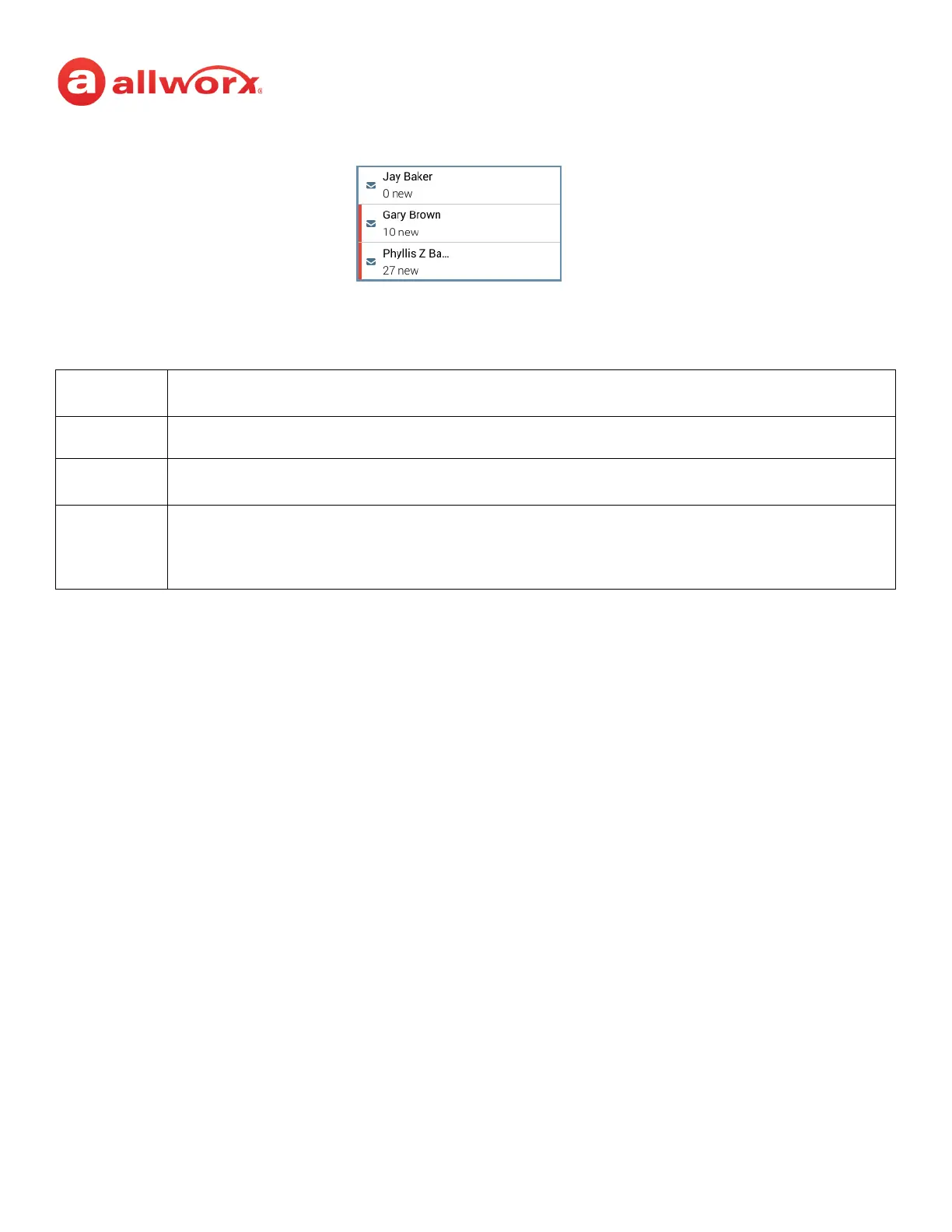
Verge IP phone Message Monitoring example:
4.7 Bluetooth Wireless Technology
The Verge 9312 IP phone supports connecting both the Headset Profile (native Bluetooth headsets) and
the Hands-Free Profile (mobile devices); however only one device can be connected at a time.
• Headset Profile: place an Allworx call using a native Bluetooth headset.
Example: Joe is finishing a call with a supplier on speaker phone, but he needs to get to
Conference Room 1 for a meeting. Joe taps the Headset button to transition the audio to the
Bluetooth headset. He finishes his call with his supplier on the way to the conference room and is
on time for his next meeting.
• Hands-free Profile: (requires a Bluetooth programmable button on the Verge IP phone) initiate
a mobile device call from a mobile device and transition the audio to the Verge 9312 IP phone or
vice versa. When using the Verge IP phone as a hands-free device, the cellular calls remain on
the mobile device service and does not route through the Allworx server. Allworx applications
such as View do not see the calls and, therefore, do not include the calls in the View reports.
Additionally, the Call History feature does not see or display these calls.
Example: Mary is in her car talking to a distributor on her mobile device. Mary gets to work and
walks to her office. Mary taps the Bluetooth Appearance to activate the Verge 9312 IP phone
speaker. The cellular phone call audio transitions from the mobile device to the Verge 9312 IP
phone speaker, and Mary finishes her conversation with the distributor in hands-free mode.
The Allworx Server Administrator must enable the Bluetooth option to enable pairing a Bluetooth device
to the Verge 9312 IP phone.
Bluetooth devices supporting only A2DP Bluetooth profiles (such as tablets) are not supported.
The phone call audio is dependent upon the type of headset and the number devices in the 2.4gHz
space. During an active call, users may experience some noise or drop outs with a Bluetooth headset.
During an active call, Bluetooth users must use the Bluetooth Hands-Free programmable button to
migrate the active call from the Bluetooth smart phone to the Verge IP phone. The Verge IP phone does
not accept pushed audio so that users do not inadvertently send the call to the Verge IP phone while the
user is not at the phone.
Monitored mailbox has 10 new messages
Monitored mailbox has no new messages
Monitored mailbox has 27 new messages



 To Next Page