Allworx Verge IP Phone Series User Guide
866.ALLWORX * +1 585 421 3850 Page 41
www.allworx.com
Version: D Revised: June 1, 2017
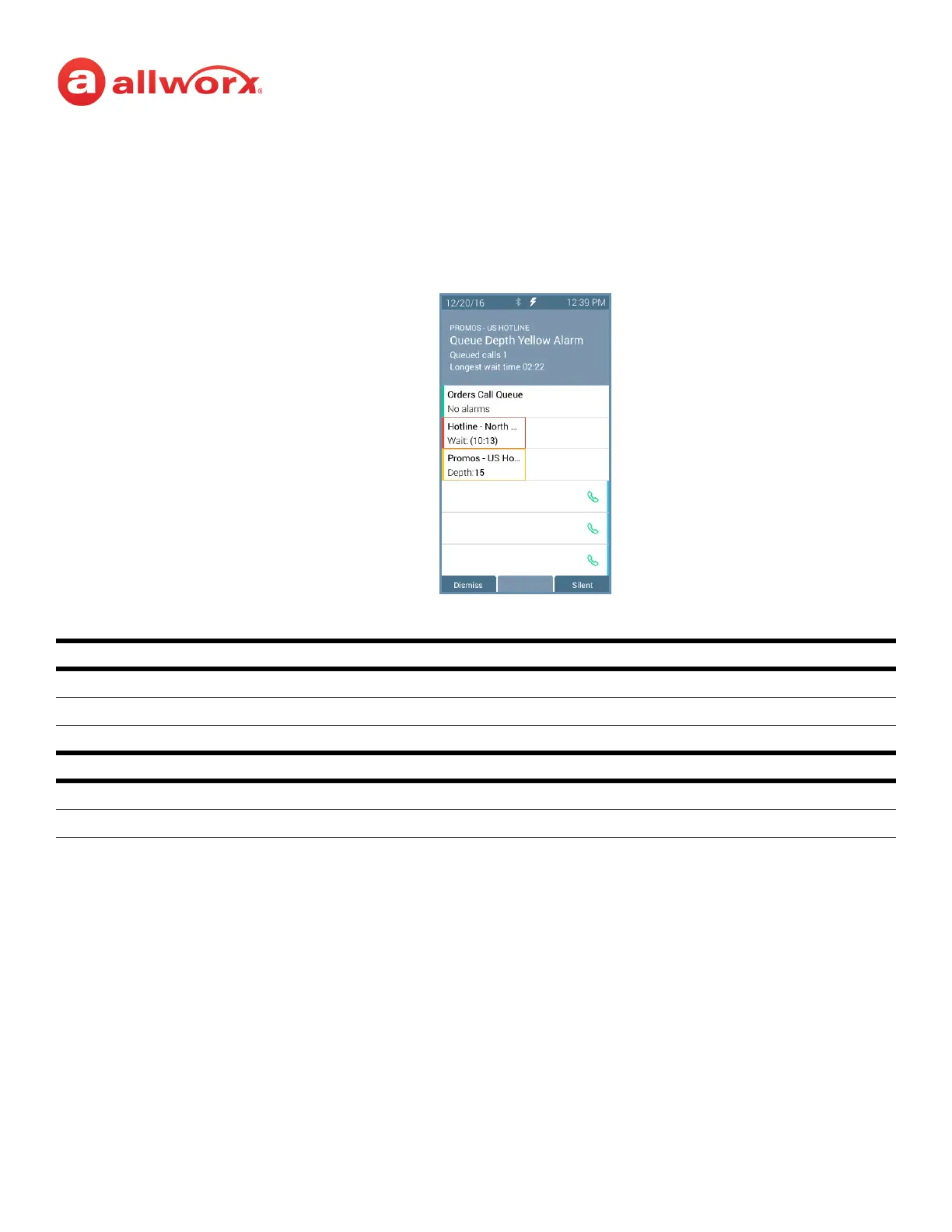
4.3 Queue Alarm
Notifies users of the queue activity levels (number of calls in the queue and/or longest wait time). If
configured, the queue alarm produces an audible alarm with the queue status displayed on the Verge
IP phone screen. Press the button to silence the alarm.
Verge IP phone Queue Alarm programmable button examples:
4.4 Shared Call Appearance
Handle a set of one or more appearances as a single appearance shared across multiple phones. All
phones in the Shared Appearance have common access to calls and call operations within the group of
phones. For example, an incoming call can ring on all phones using the appearance, one user answers
the call and places the call on hold, and then another user retrieves the call. The Shared Call
Appearance is available as a destination in any extension call route using My Allworx Manager (if
permissions are enabled).
Queue Alarm Programmable Button LED
solid green no alarms.
solid amber yellow queue alarm.
solid red red queue alarm.
Queue Alarm Soft Keys
Dismiss clears the alarm from the call status area.
Silent keeps the alarm on screen, but quiets the audible alarm.
No queue alarms
Queue exceeded red threshold limit
Queue Wait Time Example
Queue exceeded yellow threshold limit
Queue depth example



 To Next Page