Allworx
®
Verge™ IP Phone Series User Guide
Page 54 866.ALLWORX * +1 585 421 3850
www.allworx.com
Version: D Revised: June 1, 2017
The Verge 9312 IP phone is compatible with the following Bluetooth profiles:
• Headset Profile - abbreviated as HSP. Used only for headset connections.
• Handsfree Profile - abbreviated as HFP. Used only for cell phone connections.
The Verge 9312 IP phone automatically connects to the first paired Bluetooth device and displays a
persistent list of all devices paired with the phone. If there was a previous, active connection, the Verge
9312 phone automatically connects to that Bluetooth enabled device. To select a different Bluetooth
enabled device, turn off the other Bluetooth devices. To pair and connect Bluetooth enabled devices,
see “Bluetooth” on page 65 for more information.
If the Verge 9312 IP phone detects the Bluetooth device has disconnected during a call, the Allworx
system places the active call on hold. Resume the call using the Verge 9312 phone and move the call
back to the Bluetooth appearance.
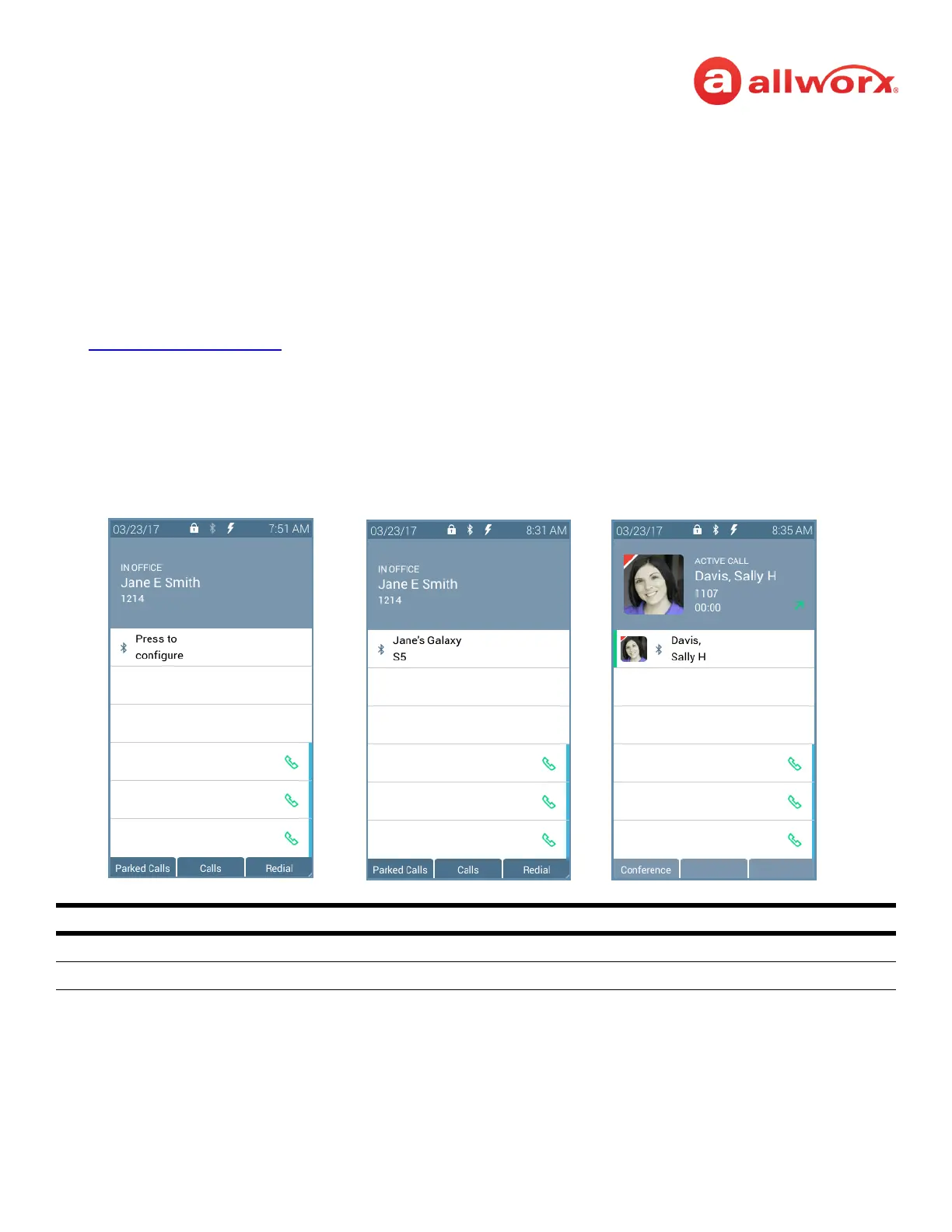
Verge IP phone Bluetooth Hands-Free programmable button examples:
Bluetooth Programmable Button LED
flashing green incoming call or active call on hold.
solid green active call.
No Bluetooth device connected. Bluetooth device connected.
Active Bluetooth call.



 To Next Page