Allworx
®
Verge™ IP Phone Series User Guide
Page 76 866.ALLWORX * +1 585 421 3850
www.allworx.com
Version: D Revised: June 1, 2017
To set the Ring Type Family:
1. Follow the steps in “To access the setting options:” on page 65. Open Ring Type Families.
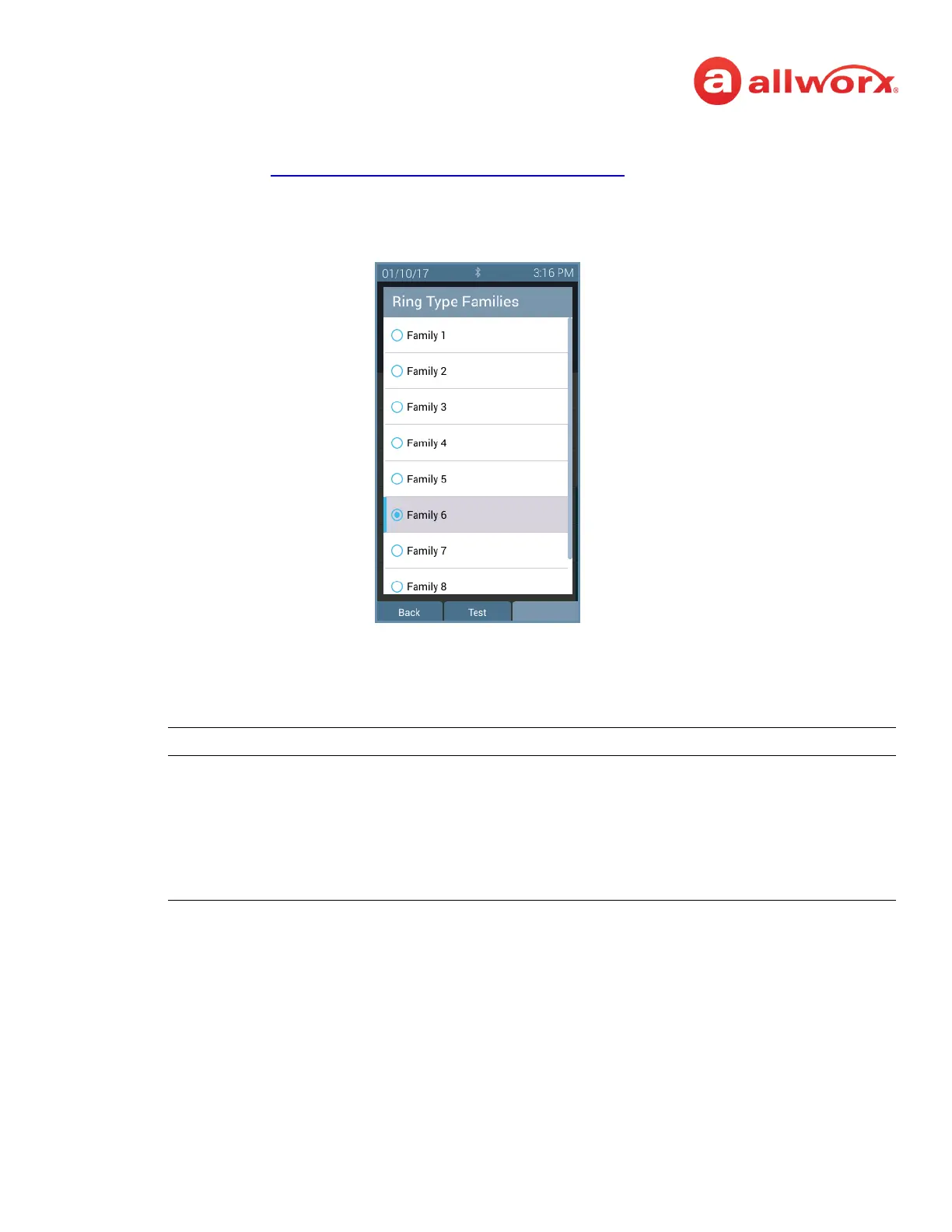
2. Use the up and down navigation buttons to highlight the Ring Type Family.
Verge IP phone Ring Type Families selection example:
3. Press one of the following:
• a soft key to:
•the Select button to accept the Ring Type Family and return to the Settings menu.
Back displays the Settings menu on the Verge IP phone screen.
Test displays the selected Ring Type information. Select from the following soft keys:
• Cancel - returns to the Ring Type main screen.
• Continue - popup message displays to Contact the Administrator to use a specific
Ring Type from the selected family.
• Play - provides an audio tone sample of the Ring Type Family.
• Stop - discontinues the audio tone sample of the Ring Type Family.
• Next - scroll through the ring types.



 To Next Page