Allworx
®
Verge™ IP Phone Series User Guide
Page 82 866.ALLWORX * +1 585 421 3850
www.allworx.com
Version: D Revised: June 1, 2017
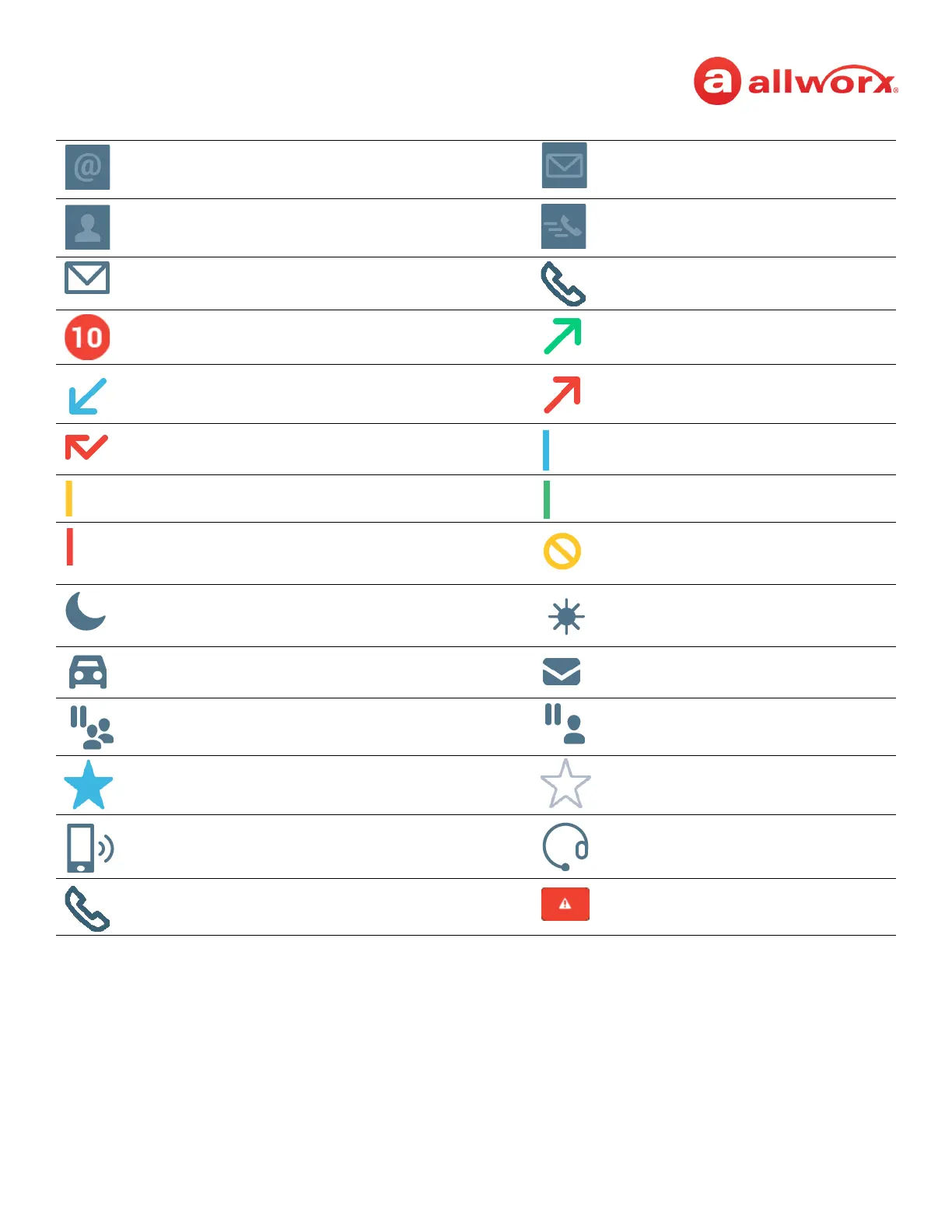
Allworx System Contact - Email Alias
(only available in Visual Voice Mail
Center)
Allworx System Contact - Message
Center (Voicemail).
Personal Contact or incoming caller
avatar, if no image is available.
Allworx Public Contact avatar.
Messages Available. Missed Calls
Number of missed calls and/or
messages badge.
Call Status - Outgoing call
Call Status - Incoming call Call Status - Outgoing, no answer
Call Status - Incoming, missed call Appearance is idle
User Contact has DND activated or
only agent logged in the ACD Queue
Appearance is ringing (blinking) or
appearance is active (solid)
User Contact or appearance is active
on another phone, agent not logged
In, or Hot Desk log in is available
Allworx User Contact has Do Not
Disturb activated.
Schedule - Night Mode active. Schedule - Day Mode active.
Line Appearance - Call parked. Messages button
Shared Call Appearance - Shared Hold. Shared Call Appearance - Bridged
Hold.
Manage Contact Status - Make contact
a favorite
Manage Contact Status - Remove
contact favorite
Bluetooth - smart phone connected Bluetooth - headset connected
Soft Key - Cell Phone Dialing (if
enabled)
Phone registration error. Contact
Allworx Server Administrator.



 To Next Page