CHAPTER 1: DESCRIPTION
HF-2500A HIGH FREQUENCY WELD CONTROL
1-8 990-371
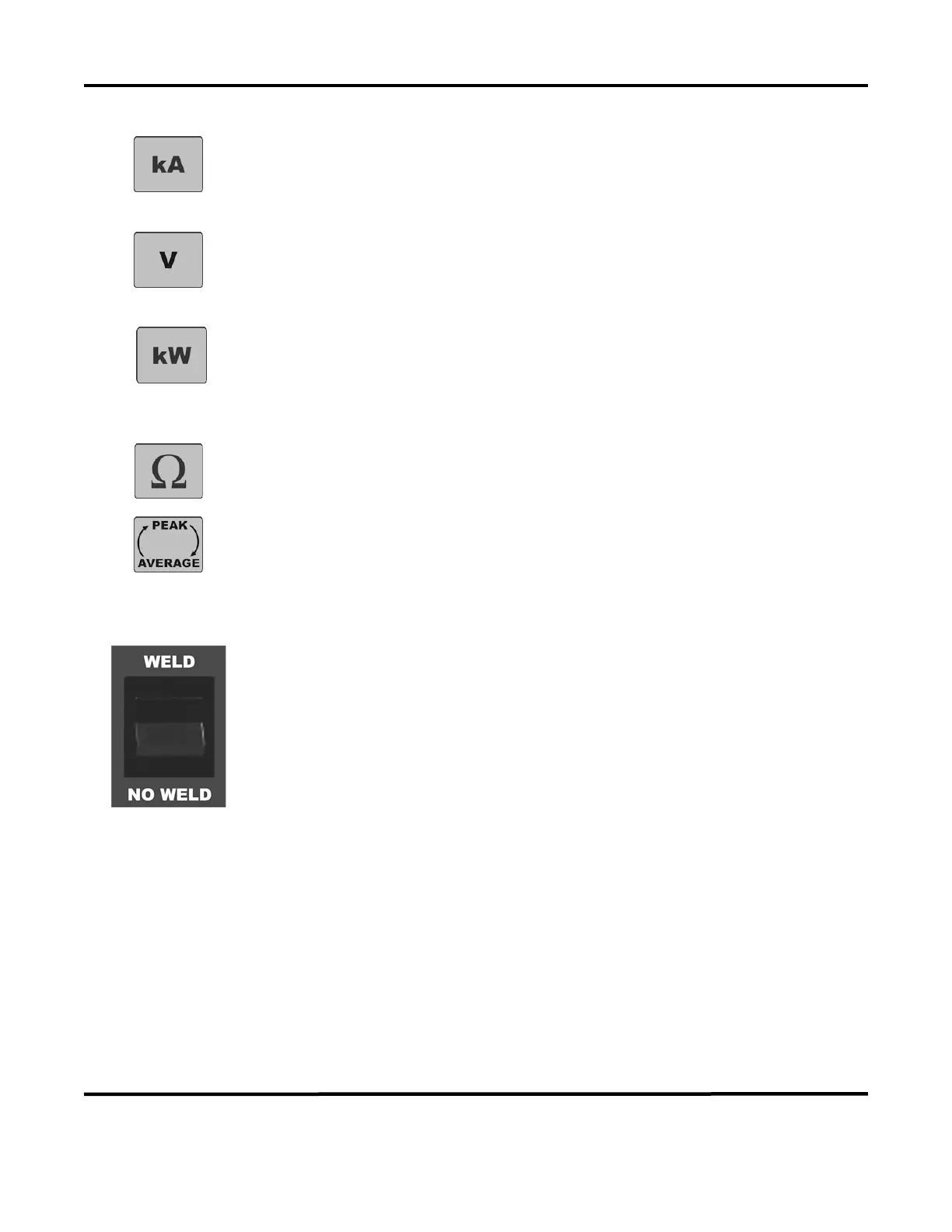
kA
key displays the current monitor. This screen shows the results of
the most recent weld. This screen also allows the operator to set limits that
automatically interrupt the weld when they are reached. You can also program the
current monitor to output an alarm when the limits are exceeded.
Pressing the V key displays the voltage monitor. This screen shows the results of
the most recent weld. This screen also allows the operator to set limits that
automatically interrupt the weld when they are reached. You can also program the
voltage monitor to output
an alarm when the limits are exceeded.
Pressing the kW key displays the power monitor. This screen shows the results of
the most recent weld. This screen also allows the operator to set limits that
automatically interrupt the weld when they are reached. You can also program the
power monitor to output an alarm when the limits are exceeded.
Pressing the Ω key displays the resistance monitor. This screen shows the results
of the most recent weld
.
The Power Supply is always monitoring both the PEAK and AVERAGE of current,
voltage, power, and resistance. When you press this key, the top line in the LCD
screen toggles back and forth between displaying
PEAK and AVERAGE.
WELD/NO WELD Switch
When the switch is in the WELD position, the programmed weld sequence can
initiate weld energy.
When you set this switch to the
NO WELD position, no
weld current can flow.
However, the
Power Supply can
execute a complete weld sequence. This function
is required to adjust the weld head prior to operation.
Emergency Stop Switch Operation
If your work station is equipped with an emergency stop switch (connected to the emergency stop
connection of the Power Supply), operate the switch to immediately stop the welding process. All power
to the air valves and power circuits will be disconnected. To restart the Power Supply, you must press the
RUN key on the front panel.



 To Next Page