CHAPTER 3: SYSTEM CONFIGURATION
HF-2500A HIGH FREQUENCY WELD CONTROL
990-371 3-9
2. RESET ALL SCHEDULES
1. Press the 2 key. This will automatically
reset all weld schedule parameters to the
factory defaults and return the screen to
the RESET TO DEFAULTS display.
2. Press the MENU key to return to the MAIN
MENU
screen.
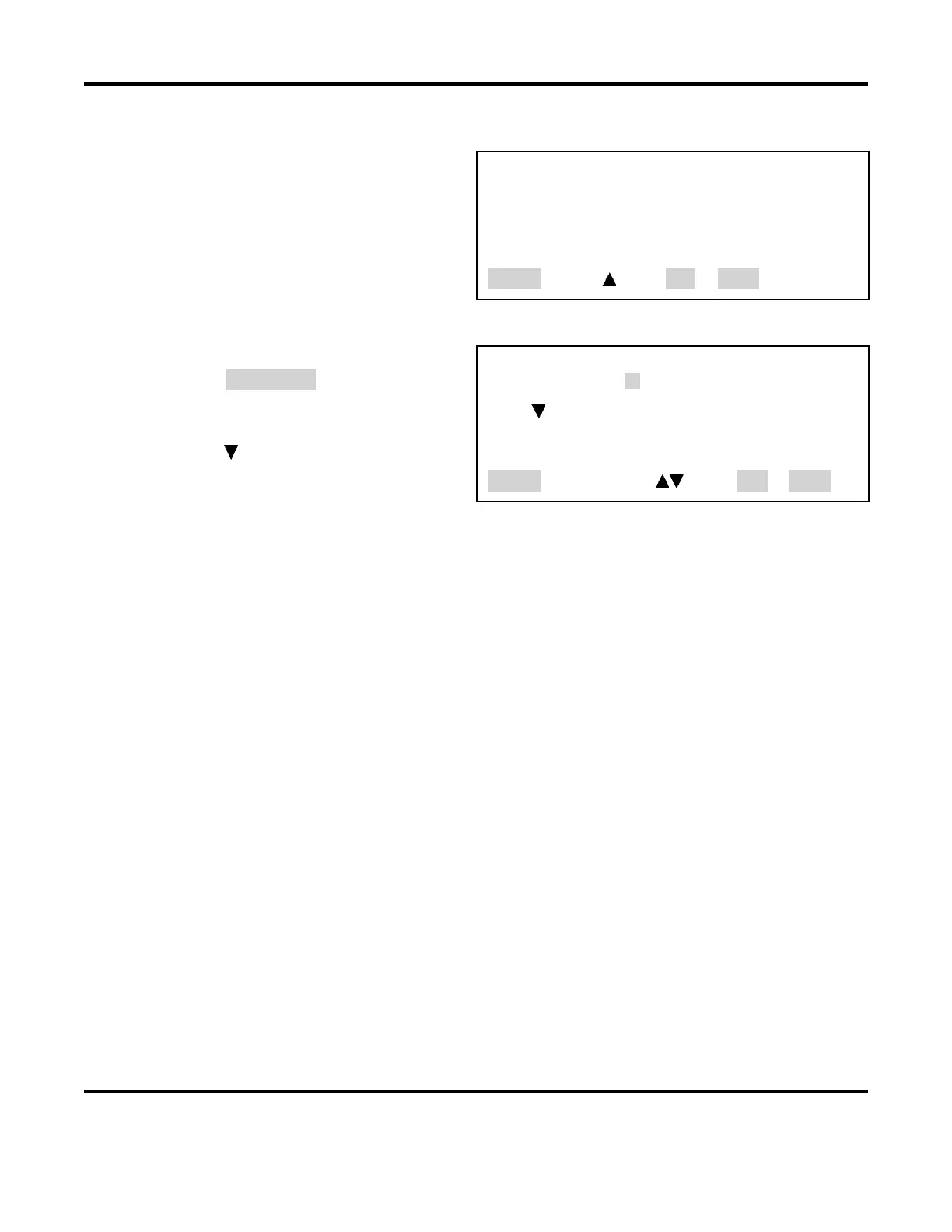
<RESET ALL SCHEDULES?>
1. NO
2. YES
Number Select, Page, RUN or MENU
3. RESET SCHEDULE LIMITS
1. The last SCHEDULE you used will
appear as highlighted. You may change
this to any SCHEDULE number you want
to reset using the numeric keypad.
2. Press the key to reset the limits of the
schedule you highlighted.
<RESET SCHEDULE LIMITS>
SCHEDULE : 01
PUSH TO RESET THIS SCHEDULE’S LIMIT VALUES
Number Select an item, Page, RUN or MENU
3. Press the MENU key to return to the MAIN MENU screen.
9. CHAIN SCHEDULES
This feature allows you to automatically change from any weld schedule to any other schedule after a
preset count, creating a "chain" of schedules that can accommodate a variety of welding needs. For
example:
• A single work piece requires four welds, two weld points require the same weld schedule, each
of the other two points require different weld schedules.
In this case you would program a sequence, or "chain," that looks like this: Schedule 01 [2 times]
-
Schedule 02 [1 time] - Schedule 03 [1 time] - Schedule 01. This sequence will repeat, or
"loop," until you turn
Chain Schedules OFF.
• Some applications require a lower current for a number of welds after the electrodes have been
replaced or resurfaced. Once the electrodes have been “seasoned”, the current can be increased
as required. If the electrodes require 100 welds to “season”, Schedule 01 can be programmed
with a lower current and Schedule 02 can be programmed with a higher current. The chain would
look like this: Schedule 01 [100 times] - Schedule 02 [1 time] - Schedule 02 [1 time].
In this chain, Schedule 02 will just keep repeating after the 100 welds made using Schedule 01.
When the electrodes are replaced or resurfaced, you can manually switch back to Schedule 01 to
restart the sequence.



 To Next Page