CHAPTER 3: SYSTEM CONFIGURATION
HF-2500A HIGH FREQUENCY WELD CONTROL
3-10 990-371
You can program any of the Power Supplies 99 stored schedules to chain to any other schedule, or back
to itself as in the second example above. The chain code becomes part of each weld schedule. You can
turn the Chain Schedules feature ON or OFF, or re-program chains, any time you want.
1 From the MAIN MENU, press the 9 key
to go to the CHAIN SCHEDULES menu.
NOTE: You should program, or
"setup," the chain of schedules you want
before you turn this feature ON.
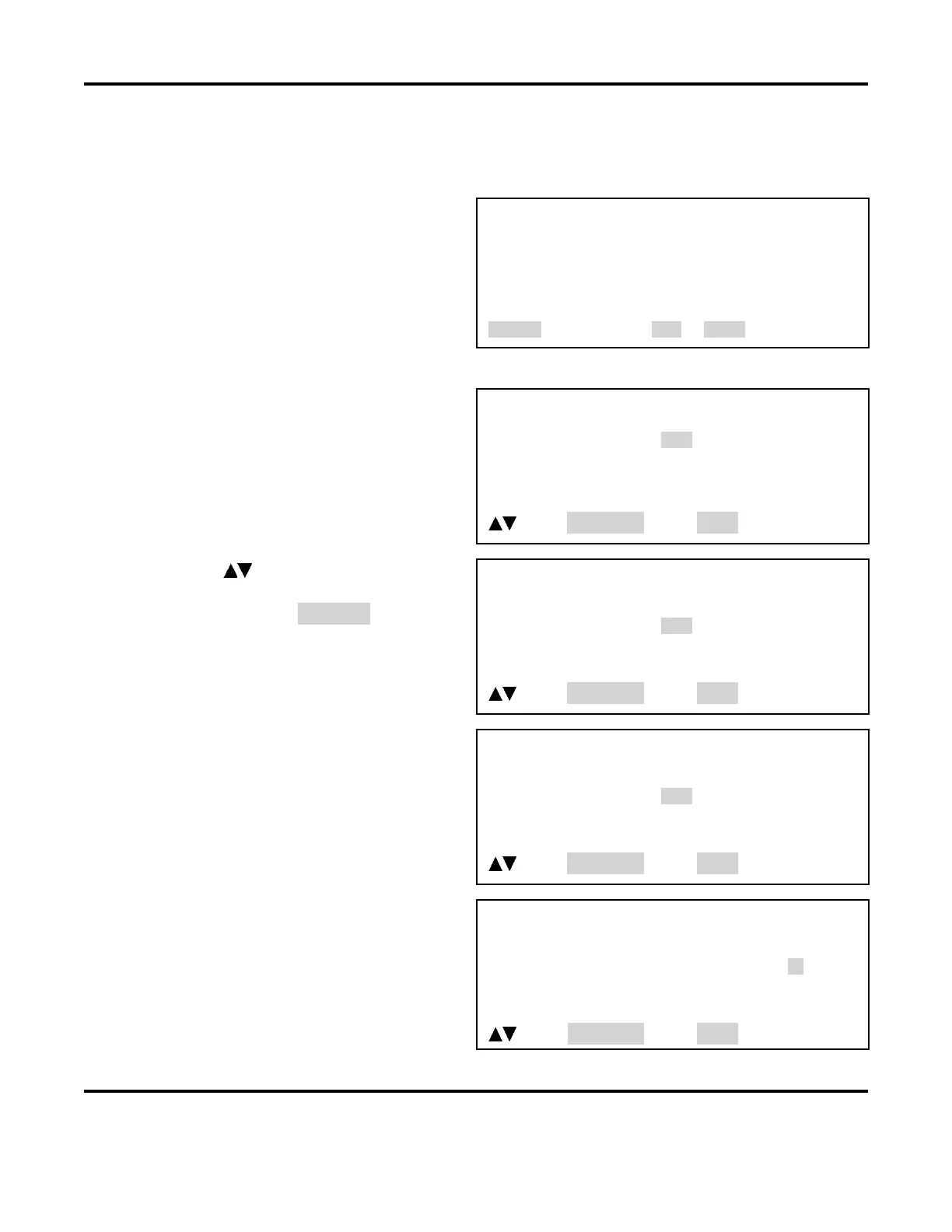
CHAIN SCHEDULES
1. CHAIN SCHEDULE :OFF
2. SETUP CHAIN SCHEDULES
Number Select an item, RUN or MENU
2 Press the 1 key to toggle CHAIN SCHEDULES ON or OFF.
3 From the CHAIN SCHEDULES menu,
press the 2 key to go to the CHAIN
SCHEDULE SETUP
menu.
CHAIN SCHEDULE SETUP
SCHEDULE NUMBER WELD COUNT NEXT
01 0001 01
02 0001 02
03 0001 03
04 0001 04
Scroll, SCHEDULE Select, MENU
4 Use the (Up/Down) keys on the
front panel to scroll vertically through
the schedules to highlight the weld
count for the schedule you want to chain.
CHAIN SCHEDULE SETUP
SCHEDULE NUMBER WELD COUNT NEXT
04 0001 04
05 0001 05
06 0001 06
07 0001 07
Scroll, SCHEDULE Select, MENU
5 Use the numeric keypad to enter the
number of times you want this schedule
to weld before going to the next
schedule.
6 Use the SCHEDULE key to move the
highlight horizontally to select NEXT.
CHAIN SCHEDULE SETUP
SCHEDULE NUMBER WELD COUNT NEXT
04 0001 04
05 0002 05
06 0001 06
07 0001 07
Scroll, SCHEDULE Select, MENU
7 Use the numeric keypad to enter the
number of the next schedule in the chain.
8 Use the SCHEDULE key to move the
highlight horizontally back to the WELD
COUNT
column. Repeat Steps 4 through
8 to program the rest of the chain.
CHAIN SCHEDULE SETUP
SCHEDULE NUMBER WELD COUNT NEXT
04 0001 04
05 0002 05
06 0001 06
07 0001 07
Scroll, SCHEDULE Select, MENU



 To Next Page