CHAPTER 3: SYSTEM CONFIGURATION
HF-2500A HIGH FREQUENCY WELD CONTROL
990-371 3-13
Setup 2
1. Display Contrast
SETUP 2
1
to go to the DISPLAY CONTRAST
adjustment screen.
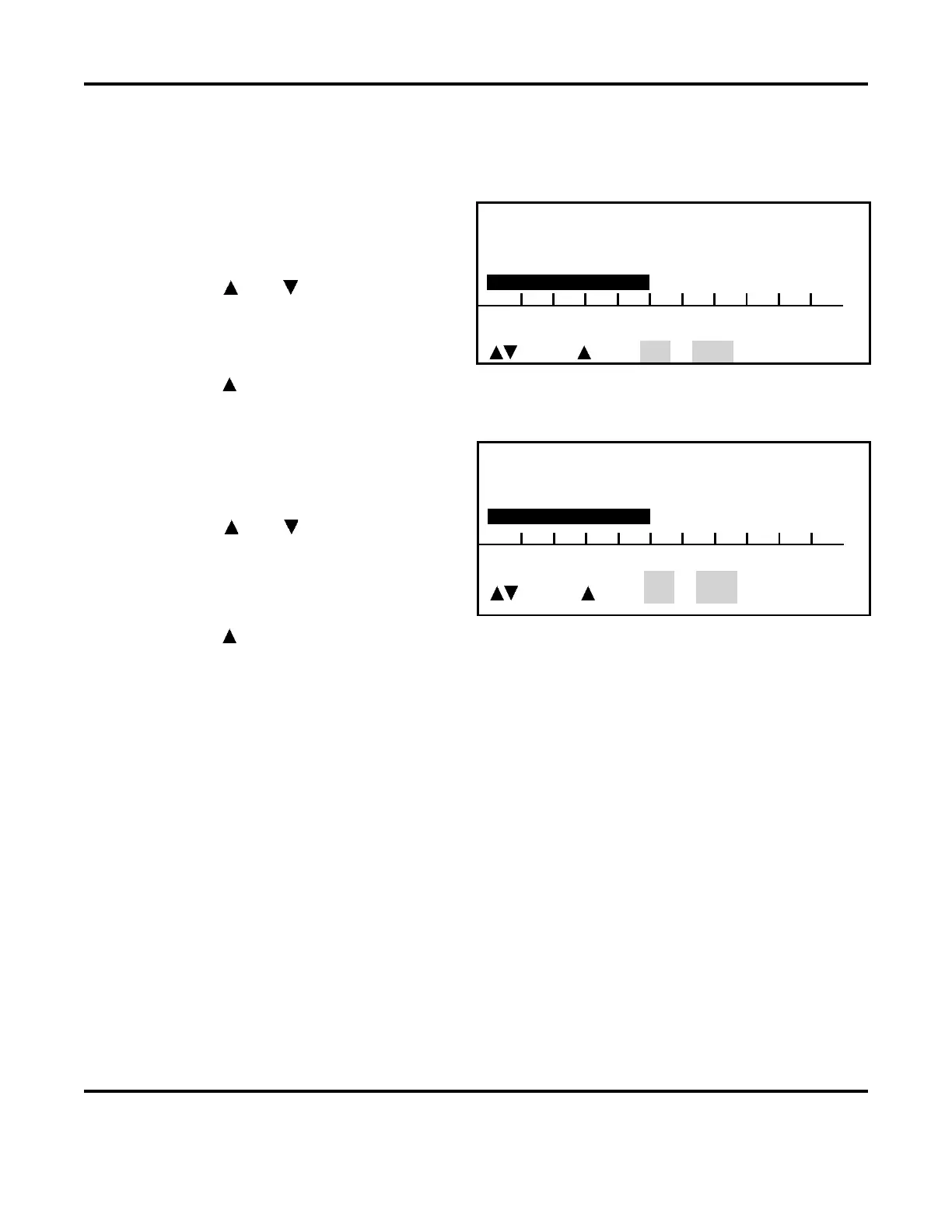
2. Use the and keys to adjust the
screen contrast for comfortable viewing
in the shop environment.
<DISPLAY CONTRAST >
DISPLAY CONTRAST : 50 %
0 10 20 30 40 50 60 70 80 90
Adjust, Page, RUN or MENU
3. Press the key to return to the SETUP, PAGE 2 (of 3) screen.
2. Buzzer Loudness
SETUP 1
2
to go to the BUZZER LOUDNESS
adjustment screen.
2. Use the and keys to adjust the
buzzer tone so that it can be heard
against shop background noise.
<BUZZER LOUDNESS >
DISPLAY CONTRAST : 50 %
0 10 20 30 40 50 60 70 80 90
Adjust, Page, RUN or MENU
3. Press the key to return to the SETUP, PAGE 2 (of 3) screen.
3. End Of Cycle Buzzer
1. With the
SETUP 2 screen displayed, press the 3 key to toggle the end of cycle buzzer ON or OFF.
This function is normally used with manually actuated weld heads. ON means that an audible
signal will be given at the end of each weld process to signal you to release the foot pedal.
2. To select the ON/OFF states, toggle the 3 key. The END OF CYCLE BUZZER line will now reflect
your state selection.
4. Update Graph After Weld
From the SETUP 2 screen, press the 4 key to toggle the update graph after weld ON or OFF function.
The UPDATE GRAPH AFTER WELD line will now reflect your state selection.
ON means that the actual weld energy profile will overlay the programmed weld profile after each
weld is made. The weld graph is useful for detecting weld splash, which is indicated by vertical gaps
in the overlap. You can reduce weld splash, and eliminate it in some cases, by using the upslope weld
energy profile.



 To Next Page