CHAPTER 3: SYSTEM CONFIGURATION
HF-2500A HIGH FREQUENCY WELD CONTROL
3-8 990-371
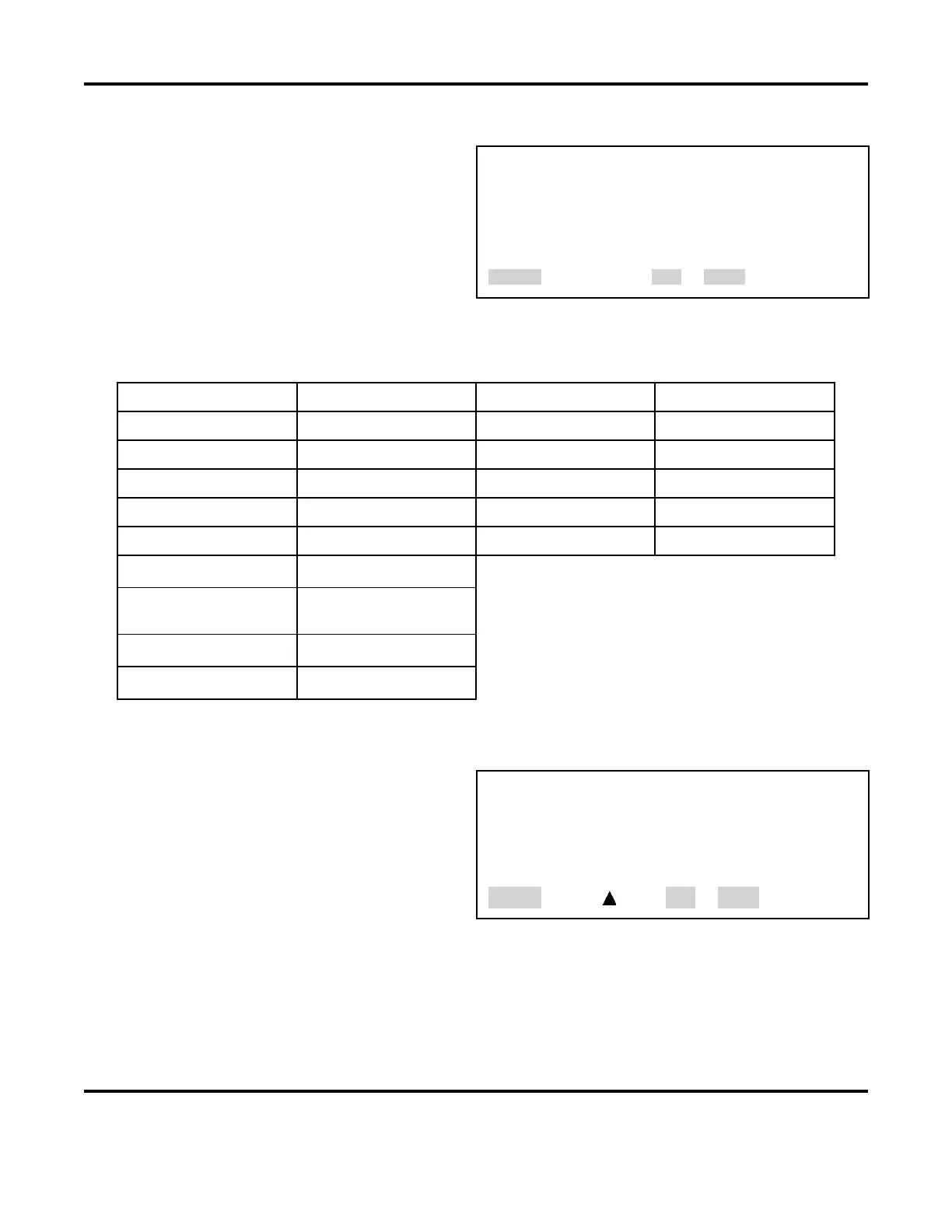
8. RESET TO DEFAULTS
From the MAIN MENU, press the 8 key to go to the
RESET TO DEFAULTS
menu, as shown at the
right. Through this menu, you may reset all
system programmed parameters and all weld
schedules to the original factory default settings
(see the table below).
<RESET TO DEFAULTS>
1. RESET SYSTEM PARAMETERS
2. RESET ALL SCHEDULES
3. RESET SCHEDULE LIMITS
Number Select an item, RUN or MENU
Factory Default System Parameters
System Parameter Default Setting System Parameter Default Setting
Foot Switch Weld Abort OFF Weld Counters All “0”
Switch Debounce Time 10 ms Communication Role CLIENT
Firing Switch AUTO Baud Rate 38.4 K
Display Contrast 50% ID Number 1
Buzzer Loudness 40% Relays 1,2,3 and 4 ON WHEN ALARM
End of Cycle Buzzer OFF
Update Graph After
Weld
ON
Language ENGLISH
Do Test Weld ALWAYS
1. RESET SYSTEM PARAMETERS
1. With the reset to defaults screen
displayed, press the 1 key. This will
bring up the
PARAMETERS query menu, as shown at
the right.
<RESET SYSTEM PARAMETERS?>
1. NO
2. YES
Number Select, Page, RUN or MENU
2. Press the 2 key to select YES. This will automatically reset the system to the factory and return
the screen to the RESET TO DEFAULTS display.



 To Next Page