CHAPTER 1: DESCRIPTION
HF-2500A HIGH FREQUENCY WELD CONTROL
990-371 1-7
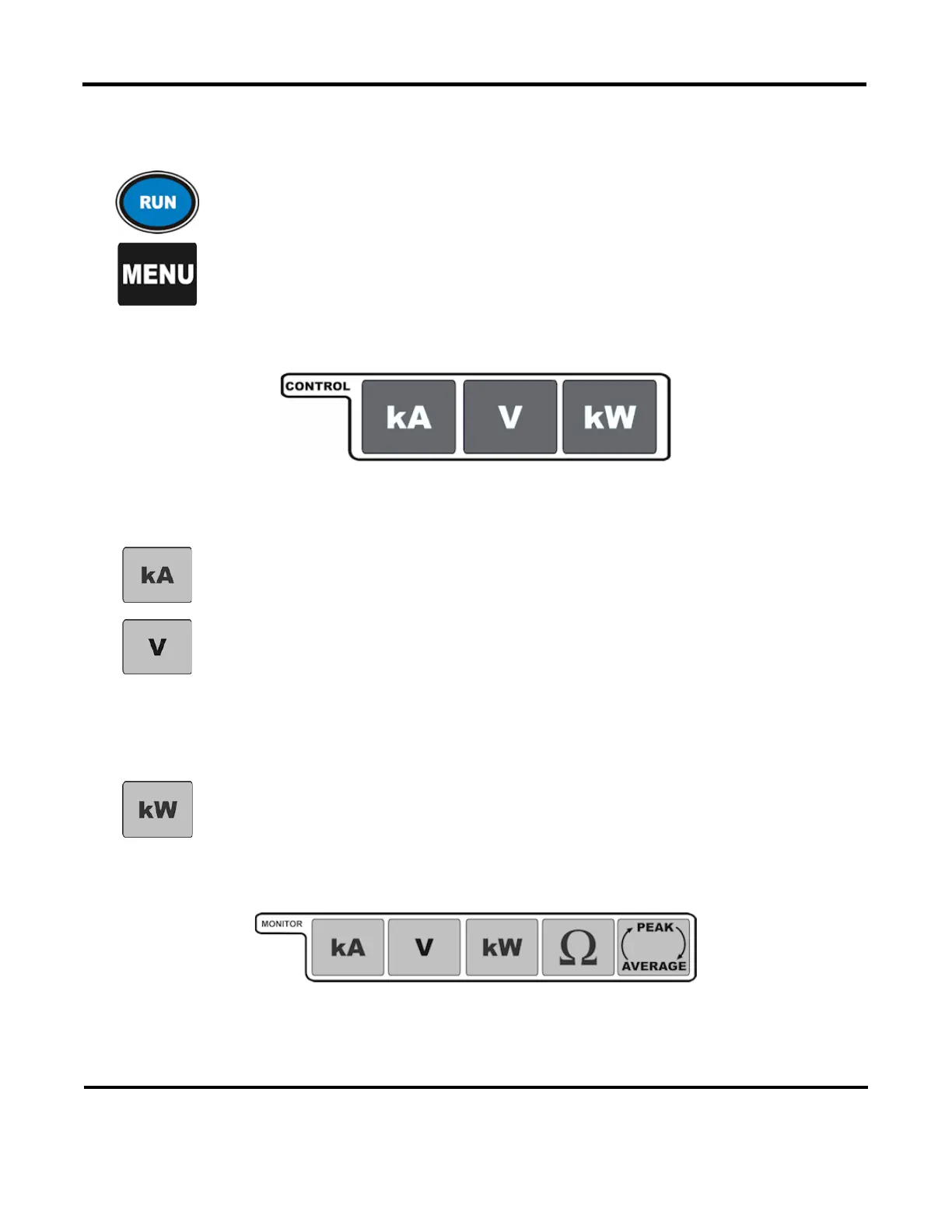
Mode Keys. The mode keys consist of the RUN key and the MENU key.
RUN Key: Sets the Power Supply to the operating mode. Used to terminate
program mode if already in the
RUN screen.
MENU Key: You access the menu screen with this key. Menu items control system
parameters such as setup and weld counter operation. Refer to
Menus in
for details of the functions accessible through that screen.
Control Keys
Control Mode Selection Keys. These keys allow you to select the control mode when programming
with the
WELD (time/energy) selector keys.
kA
key selects current as the control mode for this schedule. The
control will output the current waveform shown on the LCD.
Pressing the V key selects voltage as the control mode for this schedule. The control
will output the voltage waveform shown on
the LCD.
NOTE: Selecting the voltage feedback mode requires you to make a test weld
when the voltage or weld pulse time is changed. The test weld optimizes the Power
Supply feedback performance. The weld status message TEST disappears after the
internal control parameters are optimized.
kW
key selects power as the control mode for this schedule. The
control will output the power waveform shown on the LCD.
Monitor Keys
These keys allow you to view the results of the last weld and to set the limits of the welding parameters
beyond which the energy limits monitor terminate the weld and/or initiate alarms.



 To Next Page