MU-100A
8. Function Setting
8-1
8. Function Setting
(1) Function Menu
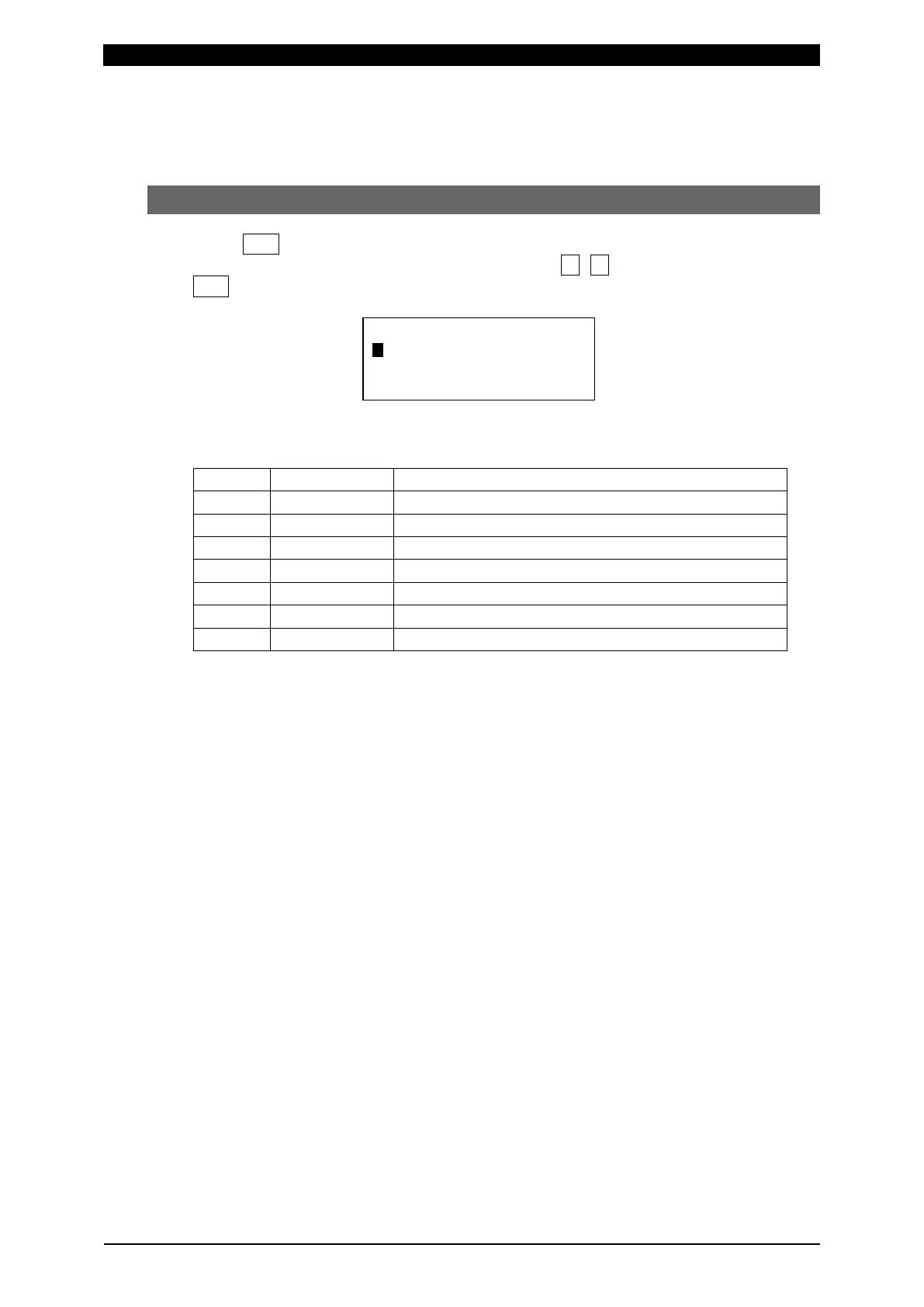
When FUN key is pressed, the LCD display becomes as shown below.
Move the cursor to the function item to set with ▼, ▲ or numeric key, then press
ENT to display the parameter setting screen of the selected function.
The function menu has following items:
Selection of items displayed on the monitor screen
Selection of items displayed on LED
Copying of setting from schedule to schedule
6 Manual Display of the present value and zero setting of items


 To Next Page