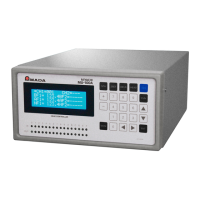
MU-100A
8. Function Setting
8-8
(3) Selecting Items Displayed on LCD (1=Monitor
Display)
Selects the monitored values displayed on the normal screen.
For 2-axis type, first axis (Axis1) and second axis (Axis2) can be selected
respectively.
a. Parameter item
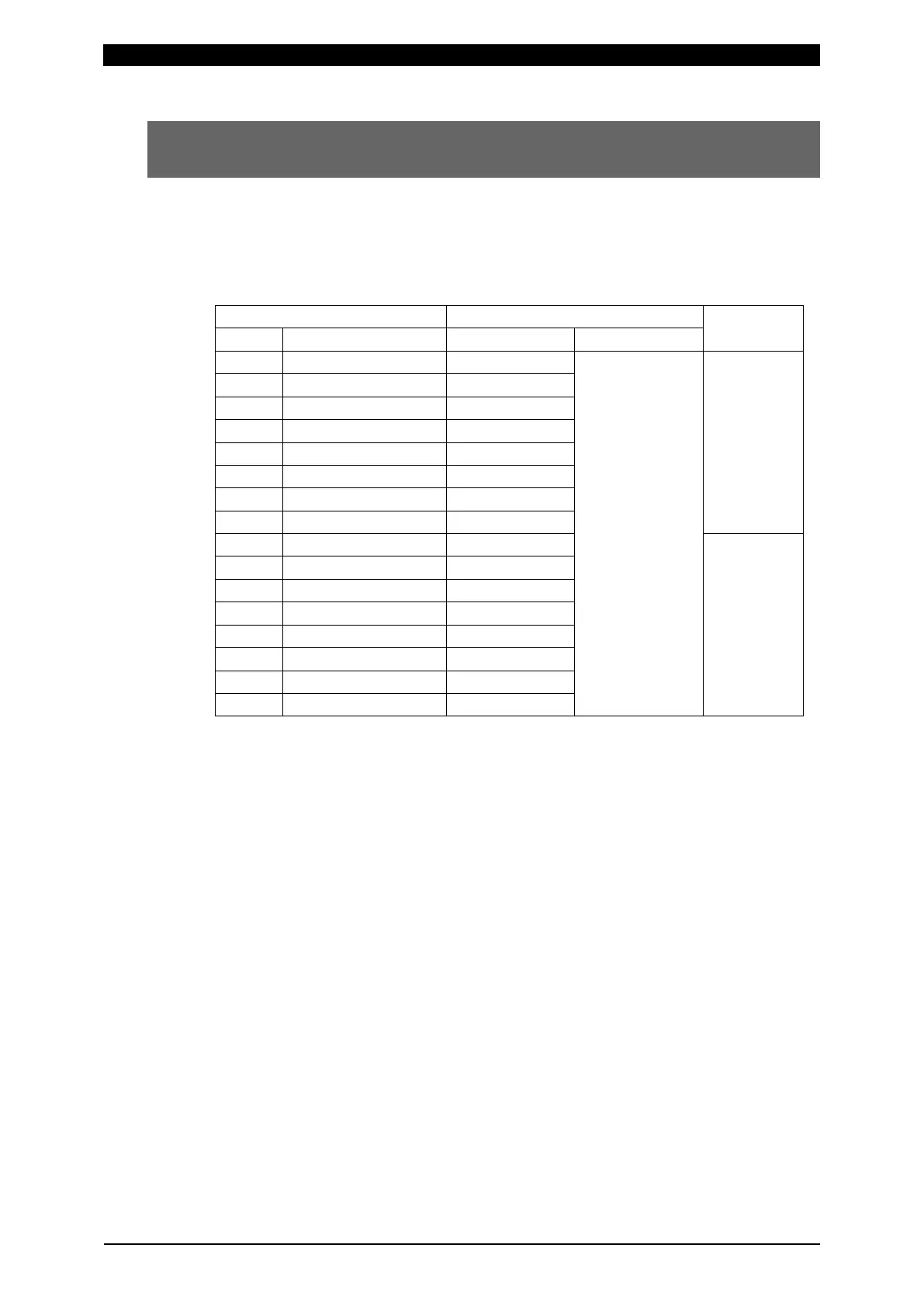
Item Selections
Remarks
Symbol Description Initial value
Selections
After Force(1)
Now Force(2)
Before Work(3)
After Work(4)
Displacement(5)
Now Work(6)
Counter(7)
First axis
MD13 Monitor Display13 Now Force(2)
Second axis
MD22 Monitor Display22 After Force(1)
MD25 Monitor Display25 After Work(4)
b. Selections
Before Force(0): Before-welding force value
After Force(1): After-welding force value
Now Force(2): Present force value
Before Work(3): Before-welding workpiece thickness
After Work(4): After-welding workpiece thickness
Displacement(5): Displacement
Now Work(6): Present workpiece thickness
Counter(7): Counter value


 To Next Page