MU-100A
8. Function Setting
8-11
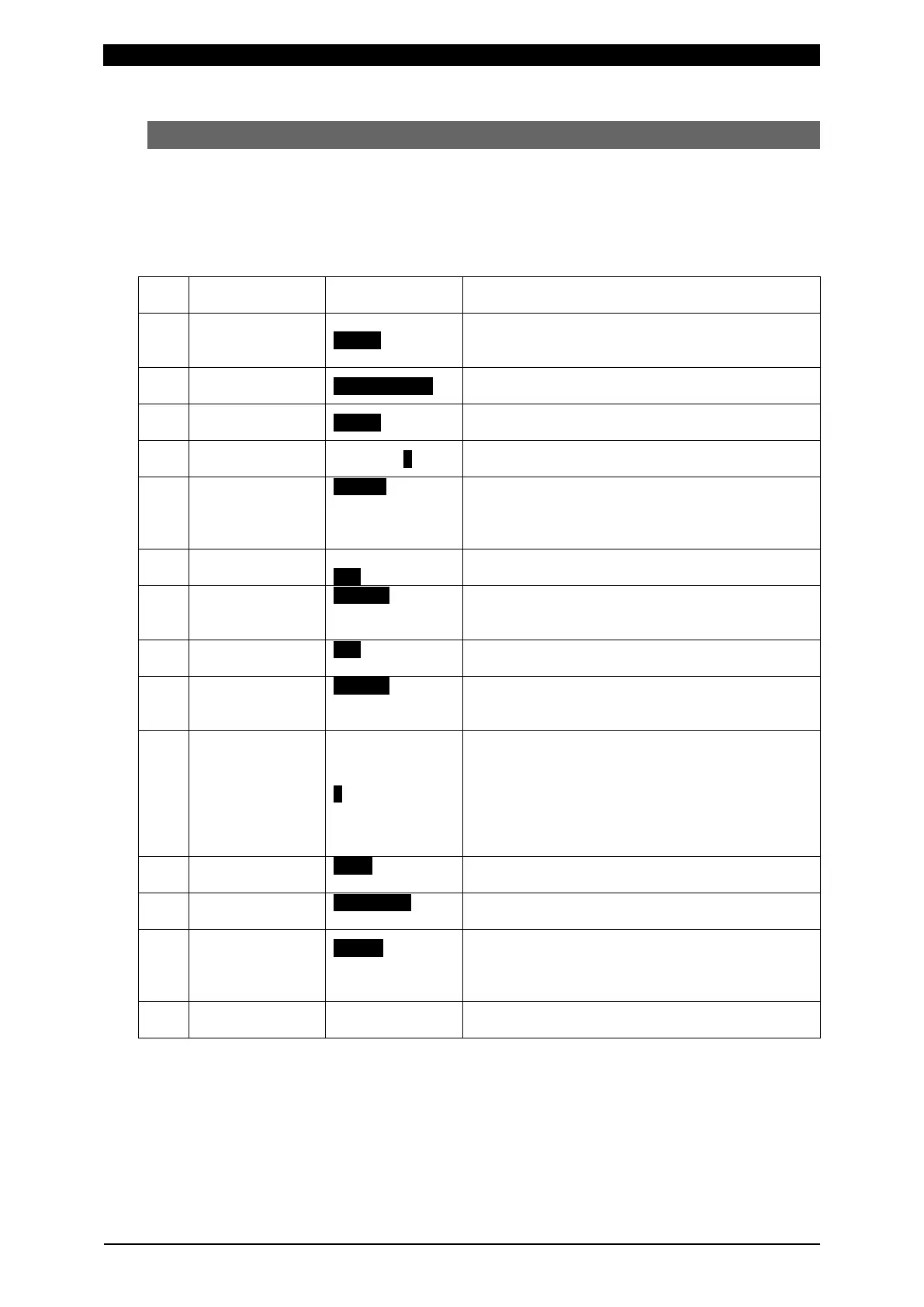
(5) Setting Communication Items (3=Communication)
Sets items relating communication.
After changing these setting, turn on the power again.
a. Parameter item
* Highlighted items are initial values.
Item
Selections,
Setting range
Description
1 IP Address 0,0,0,0
Inputs the IP address. Be sure to assign the IP
address is the number specific to device. Used
2 Subnet mask 255.255.255.0
Inputs the subnet mask. Used when using
ETHERNET.
3 Default gateway 0,0,0,0
Inputs the default gateway. Used when using
ETHERNET.
4 Port number 0 to 9999(1)
Inputs the port number. Used when using
ETHERNET.
5 Baud rate
19200(1)
38400(2)
Selects the baud rate. Used when using RS-232C
or RS-485.
6 Data bits
Selects the data bit. Used when using RS-232C
or RS-485.
7 Parity
Even(1)
Selects the parity. Used when using RS-232C or
RS-485.
8 Stop bits
Selects the stop bit. Used when using RS-232C
or RS-485.
9 Flow control
Xon/Xoff(1)
Selects the flow control. Used when using
RS-232C. Set it to None(0) normally.
10 Device Address 1 to 99
Inputs the device address number.
In RS-232C or ETHERNET, the number is
included in communication data as device
address number. Use it for identification of
device. In RS-485, the device address number is
used in communication. Be sure to assign the
number specific to device.
11 Checksum data
Sets whether to use FCS (frame checksum).
12 Port type
Selects the communication.
The selected one becomes valid.
13 Comm Control
OFF(0)
-->(1)
<->(2)
Selects the communication function.
OFF(0): No communication
-->(1): One-way communication
<->(2): Two-way communication
14 MAC Address 00-60-D5-02-**-**
Displays the MAC address.
(Factory setting. Cannot be changed.)


 To Next Page