CHAPTER 5: SETUP SOFTWARE
UB25 LINEAR DC RESISTANCE WELDING CONTROL
990-665 5-7
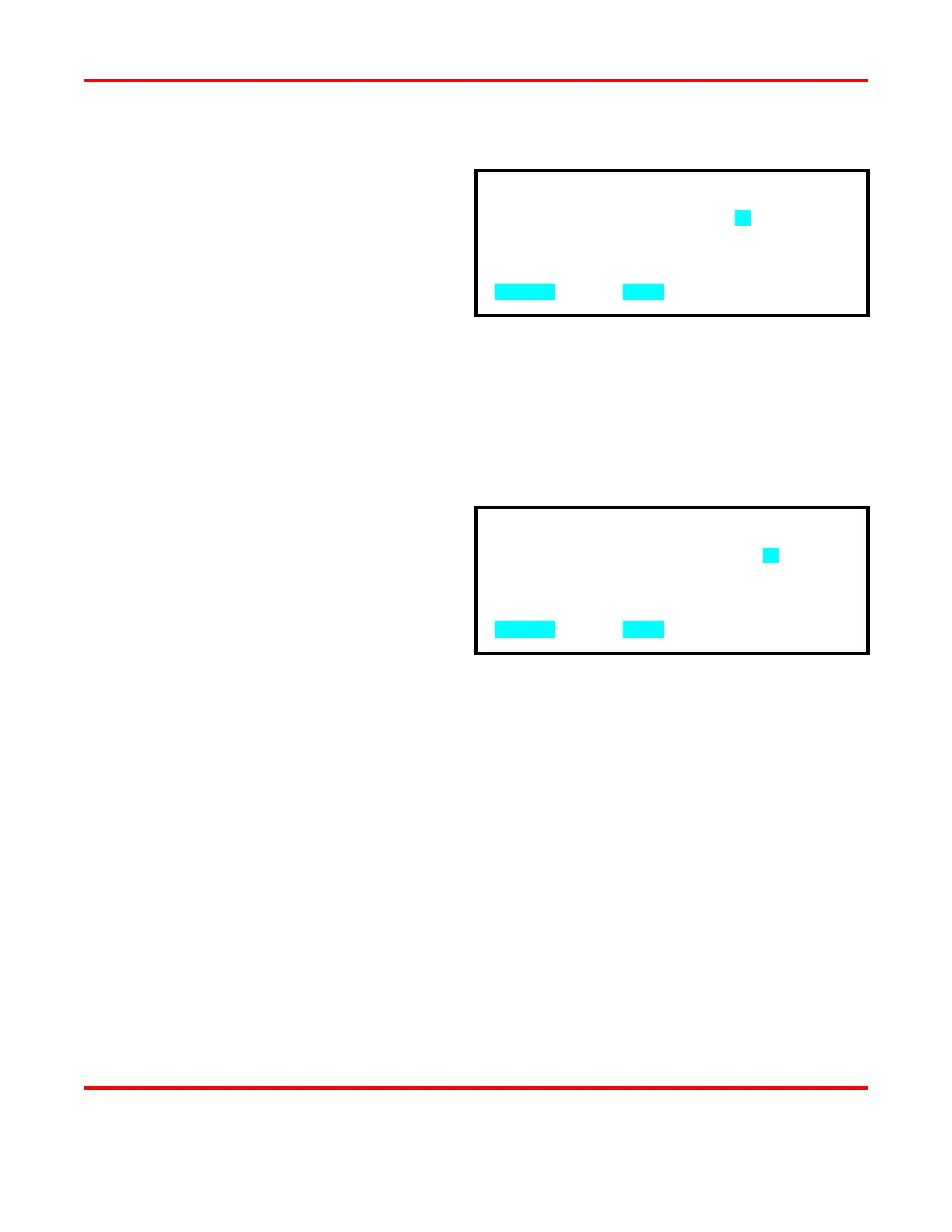
Stability Check Delay Setting
1 From the WAVEFORM CHECK menu,
press the 3 key to access the
STABILITY CHECK DLY (ms)
screen.
Use the numeric keypad to enter the
delay period, in milliseconds. This
period, at the start of the pulse, will not
be used when the average deviation is
calculated.
2 Press MENU
WAVEFORM CHECK menu.
Energy Capacity % Limit Setting
1 From the WAVEFORM CHECK menu,
press the 4 key to access the ENERGY
CAPACITY % LIMIT screen.
2 Use the numeric keypad to enter the
capacity % limit. This limit is the %
below the set point the energy is allowed
to be at the end of the weld pulse.
3 Press MENU
WAVEFORM CHECK menu. The
ENERGY CAPACITY % LIMIT line
will display your programmed setting
along with the Pulse 1 and Pulse 2
ENERGY CAPACITY readings from
the most recent weld.
STABILITY CHECK DLY(ms): 20
NUMBER Change, MENU Previous menu
ENERGY CAPACITY % LIMIT: 05
NUMBER Change, MENU Previous menu



 To Next Page