CHAPTER 5: SETUP SOFTWARE
UB25 LINEAR DC RESISTANCE WELDING CONTROL
990-665 5-17
Section V. PID Test Weld Setup
Overview
The Power Supply is designed to "learn" the load of specific pieces to be welded by performing a test
weld. Once it has "learned" the load (resistance), it can automatically adjust itself to deliver the optimum
output waveform: the fastest rise time without overshoot, and the smoothest waveform possible. To do
this, the Power Supply does a Test Weld of the actual pieces you want to weld during production. The
Test Weld is done on the first weld performed after a change to the weld schedule has been made. Test
Welds are only done for schedules programmed for voltage (V) and/or power (kW) feedback. Test Welds
are not done for schedules programmed for only current (kA) feedback.
The Power Supply allows you to set the conditions for when the Test Welds will be done and also allows
you to specify the length of time at the beginning and end of the weld pulse to be ignored by the Test Weld
when calculating the load resistance.
1 From the MAIN MENU, press 1 to
access the SETUP 1 screen.
2 Press the down ▼ arrow key to access
the SETUP 3 – PID TEST WELD
menu screen.
Do Test Weld Options
The DO TEST WELD menu screen allows you choose when the Power Supply performs Test Welds.
The three options for DO TEST WELD are:
• If Required
• Ask
• Always
Regardless of the option chosen, a TEST WELD will be performed any time the schedule’s feedback
mode is changed to voltage or power. If the V or kW keys are pressed when the energy level field is
selected (highlighted) in the PROGRAM state, the Power Supply will treat this as if the feedback mode
was changed and do a TEST WELD, whether the feedback mode was actually changed or not. Changes
to monitor settings, such as energy limits and actions, do not cause the Power Supply to perform a TEST
WELD.
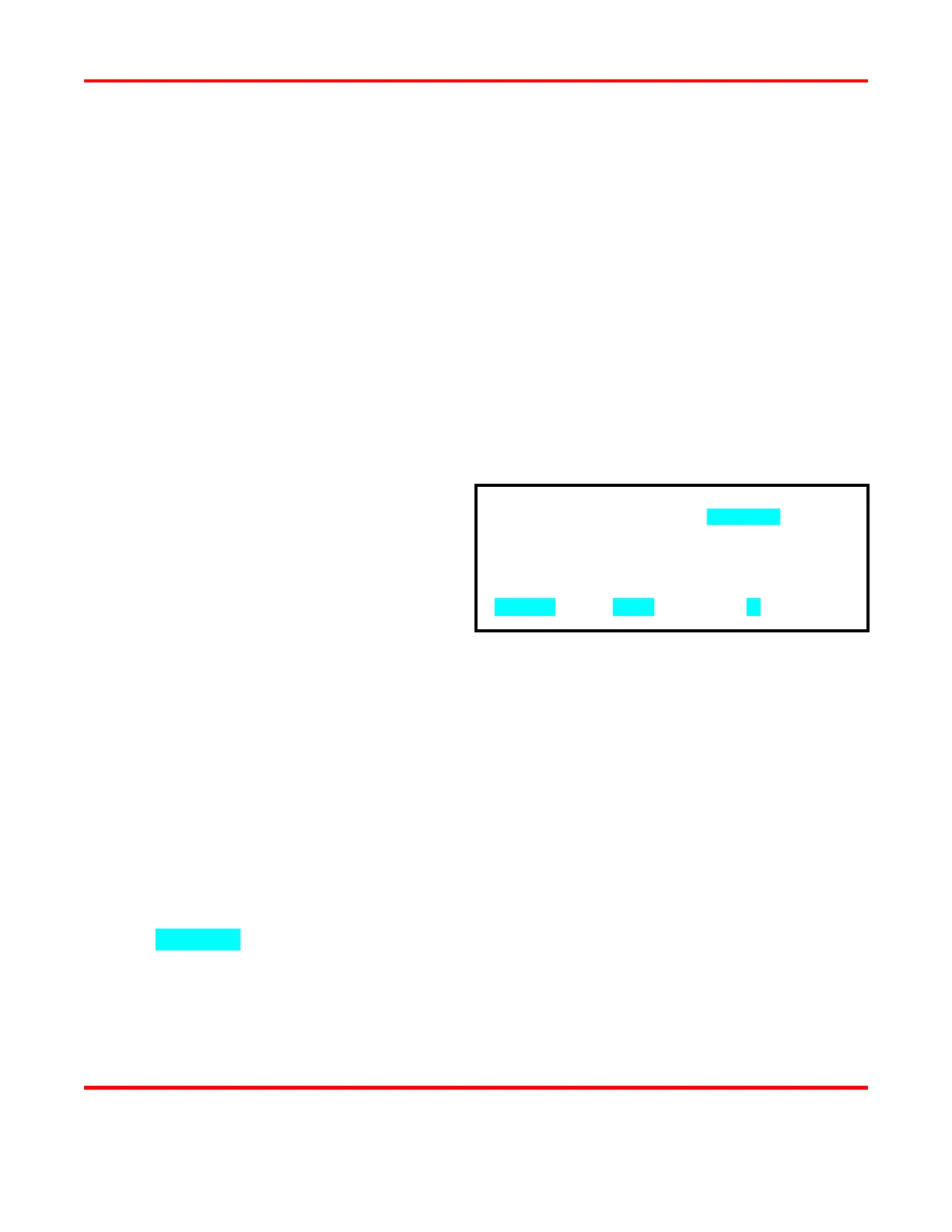
1. DO TEST WELD : ALWAYS
2. IGNORE FIRST/LAST : 0.2 ms
NUMBER Select, MENU Main menu, ▲ Page 2



 To Next Page