CHAPTER 5: SETUP SOFTWARE
UB25 LINEAR DC RESISTANCE WELDING CONTROL
5-16 990-665
11 Press the RUN key on the front panel, then use the ▲▼ (Up/Down) keys to select the first weld
schedule in the chain you want to use. The Power Supply will now weld in the "chain" mode
until you turn the Chain Schedules feature OFF.
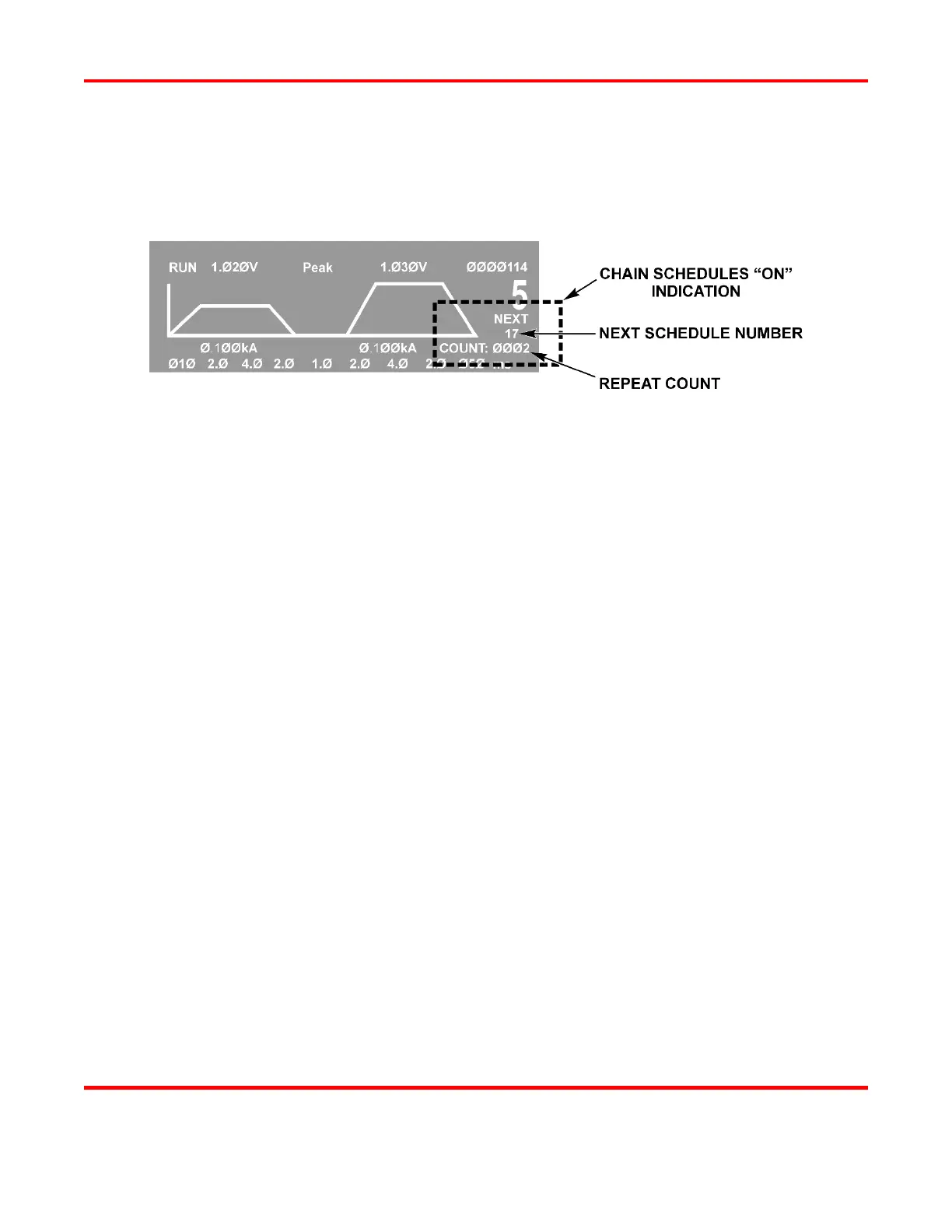
NOTE: When Chain Schedules is turned ON, the LCD screen changes to show the chain
information on the right side of the screen.
Below the current schedule number, you can see the number of times the current schedule will
be repeated, and the number of the next schedule in the chain.



 To Next Page