CHAPTER 5: SETUP SOFTWARE
UB25 LINEAR DC RESISTANCE WELDING CONTROL
5-18 990-665
The DO TEST WELD options are:
The Power Supply will only do a Test Weld when the feedback mode is changed
to
voltage or power as described above.
The Power Supply will do a Test Weld when the feedback mode is changed to
voltage
or power as described above. The Power Supply
will also prompt the
operator if a Test Weld should be done (
TEST WELD? [MENU] =
YES) when time values, voltage levels, or power levels
are changed on the
schedule.
The Power Supply will do a Test Weld when the feedback mode is changed to
voltage
or power as described above. The Power Supply
will also do a Test
Weld when
time values, voltage levels, or power levels
are changed on the
schedule.
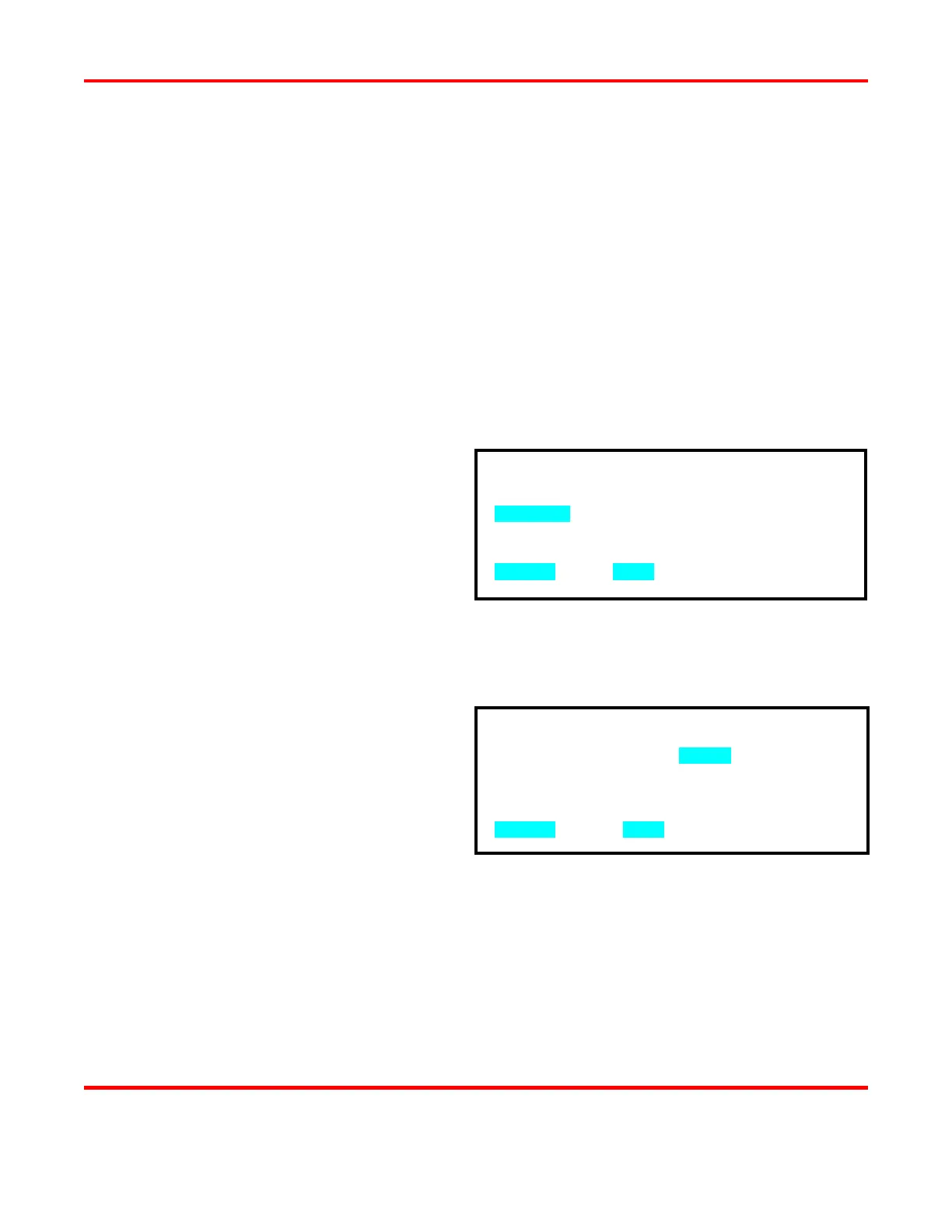
1 From the SETUP 3 menu screen, press
the 1 key to access the DO TEST
WELD screen.
2 Press the 1, 2, or 3 key to select the
desired option.
3 The display will automatically return to
the SETUP 3 menu screen.
Ignore First/Last
1 From the SETUP 3 menu screen, press
the 2 key to access the IGNORE
FIRST/LAST screen.
2 Use the numeric keypad to enter the time
in milliseconds that the Power Supply
ignores when calculating the load
resistance during the PID Test Weld.
The delay time prevents the Power
Supply from measuring noise early in the
test weld and allows for more accurate
load resistance to be measured.
3 Press MENU to return to the SETUP 3
menu screen.
IGNORE FIRST/LAST : 0.2ms
NUMBER Change, MENU Previous menu
1. IF REQD
2. ASK
3. ALWAYS
NUMBER Select, MENU Previous menu



 To Next Page