CHAPTER 5: SETUP SOFTWARE
UB25 LINEAR DC RESISTANCE WELDING CONTROL
990-665 5-23
SYSTEM PARAMETER DEFAULT SETTING
Relays 1 through 4 ON WHEN ALARM
It is common to change system and schedule
settings when you customize the
Power Supply
for specific welding needs. If you wish to reset
the
Power Supply to the original default settings,
MAIN MENU, then press the 8 key to
RESET DEFAULTS menu.
is menu allows you to reset all system
programmed parameters and all weld schedules to
the original factory default settings.
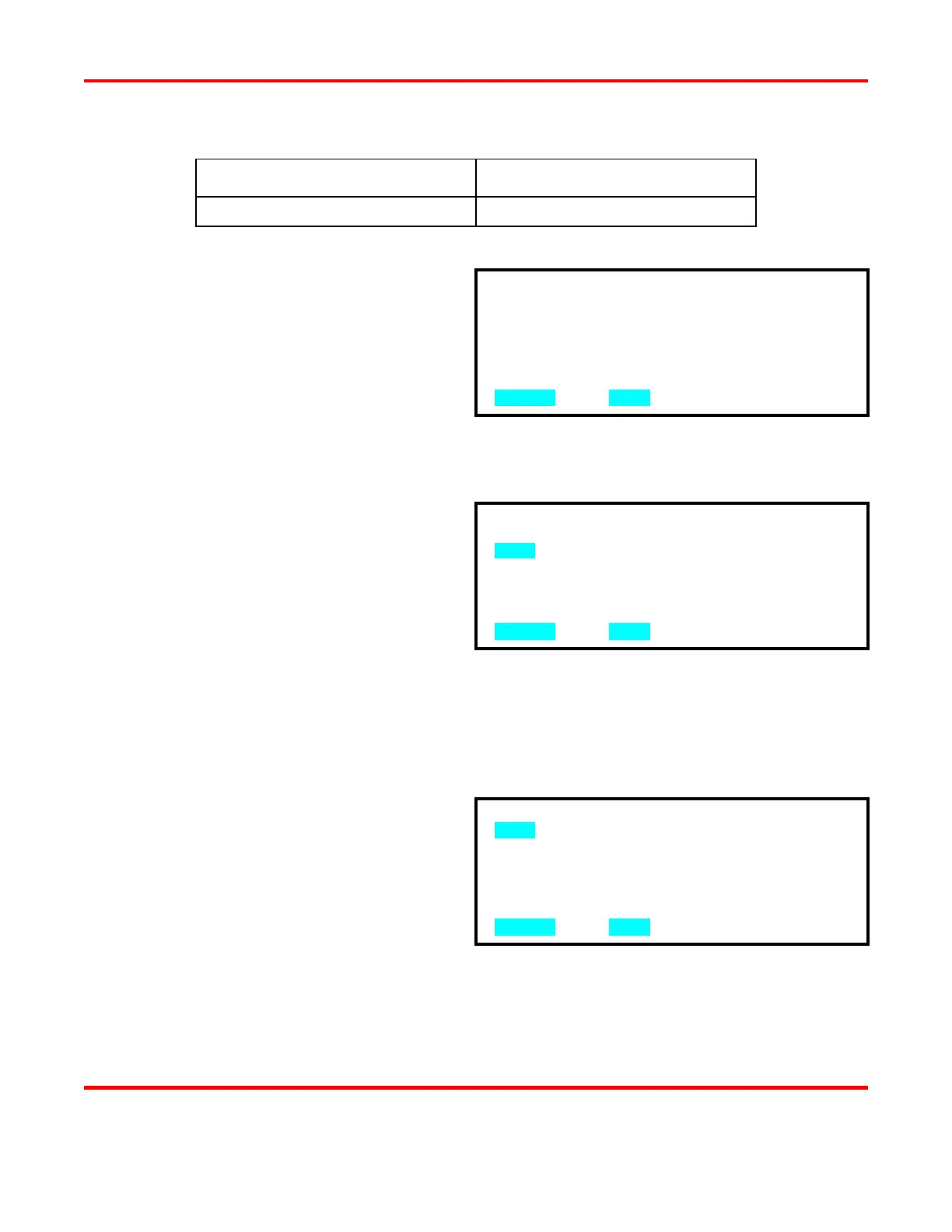
1 From the MAIN MENU, press the 8 key
to go to the RESET DEFAULTS menu.
2 From RESET DEFAULTS, press the 1
key to go to the RESET SYSTEM
3 Press the 2 key to select YES. This will automatically reset the system parameters to the
factory defaults and return the screen to the RESET DEFAULTS menu.
4 Press MENU to return to the MAIN MENU.
Reset All Schedules
1 From the RESET DEFAULTS menu,
press the 2 key to get to the RESET
ALL SCHEDULES? menu.
2 Press the 2 key to select YES. This will
automatically reset all weld schedule
parameters to the factory defaults and
return the display to the RESET
DEFAULTS? screen.
3 Press MENU to return to the MAIN
1. NO
2. YES
NUMBER Select, MENU Previous menu
1. RESET SYSTEM PARAMETERS
2. RESET ALL SCHEDULES
EPROM DATE: XX-XX-XX XX:XX VX.XX
NUMBER Select, MENU Previous menu
1. NO
2. YES
ALL WELD SCHEDULES ARE RESET
NUMBER Select, MENU Previous menu



 To Next Page