CHAPTER 5: SETUP SOFTWARE
UB25 LINEAR DC RESISTANCE WELDING CONTROL
990-665 5-21
Section VII. Special Functions
Copy a Schedule
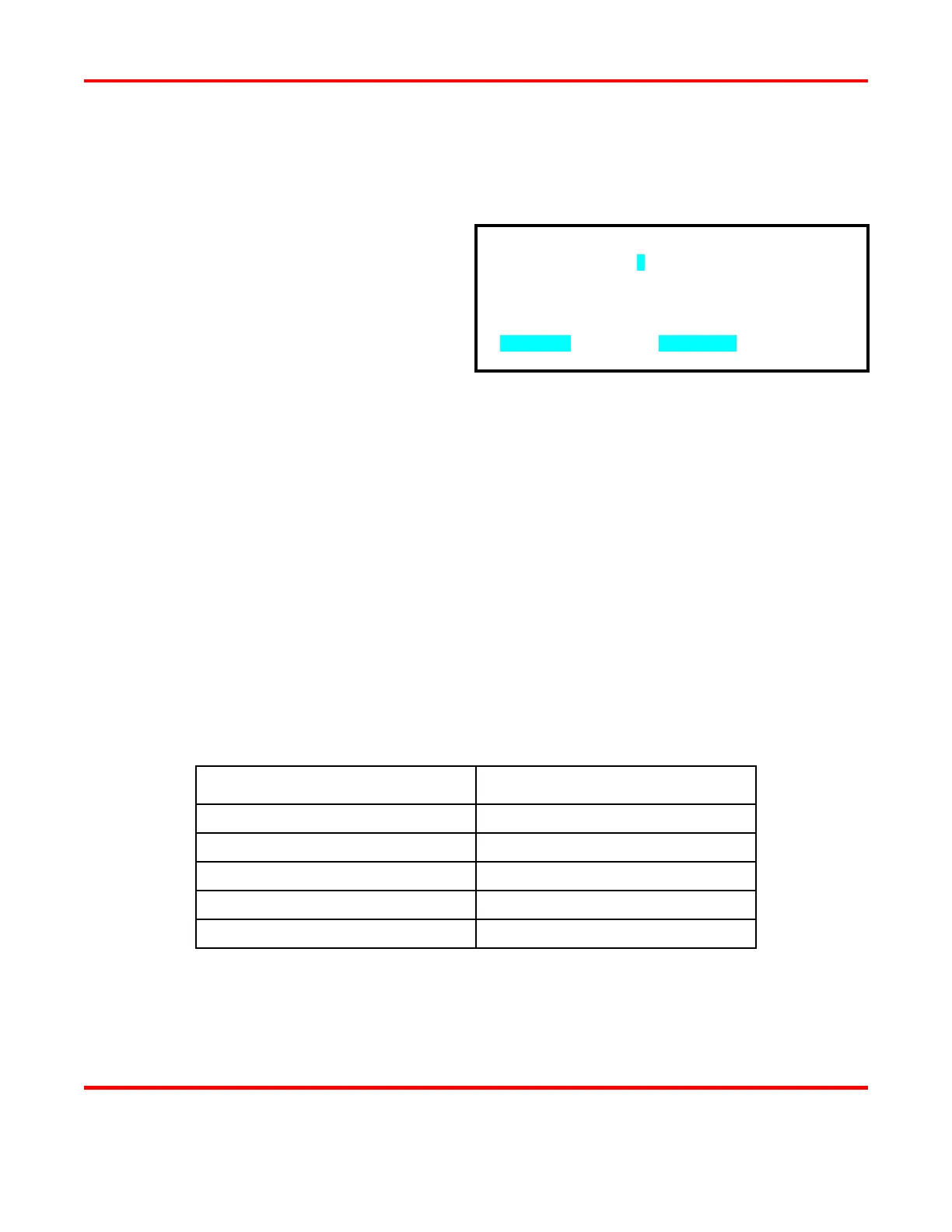
1 From the MAIN MENU, press the 3 key
to get to the COPY SCHEDULE
screen.
NOTE: There are two fields in the
COPY SCHEDULE screen. These
fields determine which schedule will be
copied (source) and which schedule will
be overwritten (destination). Both fields
initially contain the number of the schedule most recently displayed.
2 Use the numeric keypad to enter the number of the source schedule.
3 Press the schedule key to select the destination schedule number field.
4 Use the numeric keypad to enter the number of the destination schedule.
5 Press the schedule key. The contents of the source schedule will be copied to the destination
schedule, overwriting the previous contents of the destination schedule.
NOTE: All monitor settings and limits are also copied.
Reset Defaults
The Power Supply is manufactured and shipped with the factory-set defaults. Any of these settings may
be changed.
Defaults for Setup Menu 1
SYSTEM PARAMETER DEFAULT SETTING
Foot Switch Weld Abort OFF
Switch Debounce Time 10 ms
Firing Switch AUTO
Input Switch Select MECH OPEN
Control Signals Select MECH OPEN
COPY SCHEDULE [ 1 ] TO SCHEDULE [ 1 ]
NUMBERS followed by SCHEDULE



 To Next Page