CHAPTER 5: SETUP SOFTWARE
UB25 LINEAR DC RESISTANCE WELDING CONTROL
5-14 990-665
Calibration
NOTE: Calibration should only be performed by
authorized personnel.
1 From the MAIN MENU, press the 7 key
to access the first CALIBRATION
screen.
2 Follow the calibration procedures in
Chain Schedules
This feature allows you to automatically change from any weld schedule to any other schedule after a
preset count, creating a "chain" of schedules that can accommodate a variety of welding needs. For
example:
• A single work piece requires four welds, two weld points require the same weld schedule, each
of the other two points require different weld schedules.
In this case you would program a sequence, or "chain," that looks like this: Schedule 01 [2 times]
→ Schedule 02 [1 time] → Schedule 03 [1 time] → Schedule 01. This sequence will repeat, or
"loop," until you turn Chain Schedules OFF.
• Some applications require a lower current for a number of welds after the electrodes have been
replaced or resurfaced. Once the electrodes have been “seasoned”, the current can be increased
as required. If the electrodes require 100 welds to “season”, Schedule 01 can be programmed
with a lower current and Schedule 02 can be programmed with a higher current. The chain would
look like this: Schedule 01 [100 times] → Schedule 02 [1 time] → Schedule 02 [1 time].
In this chain, Schedule 02 will just keep repeating after the 100 welds made using Schedule 01.
When the electrodes are replaced or resurfaced, you can manually switch back to Schedule 01 to
restart the sequence.
You can program any of the Power Supplies 99 stored schedules to chain to any other schedule, or back
to itself as in the second example above. The chain code becomes part of each weld schedule. You can
turn the Chain Schedules feature ON or OFF, or re-program chains, any time you want.
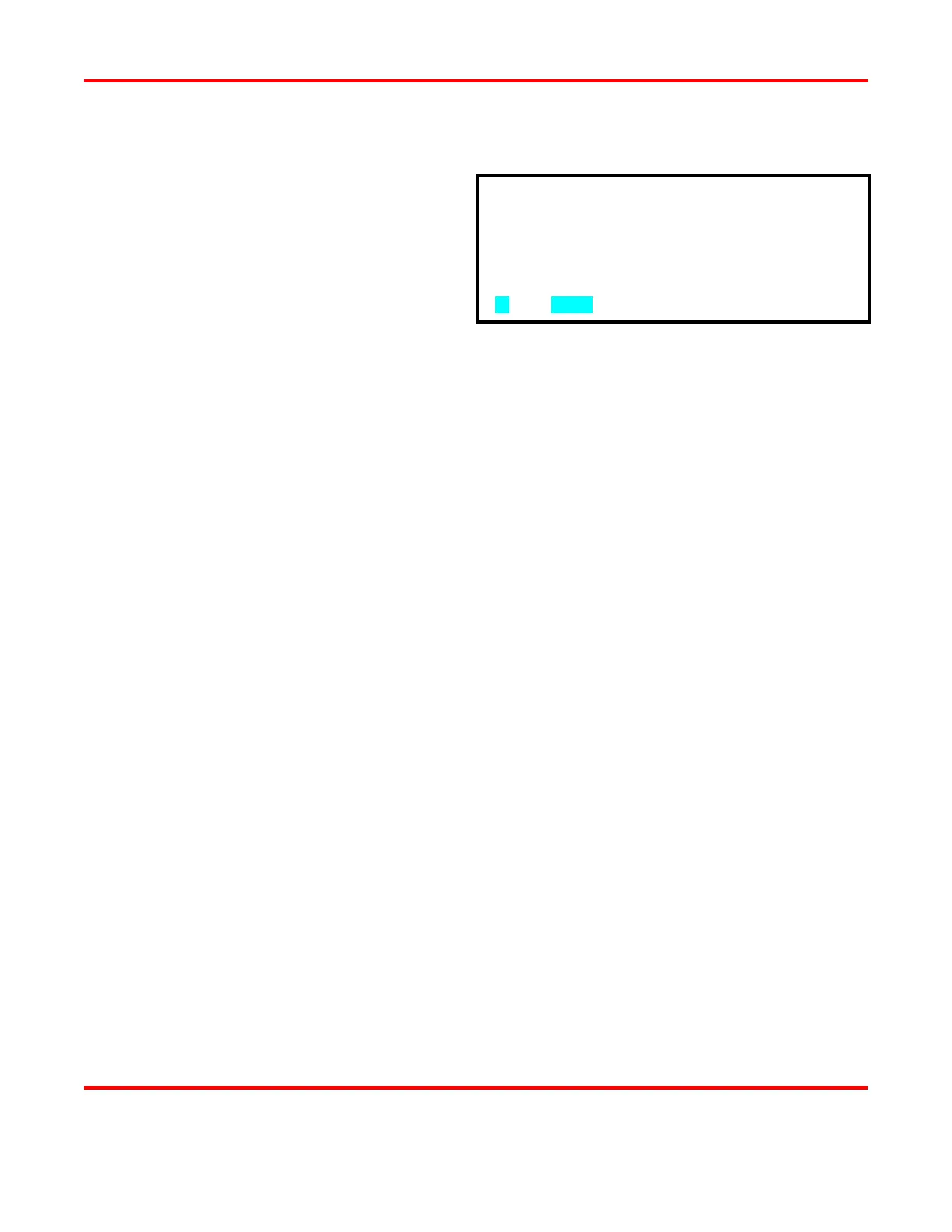
CALIBRATION SHOULD BE PERFORMED BY A
QUALIFIED TECHNICIAN ONLY.
REFER TO MANUAL FOR CALIBRATION SETUP.
▼



 To Next Page