CHAPTER 7. CALIBRATION
UB25 LINEAR DC RESISTANCE WELDING CONTROL
990-665 7-5
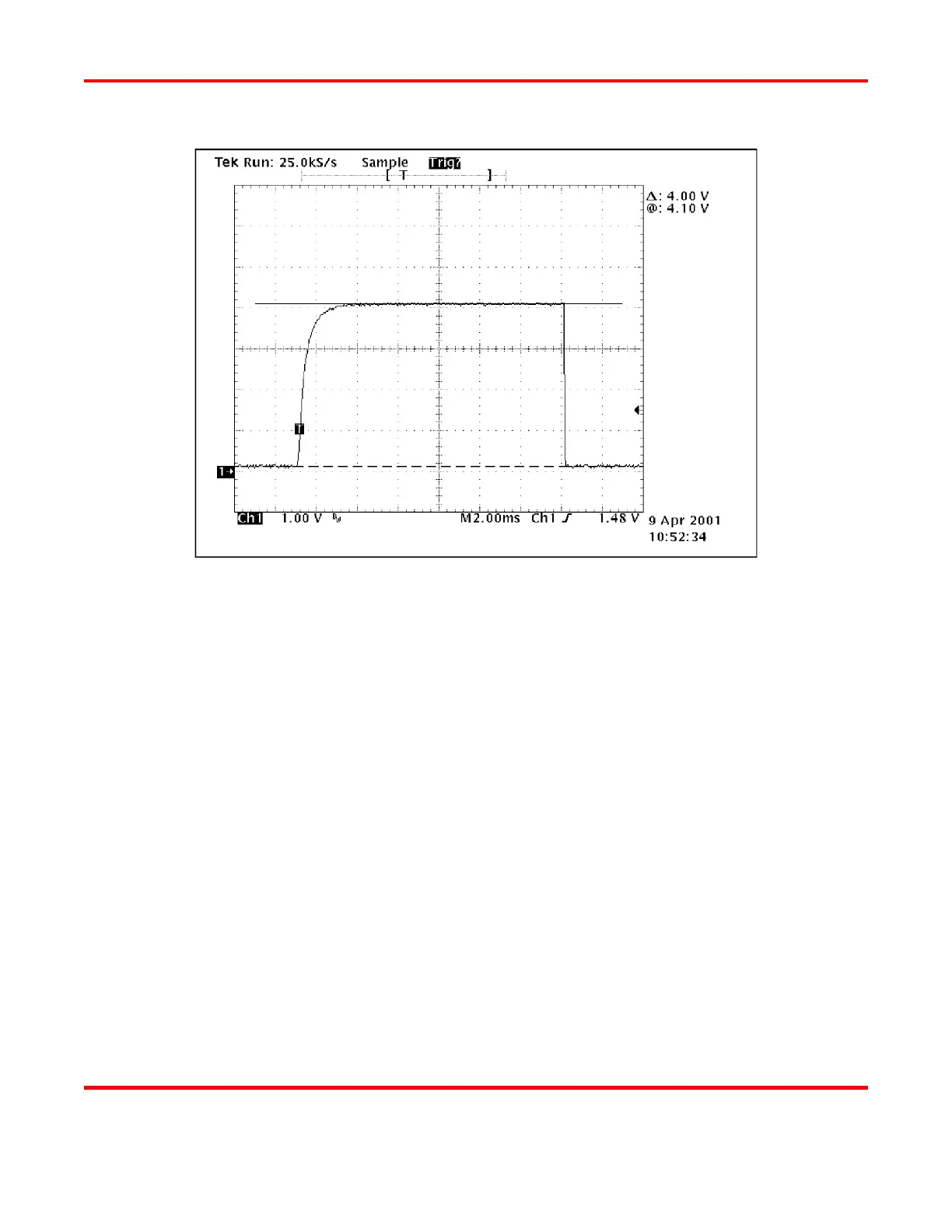
Oscilloscope Display of Average Output
NOTE: Some screens will tell you to fire the Power Supply 5 times when setting the Monitor,
others will tell you to keep firing until the desired value is reached. You must wait a minimum
of 2 seconds between firing pulses for calibration to be accurate.
11 Continue to follow the instructions on the LCD screens.
12 When calibration is complete, keep pressing the MENU button on the front of the Power Supply
until the MAIN MENU is displayed on the LCD.
13 Disconnect the Power Supply from the "Calibration Setup," then re-connect the Power Supply as
required for your welding system.
14 Press the RUN button to return to normal operation.



 To Next Page