Section 5 GPIB
5-32
5.5 Setting and Checking GPIB
This section describes how to set and check cable connections and parameter settings that must be performed before using
GPIB.
5.5.1 GPIB Cable Connection
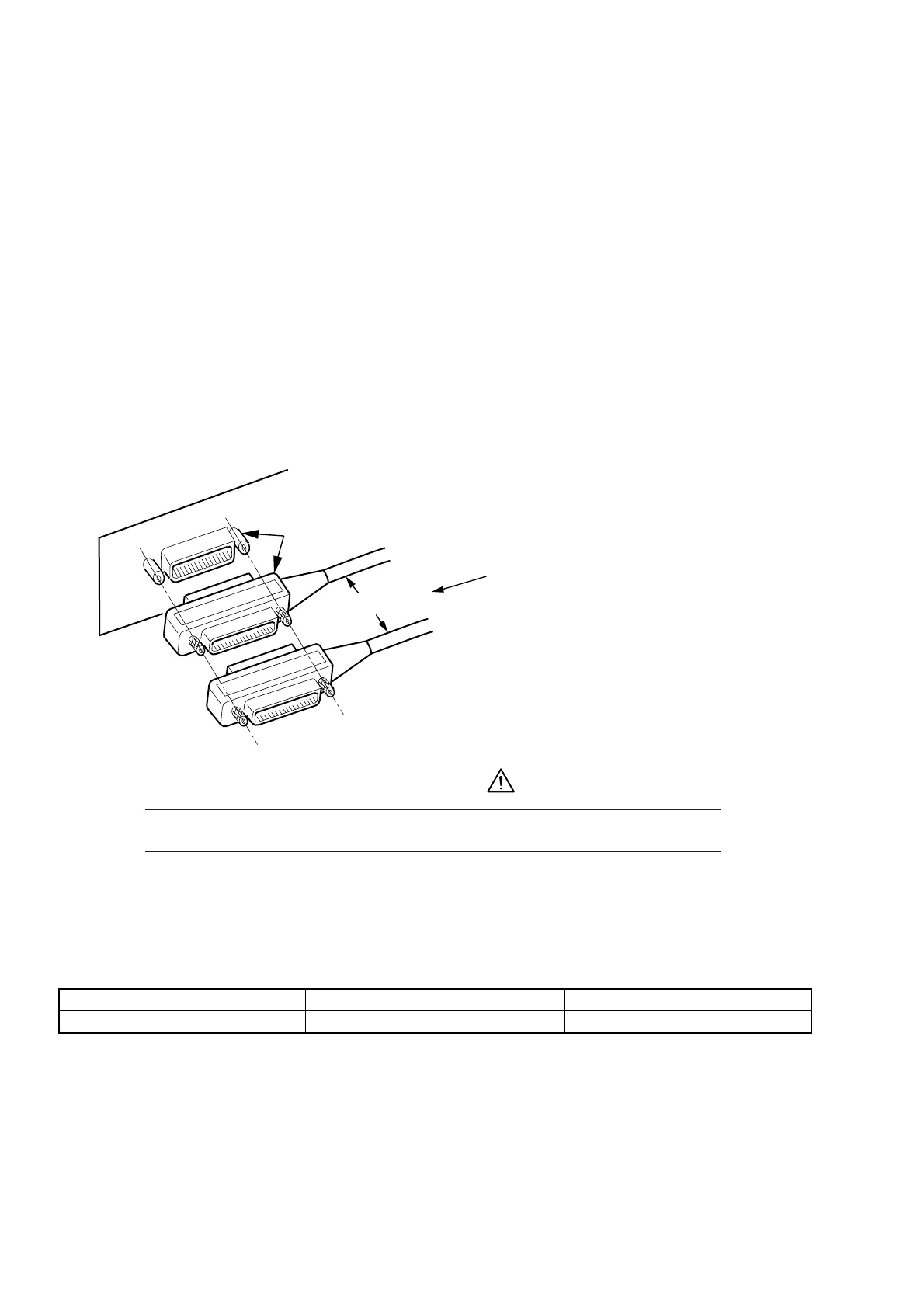
The connector for the GPIB cable is on the back panel.
GPIB allows you to connect up to fifteen devices including the controller on a single system. Connect the cable as shown
in the following diagram.
GPIB
GPIB connector
GPIB cable
Total cable length ≤20 m
Cable length between devices ≤4 m
Number of devices that can ≤15
be connected
CAUTION
Make sure the unit is turned off before connecting a GPIB cable.
5.5.2 Setting and Checking GPIB Parameters
You cannot externally set and check the GPIB operation environment parameter. Set it using the panel as shown below.
Item
GPIB address
Range
0 to 30
Factory Setting
8
Note :
The above setting is saved even when power is turned off.



 To Next Page