4-33
4.3.15 System
This function performs a variety of tasks such as saving and recalling parameters, selection of a reference signal, selection
of an output signal to the AUX terminal, setting the GPIB, and checking the self-check result.
Ten parameters (0-9) can be saved.
The external reference signals that can be input are 1 MHz, 2 MHz, 5 MHz, and 10 MHz. When the reference signal is
selected automatically, this function automatically distinguishes these reference signals and uses them as the reference
signals for the counter.
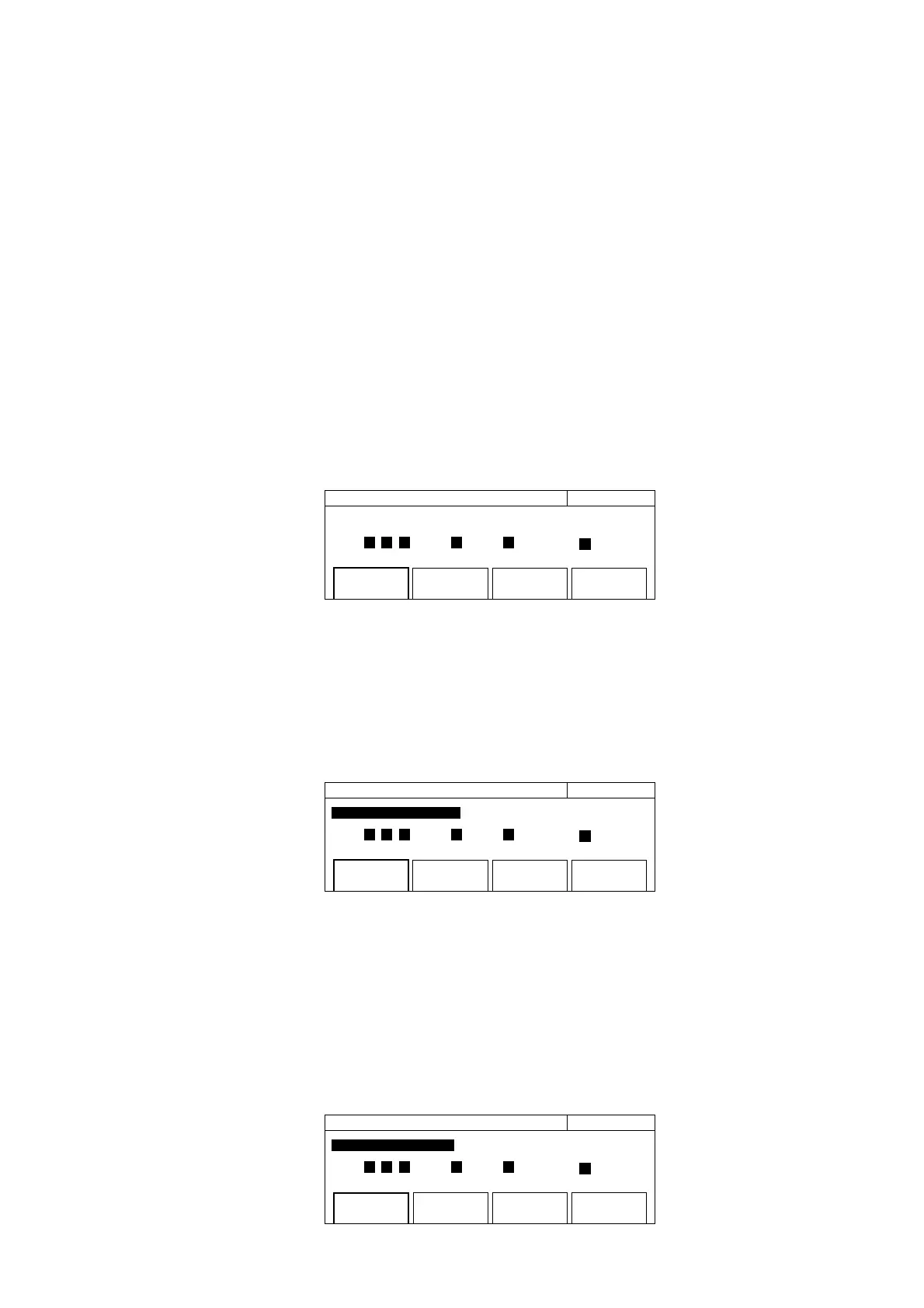
Pressing the [Sys] key displays the system setup screen shown in Fig. 4-33.
20 000 000 000 Hz System
Select Recall Number =
(0123456 789 ): Seved
Recall Save GPIB * Config *
Fig. 4-33 System Setup Screen
(1) Menu F1: Set the saved parameters for this unit. Enclosing the menu F1 in a thick frame with the [>] and [<] keys and
then pressing the [Enter] key display the system setup screen shown in 4-34. Parameters corresponding to the high-
lighted numbers have been set. Pressing a desired numeric key sets the corresponding parameter for this unit.
Recall Save GPIB * Config *
20 000 000 0
00
Hz System
Select Recall Number =
(0123456 789 ): Seved
Fig. 4-34 System Setup Screen
(2) Menu 2: Saves the parameters set for this unit. Enclosing menu F2 in a thick frame with the [>] and [<] keys and then
pressing the [Enter] key displays the system setup screen shown in 4-35. When initialization is performed (the unit is
turned on with the [Enter] key depressed), the saved data will be cleared completely.
The saved data will not be cleared if you press the [Preset] key.
GPIB * Config *
20 000 000 0
00
Hz System
Select Save Number =
(0123456 789 ): Seved
SaveRecall
Fig. 4-35 System Setup Screen
4.3 Parameters



 To Next Page