Section3 Panel Arrangement and Operation Overview
3-8
3.2 Operation Overview
3.2.1 Operation
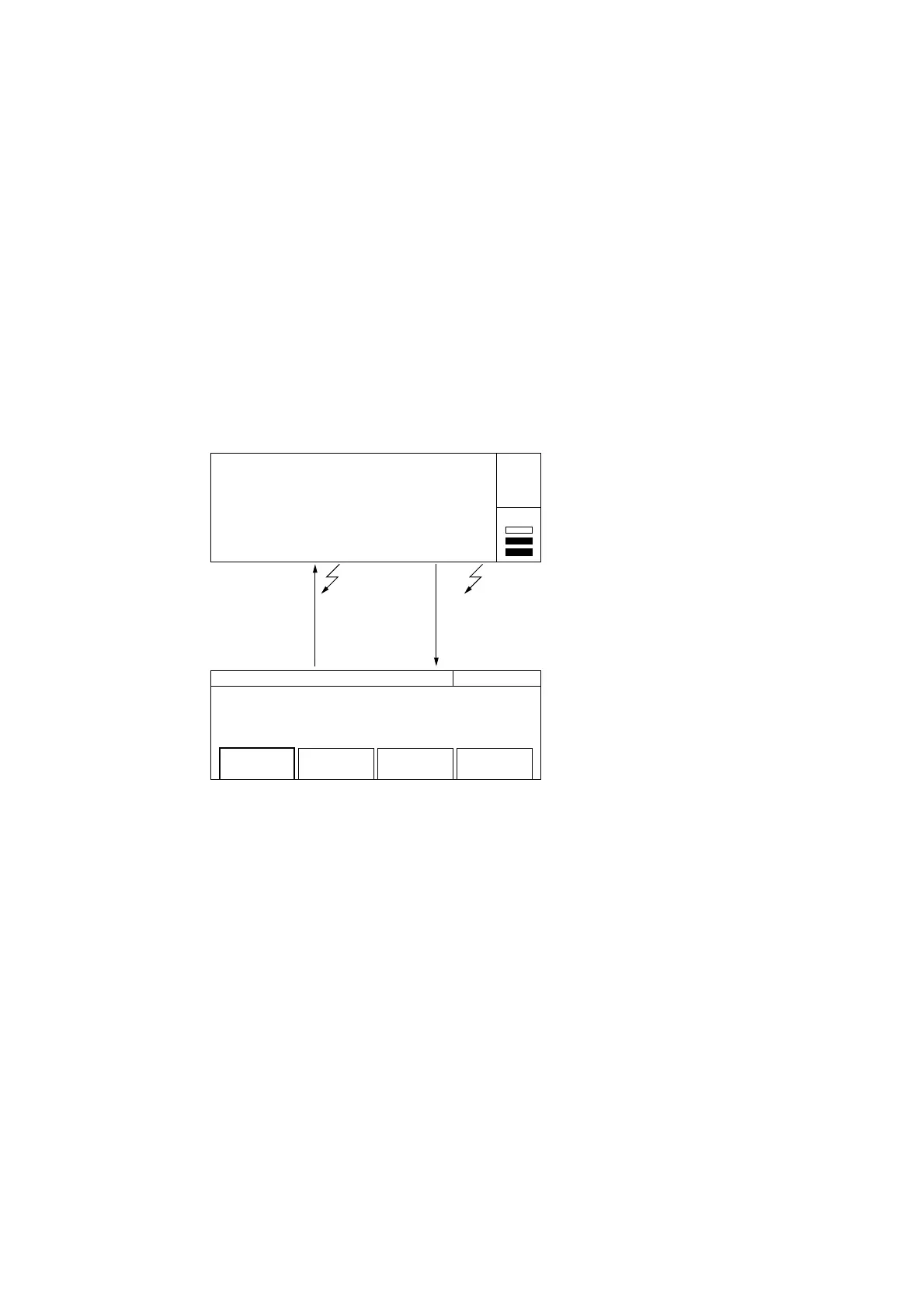
Broadly speaking, this counter had two states: measurement and parameter setup. The display also has two screens corre-
sponding to those states.
As Fig. 3-4 below shows, you can move between the two screens by pressing the direct key (menu groupe of front panel)
for setting parameters and the [Return to Meas] key for exiting parameter setup.
20 000 000 000. 0
GHz MHz kHz Hz
Mean : 20 000 000 000.0 Hz
20 000 000 000 Hz Freq Acq
Manual Freq : 20 000 MHz
Mode
[Manual]
Last
Measure
Set
Freq
Count
[Fast]
Measurement screen
Setup screen
Return to
Meas key
Setup LED : Off
Setup LED : On
Direct
Key
Auto
Gate •
Fig. 3-4 Moving between Screens



 To Next Page