4-19
4.3.6 Frequency Acquisition
Frequency acquisition can be performed only when you have selected Input1. Select an Auto or Manual mode in which the
acquisition frequency of this unit is to be preset for measuring the input signal frequency. When you have selected Manual,
you can set the acquisition frequency (manual frequency) in steps of 1 MHz. Frequency ranges you can set are as follows:
• MF2412B: 600 MHz to 20 GHz in steps of 1 MHz
• MF2413B: 600 MHz to 27 GHz in steps of 1 MHz
• MF2414B: 600 MHz to 40 GHz in steps of 1 MHz
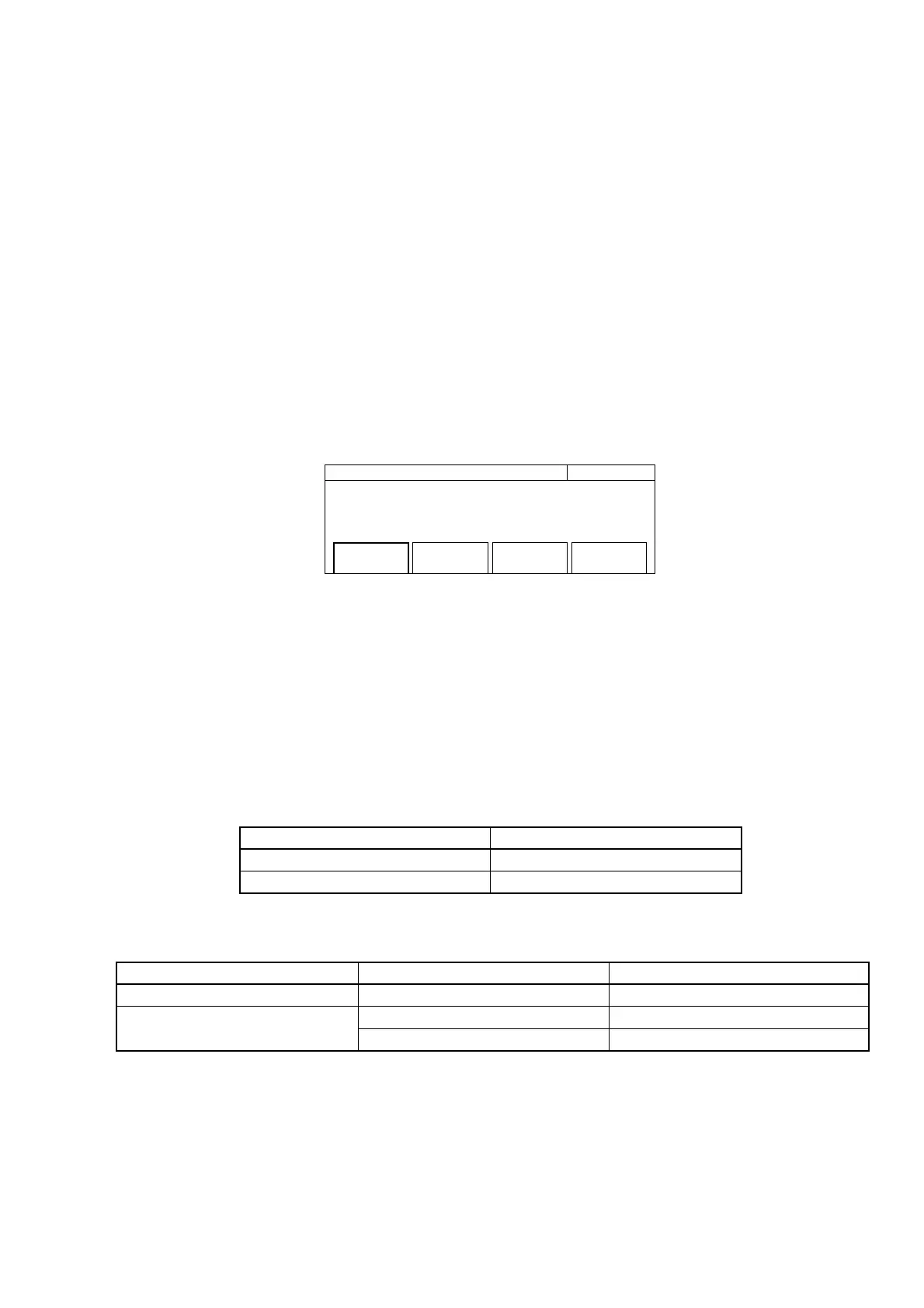
Pressing the [Freq] key displays the screen shown in Fig. 4-16, allowing you to set parameters.
20 000 000 0
00
Hz Freq Acq
Manual Freq : 20 000 MHz
Mode
[Manual]
Last
Measure
Set
Freq
Count
[Fast]
Fig. 4-16 Frequency Acquisition Parameters Setup Screen
(1) Menu F1: Select either the Auto or Manual mode for frequency acquisition.
Setting Auto automatically gets and measures the input frequency.
Setting Manual measures the frequency of the manual frequency value plus the input tolerance. Set the manual
frequency value.
Tables 4-8 and 4-9 show input tolerances.
Table 4-8 Input Tolerances (CW Measurement Mode)
Manual Frequency Value
600 MHz to 1 GHz
1 GHz or higher
Input Tolerance
±30 MHz
±40 MHz
Table 4-9 Input Tolerances (Burst Measurement Mode)
Manual Frequency Value
600 MHz to 1 GHz
1 GHz or higher
Burst Width Setting
Wide
Narrow
Wide
Input Tolerance
±30 MHz
±20 MHz
±40 MHz
Note:
Manual mode operation is not guaranteed when the manual setting value for the input signal exceeds the input
tolerance. If this happens, an incorrect measurement result may be displayed. Check the input signal before
deciding the manual setting value.
(2) Menu F2: Set the frequency measurement result as a manual frequency value.
4.3 Parameters



 To Next Page