4-13
4.3 Parameters
The parameters and their setting method are described below.
When parameters are set using the panel keys, frequency measurement or statistics processing is restarted and a new
measurement is performed.
Setting parameters when in the Hold State performs frequency measurement or statistics processing once and returns the
unit to the Hold State.
4.3.1 Switching Input
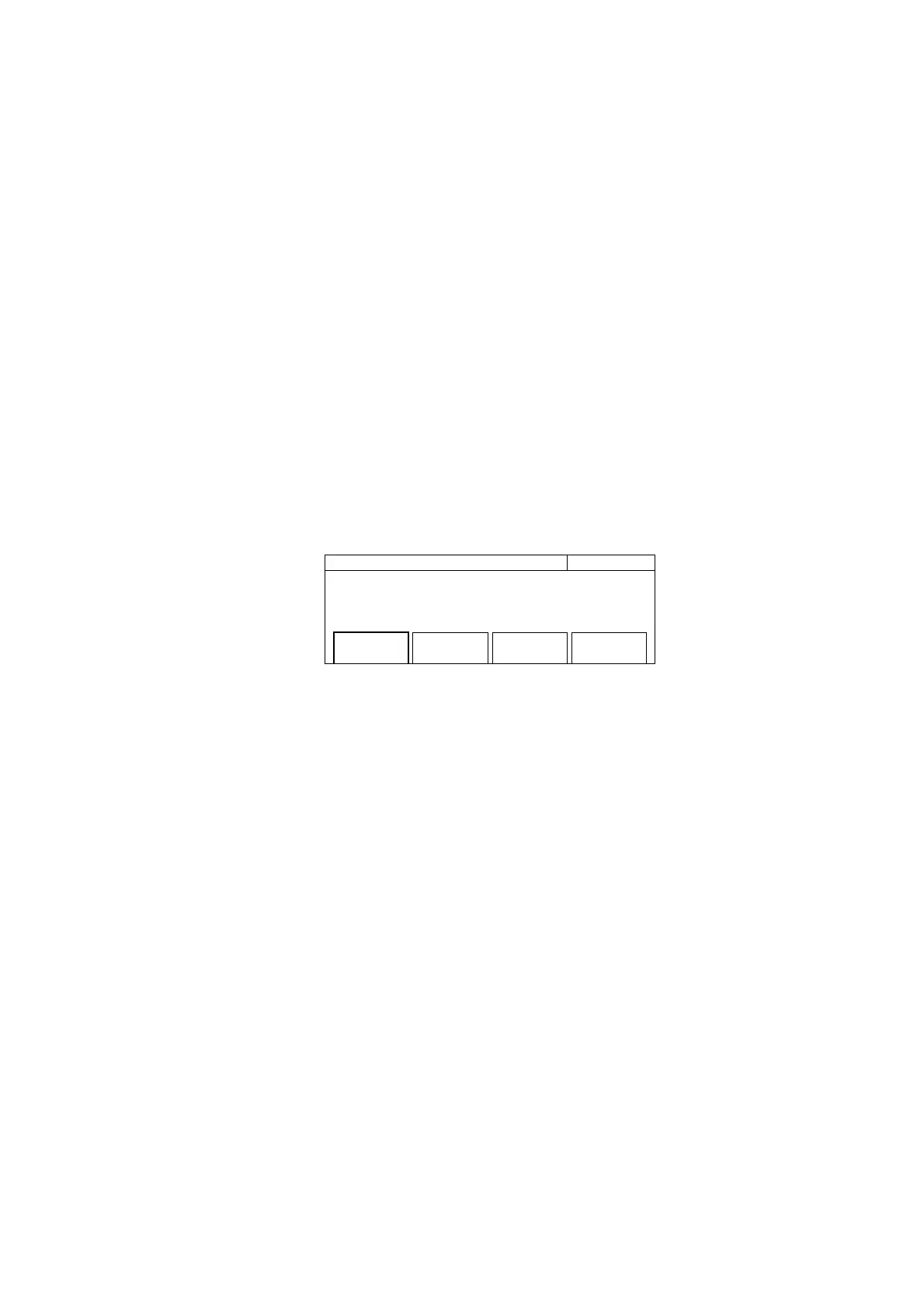
Fig. 4-9 shows the screen where you set the connector where you will connect the signal to be measured, select the imped-
ance of the input signal, and set the attenuator. Pressing the [Input] key displays the following screen where you can set
parameters.
20 000 000 0
00
Hz Input
Input CH
[Input1]
Impd2
[50Ω]
ATT2
[On]
Fig. 4-9 Input Switching Screen
(1) Menu F1 : Selects the connector for inputting the signal to be measured along with the frequency that you want to
measure. The following shows the frequency ranges of the connectors you can select :
Input1 : 600 MHz to 20 GHz : MF2412B
600 MHz to 27 GHz : MF2413B
600 MHz to 40 GHz : MF2414B
Input2 : 10 Hz to 1 GHz
(2) Menu F2 : Selects the input impedance of Input2. The input impedance of Input1 is fixed at 50 Ω, but you are able to
switch the value for Input2 between 50 Ω and 1 MΩ. Note that the frequency that you can measure depends on the
impedance you select as follows :
50 Ω : 10 MHz to 1 GHz
1 MΩ :10 Hz to 10 MHz
(3) Menu F3 : Turns On/Off the 20 dB attenuator in the 1 MΩ system of Input2.
4.3 Parameters



 To Next Page