Section 4 Unit Operation
4-30
(3) Menu F3 : Sets n for the sample number (2
n
: Overlap mode, 10
n
: Discrete mode). Selecting menu F3 displays the
sample number selection screen shown in Fig, 4-30. Use the cursor keys in this screen to select either 1, 2, 3, 4, 5, or
6, and then press the [Enter] key to return to the screen shown in Fig. 4-30. The parameter you set will be displayed
within the square brackets [ ] of the F3 menu.
20 000 000 0
00
Hz Statistic
Mode [1 / 2 / 3 / 4 / 5 / 6 ]
Mode
[Mean]
Extract
[Disc]
Sample
[6]
Fig. 4-30 Selecting Sample Number
Sets the sample number for statistics processing. The setting range K is as follows :
k = 1, 2, 3, 4, 5, or 6
The number of samples depends on the statistics processing sample mode as shown in Table 4-14.
Table 4-14 Extraction Mode and Number of Samples
5
100000
32
4
10000
16
3
1000
8
2
100
4
1
10
2
Discrete
Overlap
6
1000000
64
Extraction mode
k Value
4.3.12 Template Function
This function displays the frequency of the signal being measured, determines whether the measured frequency is within
the range of the upper and lower frequency limit, and then displays Go/No-Go for the result.
You can output this result from the Aux terminal using the TTL level.
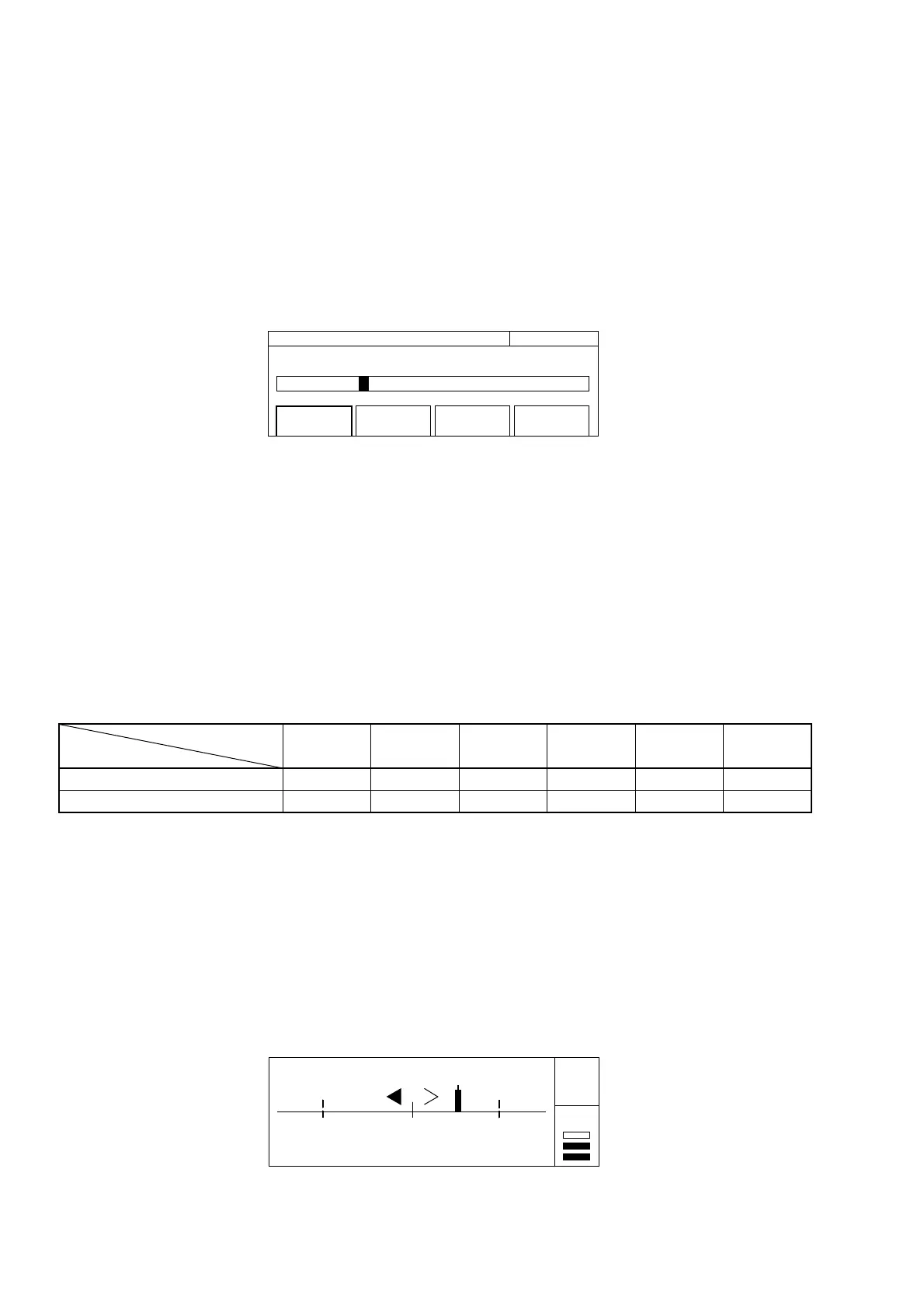
During that time you can use the indicator shown in Fig. 4-31 to visually determine whether the measurement results are
within the range set in advance.
100 000 500 Hz Go
99 999 000 Hz 100 001 000 Hz
Gate •
LOF CNF UPF
Auto
Fig. 4-31 Measurement Screen Using a Template



 To Next Page