Section 4 Unit Operation
4-14
4.3.2 Sample Rate
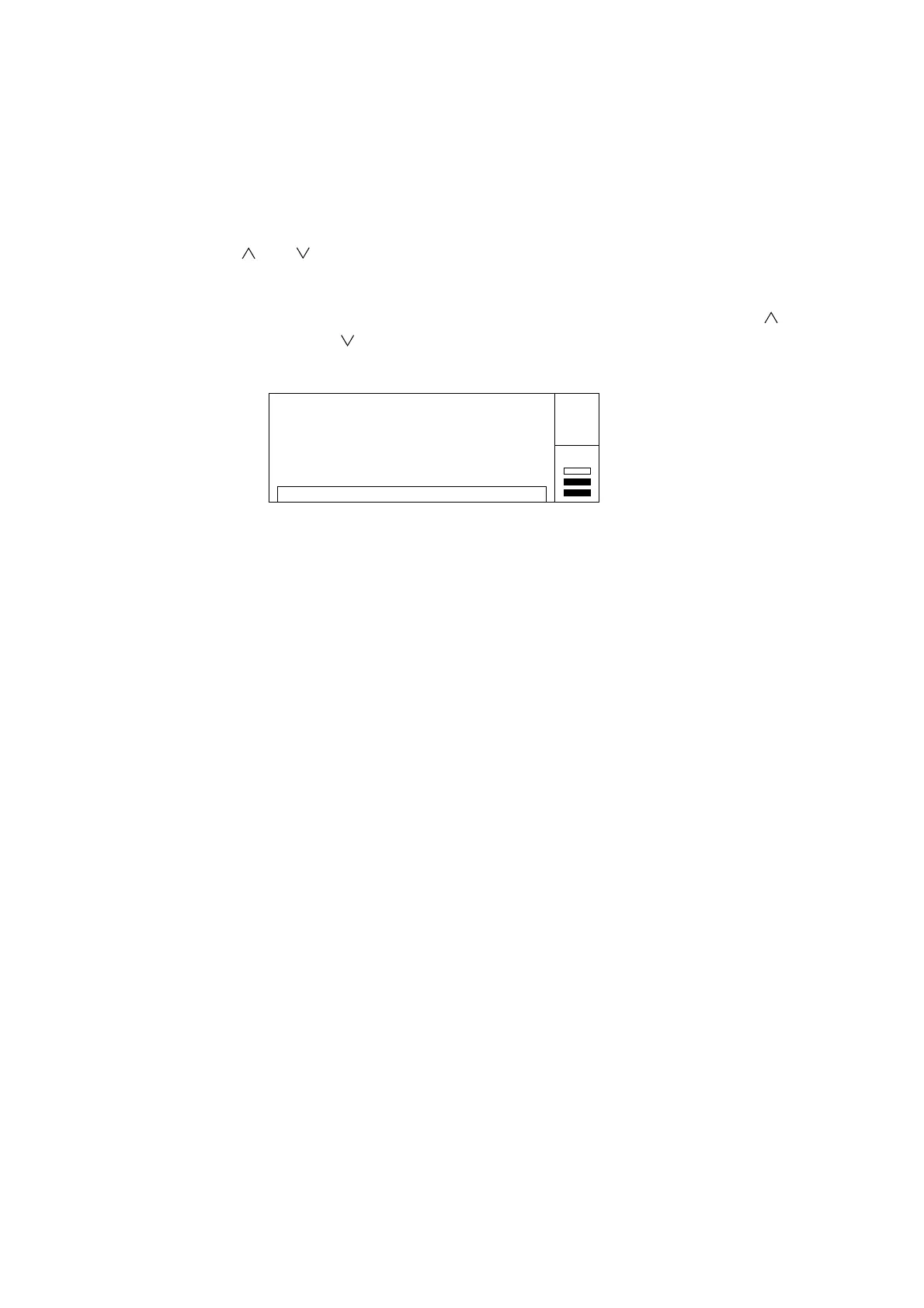
To set a sample rate, use the [ ] and [ ] keys while the unit displays the measurement screen.
“Sample rate” refers to the measurement pause time between the completion of one measurement and the beginning of the
next measurement. You can set the sample rate between 1 ms and 10 s in increments of 1, 2, or 5. Pressing the [
] key
increases sample rate length and pressing the [ ] key decreases sample rate length. Sample rate setup screen is as follows.
20 000 000 000. 0
GHz MHz kHz Hz
Sample Rate : 100 ms
Auto
Gate •
Fig. 4-10 Sample Rate Screen
Note :
When frequency acquisition Auto measurement is set on Input1, the minimum sample rate is 10 ms. If you set a
sample rate of 5 ms or less, the unit will make measurements at a sample rate of 10 ms.
When setting Auto frequency acquisition in the burst measurement mode, the pause time may by greater than the
set sample rate depending on the pulse width and/or cycle modulation.



 To Next Page