3-11
3.2 Operation Overview
3.2.3 Function of Keys
The direct keys for setting parameters consist of the Menu keys (numeric keypad) on the front panel. The type of parameter
set by a key is printed directly above each key. The following describes the function of each key when in the parameter
setup state.
(1) Resolution key
Functions as a left and right cursor.
(2) Sample Rate key
Clears input before it has been entered.
(3) Menu keys
Consists of numeric keys, unit keys, and the BS (backspace) key.
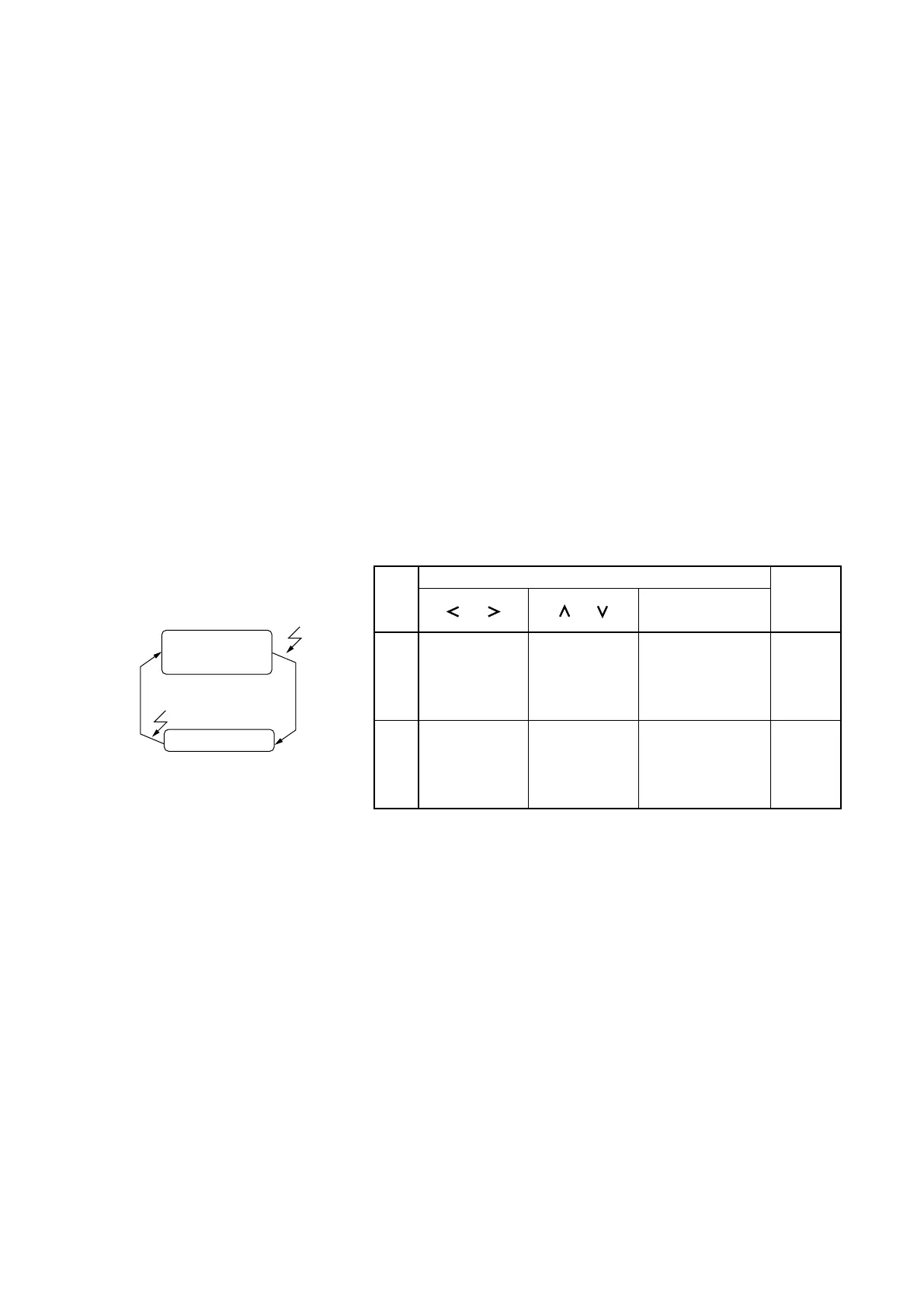
Fig. 3-5 shows the function of keys and Setup LED status in the measurement screen and setup screen.
Sets resolution
Cursor
Off
On
Direct keys
Numeric keypad
or Direct keys
Menu Keys
(Numeric Keypad)
[ ], [ ][ ], [ ]
Sets sampling
rate
Changes
setting
Set up
LED
Key Function
Measurement
screen
Setup screen
Measurement
screen
Setup screen
Direct
keys
Return
to Meas
Fig. 3-5 Key Function and Setup LED Status in Measurement and Setup Screen



 To Next Page