4-39
(2) Setup
1) Press the [Preset] key to preset this unit.
2) Set Frequency Acquisition Mode to Manual.
Press the [Freq] key to bring up the Freq Acq Setup screen. Enclosing the menu F1 in a thick frame with the [>]
and [<] keys and then pressing the [Enter] key set the Manual mode.
20 000 000 0
00
Hz Freq Acq
Manual Freq : 20 000 MHz
Mode
[Manual]
Last
Measure
Set
Freq
Count
[Fast]
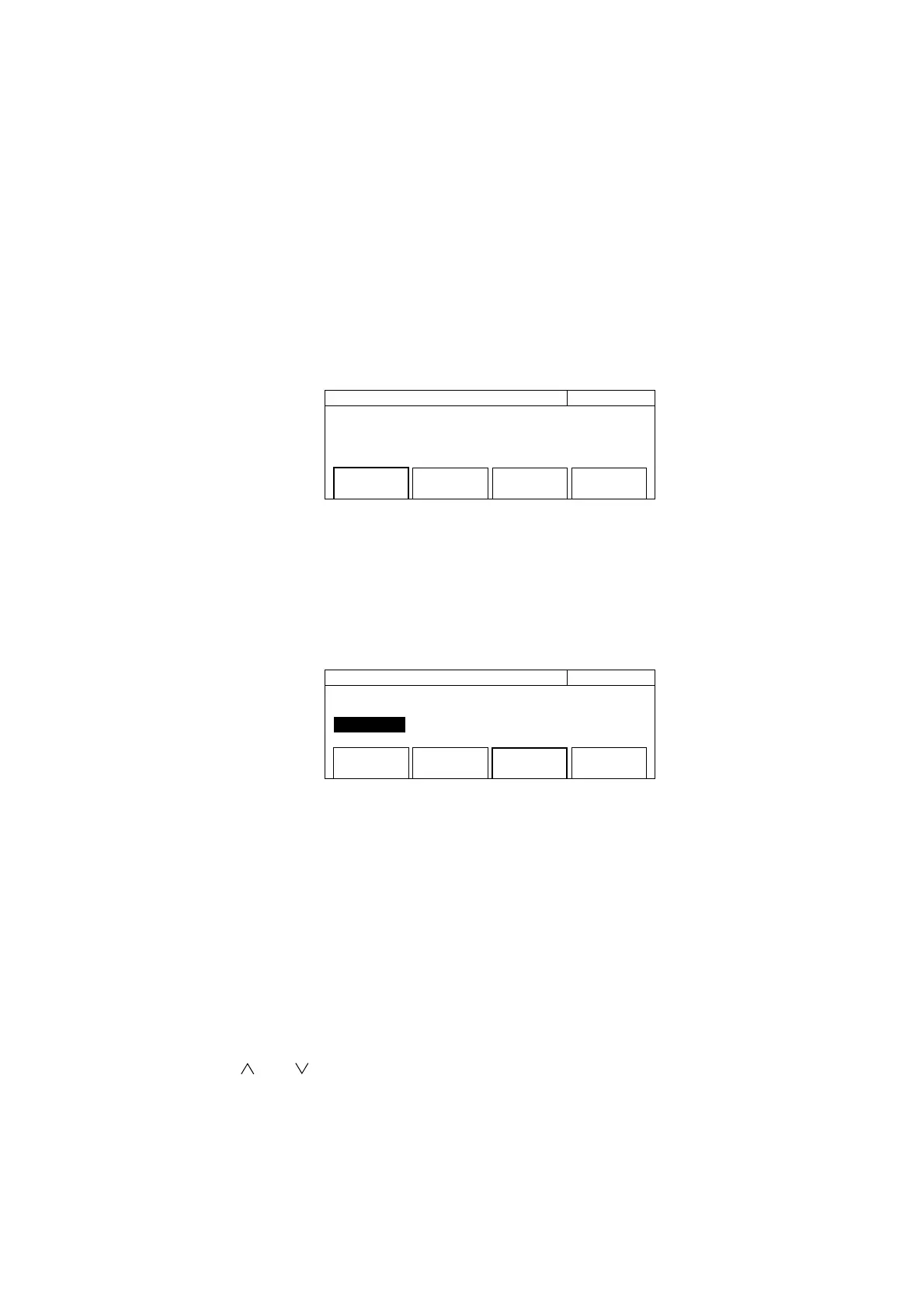
Fig. 4-41 Frequency Acquisition Setup Screen
3) Set the manual frequency value.
Enclosing the menu F3 in a thick frame with the [>] and [<] keys then pressing the [Enter] key highlights "Manual
Freq", allowing you to enter a manual frequency value using numeric keys.
20 000 000 0
00
Hz Freq Acq
Manual Freq : 20 000 MHz
Mode
[Manual]
Last
Measure
Set
Freq
Count
[Fast]
Fig. 4-42 Frequency Acquisition Setup Screen
This unit measures the manual frequency value within the input tolerance. If the signal to measure is not within
the input tolerance, it cannot be measured properly.
In the frequency range of 600 MHz to 1 GHz, the manual frequency value is ±30 MHz. In the frequency range of
1 GHz or higher, the manual frequency value is ±40 MHz.
4) Press the [Return to Meas] key to display the normal measurement screen.
5) Using the [<] and [>] keys, set a desired frequency measurement resolution.
6) Using the [ ] and [ ] keys, set a desired sample rate.
4.4 Measuring



 To Next Page