Runs 3-7
Starting a Run
Procedure
To start a run:
Step Action
1 Load your samples, as described in “Loading Samples” on page 3-5.
Note Disposables must be used.
2 If the instrument power is not on, press the power-on button at the back of the
instrument.
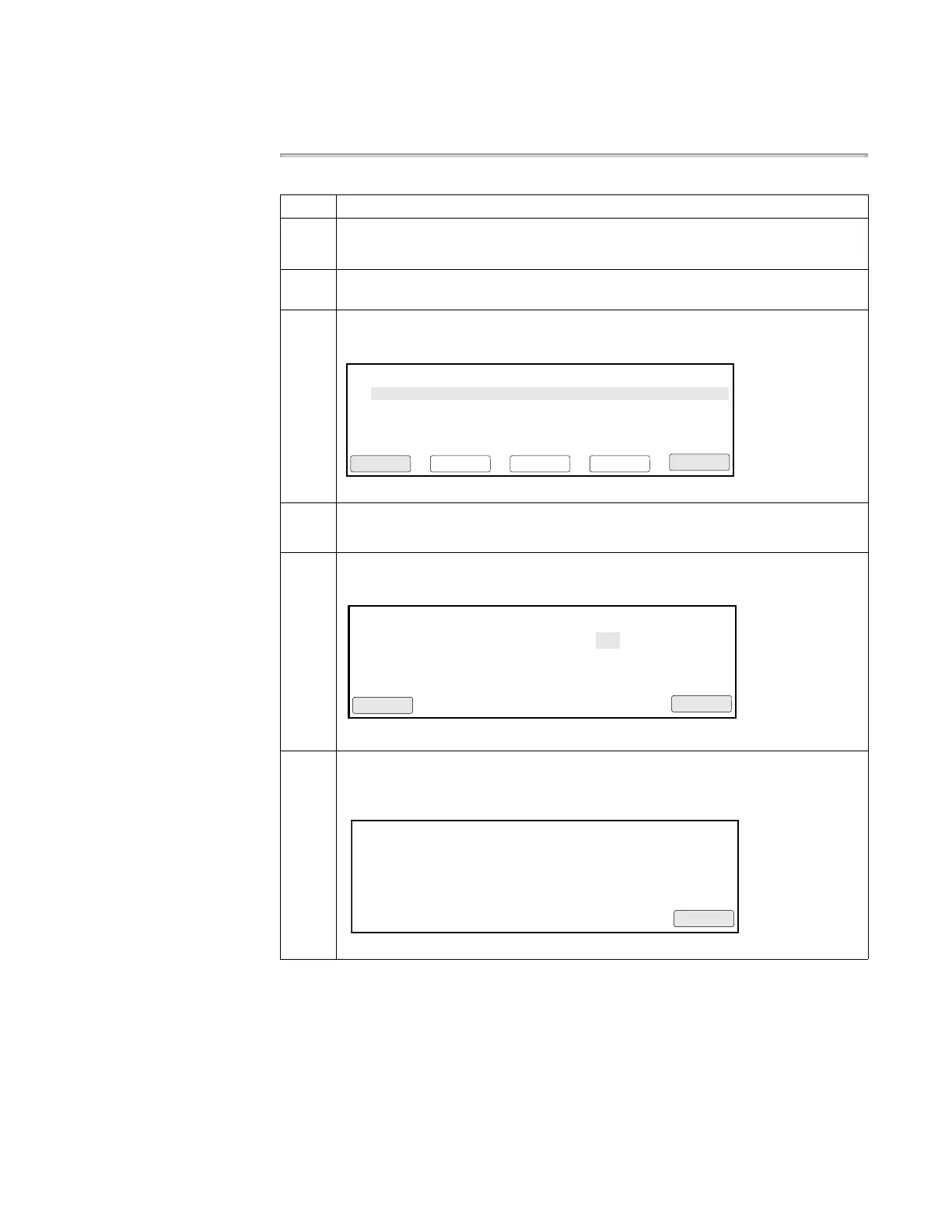
3 From the Main Menu press F1 (Run).
The Stored Methods screen appears.
4 Select a method by highlighting one of the displayed methods.
If the method you want is not displayed, see “Handling Methods” on page 4-18.
5 Press F1 (Start).
The Select Method Options screen appears.
6 Enter the reaction volume, then press F1 (Start).
If the temperature of the heated cover is less than 103 °C, the screen shown below
appears.
Methods
appl01
User
adrian
F1 F3 F4 F5F2
Start CancelSortUserView
Size
11
LastUsed
03/04/00
exp000
exp001
exp002
adrian
adrian
adrian
10
12
13
02/22/00
02/10/00
02/02/00
Select Method Options
Enter a value from 5 to 100 µL
Reaction Volume: 50 µL
F1 F3 F4 F5F2
Start Cancel
Current temperature: 65°C
The run will begin when the
heated cover reaches 103°C.
Please wait. Cover is heating
F1 F3 F4 F5F2
Cancel











 To Next Page