Methods and Users 4-11
Deleting a Hold
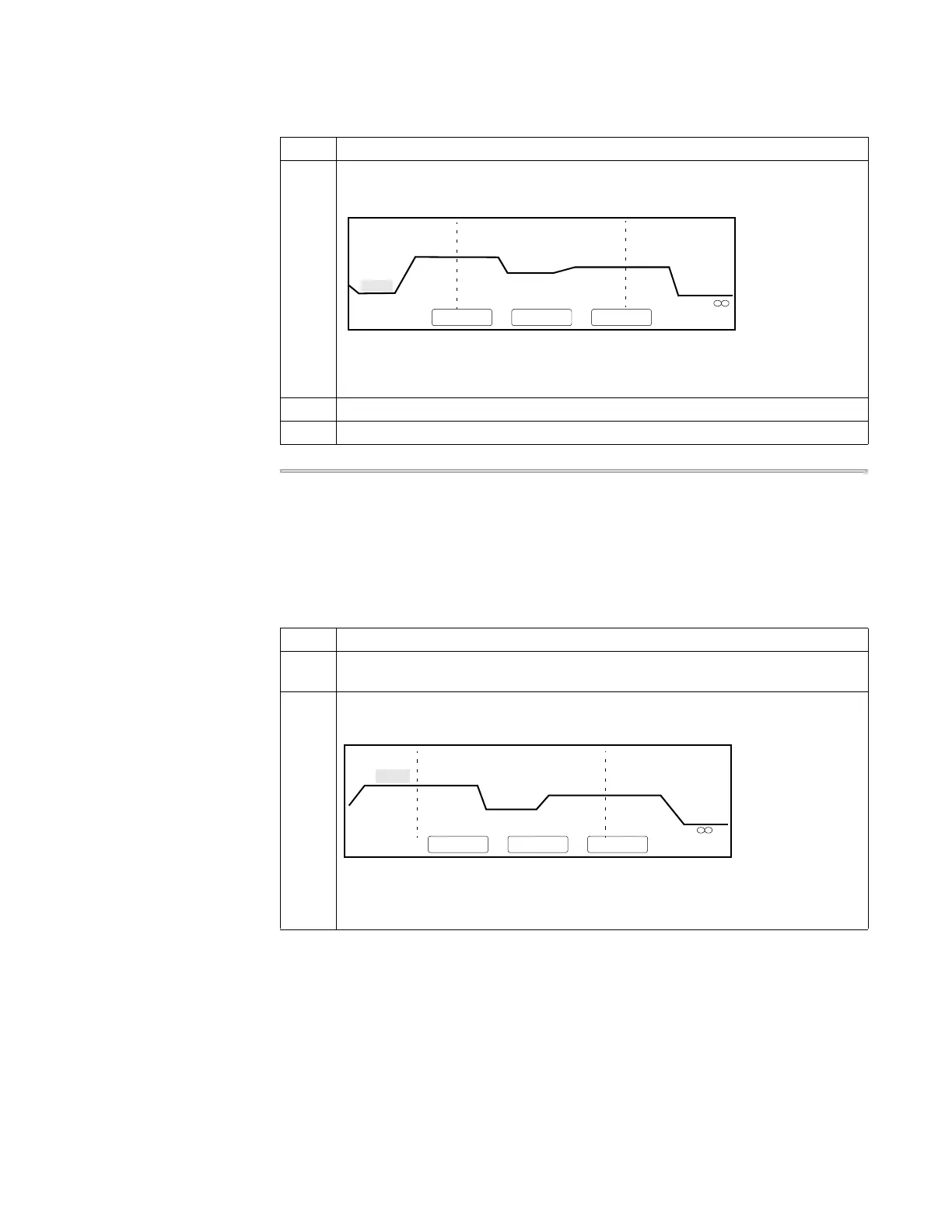
There are two ways to delete a hold:
♦ You can decrement the value of the Hld, Tmp, or Holds fields on the Create/Edit
screen, then press Enter. This deletes a hold at the far right of the pre-PCR, PCR,
or post-PCR segment, separated by dashed lines, respectively.
♦ You can use the procedure described below to delete a hold you highlight.
4 Press F1 (Hold)
The Insert-Delete-More screen appears showing the hold you added.
Note The Modify function (F1) also displays if the inserted hold was in the PCR
segment.
5 Change the temperature and time of the new hold as necessary.
6 Press F4 (More) to return to the Create/Edit screen.
To insert a hold: (continued)
Step Action
2 Pre-PCR
3 Tmp
25 Cycles
2 Holds
94.0
94.0
5:00
0:30
55.0
0:30
72.0
0:30
72.0
7:00
4.0
F1 F3 F4 F5F2
MoreDeleteInsert
4.0
0:30
To delete a hold:
Step Action
1 From the Create/Edit screen, use the arrow keys to highlight a time or temperature
of a hold (segment) you want to delete.
2 Press F4 (More).
The Insert-Delete More screen appears.
Note The Modify function (F1) also displays if the highlighted parameter was in
the PCR segment.
1 Hld 3 Tmp 25 Cycles 2 Holds
94.0 94.0
5:00 0:30
55.0
0:30
72.0
0:30
72.0
7:00
4.0
F1 F3 F4 F5F2
MoreDeleteInsert











 To Next Page