101
WEB BROWSER-BASED CONFIGURATION
• Start-up McRAID Storage Manager from Linux/
FreeBSD/Solaris/Mac Local Administration
To congure the internal SAS RAID controller. You need to know
its IP address. You can nd the IP address assigned by the Archttp
proxy server installation:Binding IP:[X.X.X.X] and controller listen
port.
(1). Launch your McRAID storage manager by entering http://
[Computer IP Address]:[Port Number] in the web browser.
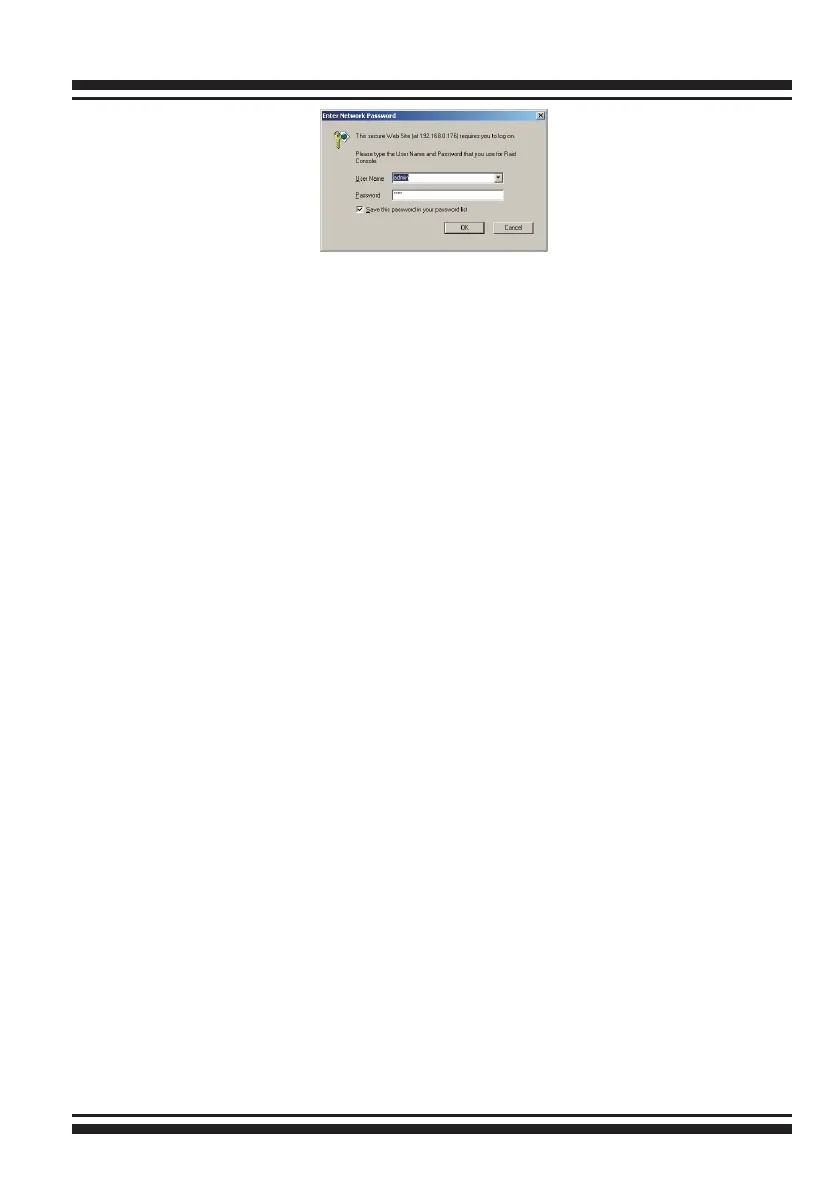
(2). When connection is established, the "System Login" screen
appears. The SAS RAID controller default User Name is “admin”
and the Password is “0000”
• Start-up McRAID Storage Manager Through Ether-
net Port (Out-of-Band)
Areca now offers an alternative means of communication for the
PCIe RAID controller – Web browser-based McRAID storage man-
ager program. User can access the built-in conguration without
needing system starting up running the ArcHttp proxy sever.
The web browser-based McRAID storage manager program is an
HTML-based application, which utilizes the browser installed on
your remote system.
To ensure proper communications between the PCIe RAID control-
ler and web browser-based McRAID storage manager, Please con-
nect the RAID controller LAN port to any LAN switch port.
The controller has embedded the TCP/IP & Web Browser-based
RAID manager in the rmware. User can remote manage the
RAID controller without adding any user specic software (plat-
form independent) via standard web browsers directly connected



 To Next Page