WEB BROWSER-BASED CONFIGURATION
128
6.9 Information
6.9.1 Raid Set Hierarchy
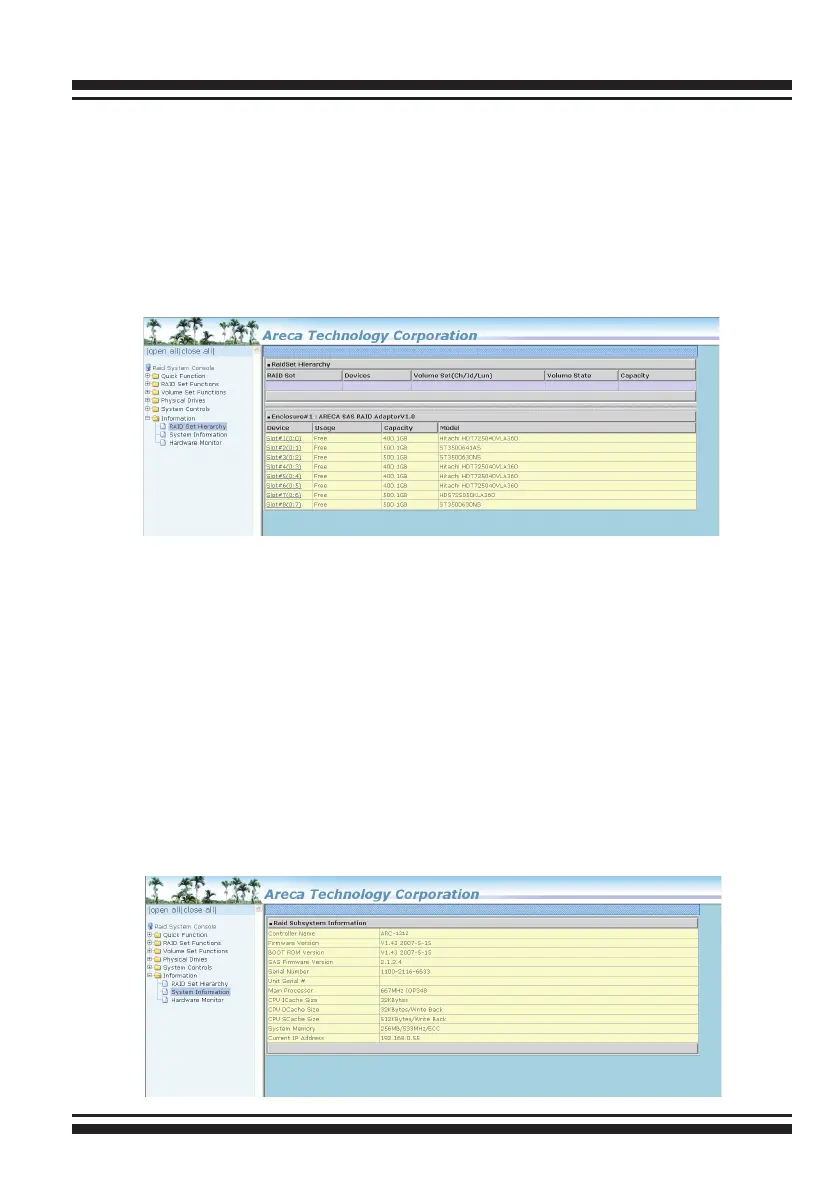
Use this feature to view the SAS RAID controller current RAID
set, current volume set and physical disk information. The volume
state and capacity are also shown in this screen.
6.9.2 System Information
To view the SAS RAID controller’s system information, move the
mouse cursor to the main menu and click on the “System Infor-
mation” link. The SAS RAID controller “RAID Subsystem Informa-
tion” screen appears.
Use this feature to view the SAS RAID controller’s system infor-
mation. The controller name, controller rmware version, Boot
ROM version, SAS rmware version, serial number, main proces-
sor, CPU data/instruction cache size, system memory size/speed
and current IP address appear in this screen.



 To Next Page