105
WEB BROWSER-BASED CONFIGURATION
Note:
To create RAID 30/50/60 volume, you need create multiple
RAID sets rst with the same disk members on each RAID
set. The max no. disk drives per volume set: 8
6.5.2 Delete Raid Set
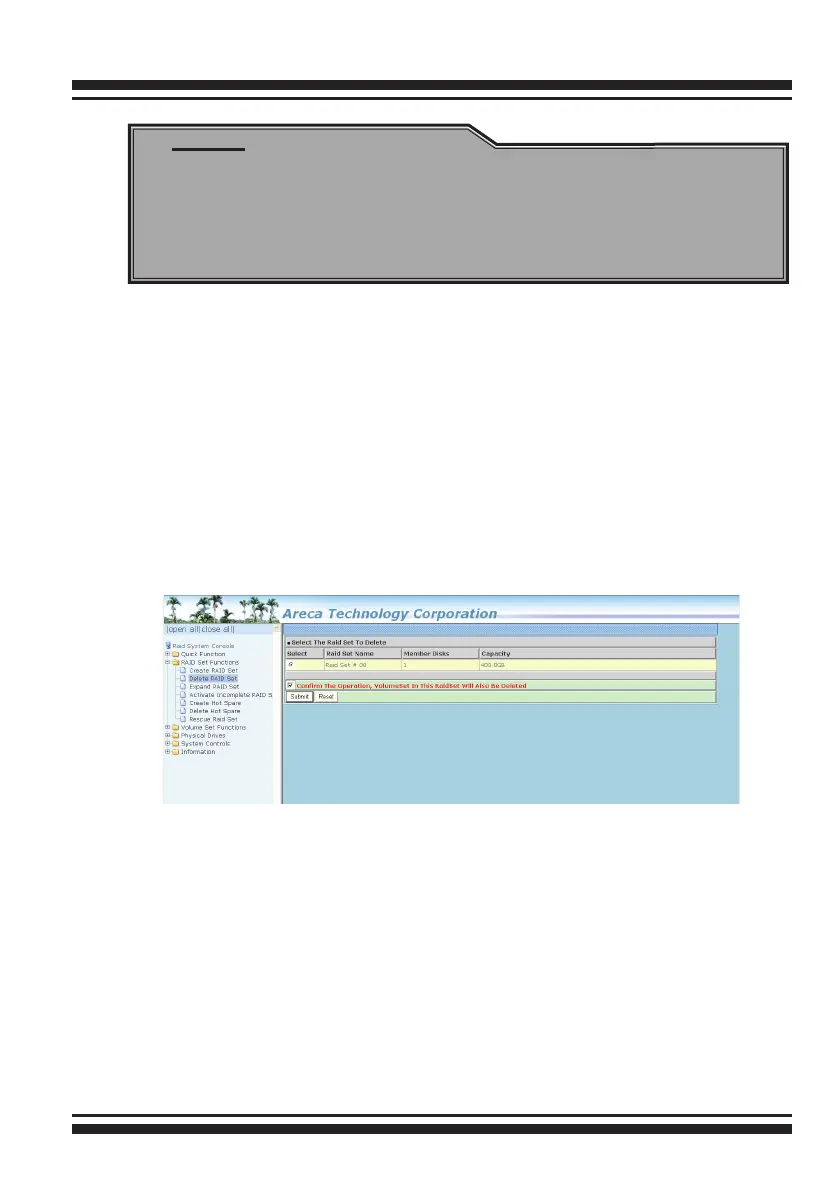
To delete a RAID set, click on the “Deleted Raid Set” link. A
“Select The RAID Set To Delete” screen is displayed showing all
exist RAID sets in the current controller. Click the RAID set num-
ber which you want to delete in the select column on the delete
screen. Then, click the “Conrm The Operation” check box and
click on the “Submit” button in the screen to delete it. The volume
sets included in the “Delete RAID Set”. It will be deleted by this
action. But for the Raid 30/50/60, you need to delete the volume
belonging to those RAID sets.
6.5.3 Expand Raid Set
Instead of deleting a RAID set and recreating it with additional
disk drives, the “Expand Raid Set” function allows the users to
add disk drives to the RAID set that have already been created.
To expand a RAID set:
Select the “Expand Raid Set” option. If there is an available disk,
then the “Select SATA Drives For Raid Set Expansion” screen
appears.
Select the target RAID set by clicking on the appropriate radio
button. Select the target disk by clicking on the appropriate check
box.



 To Next Page