WEB BROWSER-BASED CONFIGURATION
100
or more and a supported browser. A locally managed system re-
quires all of the following components:
• A supported Web browser, which should already be installed on
the system.
• Install ArcHttp proxy server on the SAS RAID system. (Refer to
Chapter 5, Archttp Proxy Server Installation)
• Remote and managed systems must have a TCP/IP connection.
• Start-up McRAID Storage Manager from Windows
Local Administration
Screen captures in this section are taken from a Windows XP
installation. If you are running another version of Windows, your
screens may look different, but the ArcHttp proxy server installa-
tion is essentially the same.
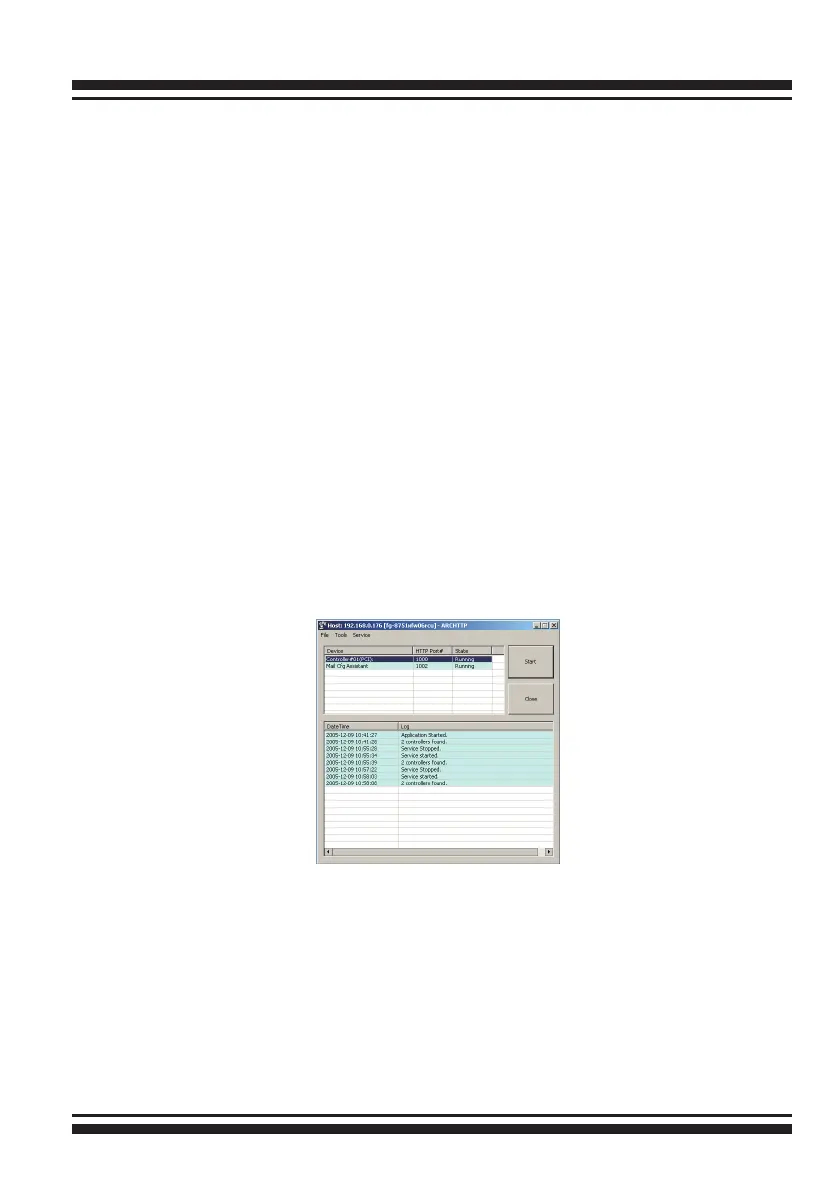
1. To start the McRAID storage manager for browser-based
management, selecting "Controller#01(PCI)" and then click the
“Start“ button.
The “Enter Network Password” dialog screen appears, type the
User Name and Password. The RAID controller default User Name
is “admin” and the Password is “0000”. After entering the user
name and password, press Enter key to access the McRAID
storage manager.



 To Next Page